Metal Stinger Transition

What’s included?

One-Time Purchase

Original price was: $15.Current price is: $5.

Works with

Streamlabs OBS OBS Stream Elements Youtube Twitch Facebook Gaming

Product Overview

About This Metal Stinger Transition

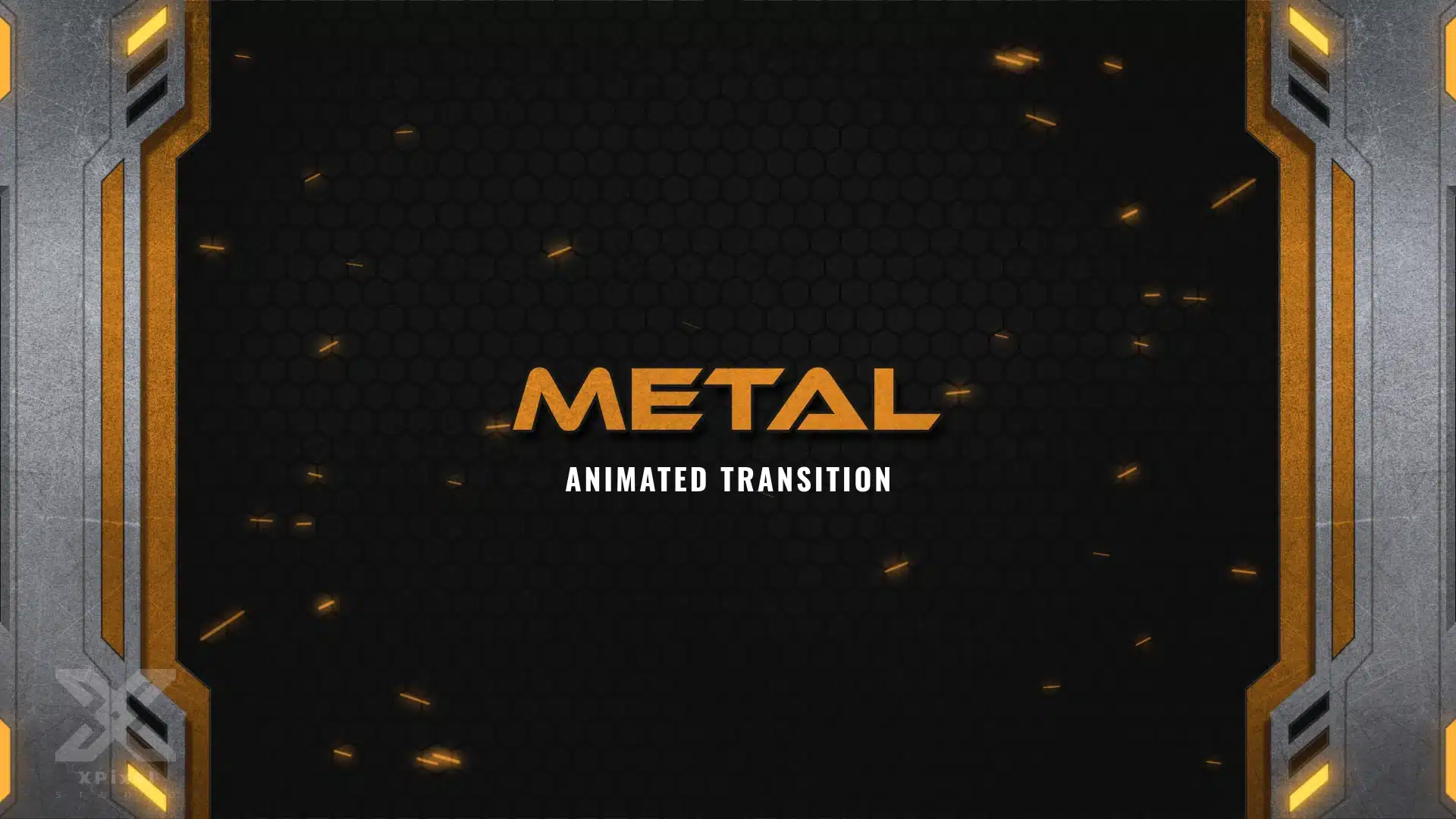
Animated Metal Stinger Transition with a brushed-steel frame, dark hex-mesh background, and amber sparks. Includes a lightweight transparent WEBM (alpha) for OBS Studio, Streamlabs & StreamElements—perfect for tactical/FPS and industrial-themed streams.These Stinger Transition are part of the Metal Stream Package.

What's Included?

Stinger Transition

  • File Format: .WEBM (with Alpha Transparency)
  • Resolution: 1920Ă—1080
Play Video

Forge a heavy-duty broadcast identity with the Metal Stinger Transition—a bold, industrial scene transition designed for creators who want a machine-built look. Inspired by brushed steel panels and tactical UI, it features metal frame edges, glowing amber/orange accents, and a dark hex-mesh backdrop with spark-like particles—perfect for survival, tactical FPS, and heavy metal music streams.

Key Features

  • Animated Industrial Visuals: Brushed metal framing, hex-grid backdrop, and ember/amber glow with spark-style particles.
  • Instant Download
  • Optimized Software Compatibility: Works with OBS Studio, Streamlabs, and StreamElements.
  • Optimized Formats: Lightweight transparent .WEBM
  • Full Platform Compatibility: Ideal for Twitch, YouTube, Kick, Facebook Gaming, and more.

How To Setup

Streamlabs Stinger Setup

This guide will walk you through the stinger transition setup and installation process on Streamlabs Desktop.
How to setup

Frequently Asked Questions

The Metal Stinger Transition includes an animated scene transition with an industrial metal design, brushed-steel frame, dark hex-mesh background, amber glow, and spark-style effects. The file comes in transparent WEBM alpha format with 1920Ă—1080 resolution, making it ready to use in OBS Studio, Streamlabs, StreamElements, and other supported streaming setups.
Yes, the Metal Stinger Transition is animated. It features industrial motion graphics, metal frame movement, glowing amber accents, and spark-like particles to create a bold and professional transition between your stream scenes.
Yes, this stinger transition is compatible with OBS Studio. You can add the transparent WEBM file as a stinger transition inside OBS and use it when switching between scenes during your live stream.
Yes, the Metal Stinger Transition works with Streamlabs. You can upload or add the included WEBM transition file to your Streamlabs scene transition settings and use it as an animated stinger for your stream.
Yes, this transition is a great fit for Twitch streamers who want a strong industrial, metal, mecha, or esport-inspired stream identity. It works especially well for FPS games, tactical shooters, survival games, heavy metal music streams, and high-energy gaming broadcasts.
Yes, you can use the Metal Stinger Transition on Twitch, YouTube, Kick, Facebook Gaming, and other streaming platforms. As long as your streaming software supports custom stinger transitions or transparent WEBM files, you can use it across different platforms.
This stinger transition stands out with its rugged industrial metal style, brushed-steel edges, dark hex-grid background, amber/orange glow, and spark effects. It is designed for creators who want a heavy-duty, tactical, and futuristic scene transition instead of a generic stream transition.
The Metal Stinger Transition is delivered as a ready-to-use transparent WEBM file and is intended to be used as-is. You may be able to adjust timing, transition duration, and scene behavior inside OBS Studio, Streamlabs, or StreamElements, but editable source files are not included unless specifically mentioned in the product details.
Yes, this is a digital product. No physical item will be shipped. After purchase, you will receive access to the downloadable transition file instantly.
You will receive your stinger transition instantly after successful payment. You can find your download link on the confirmation page, in your order email, or in the Orders section of your account
0.0
Based on 0 reviews
5 star
0%
4 star
0%
3 star
0%
2 star
0%
1 star
0%
0 of 0 reviews

Sorry, no reviews match your current selections

You Might Also Like

More stream graphics for Twitch creators and gaming channels

Explore related stream assets including emotes, sub badges, and stream packages designed to help creators build a stronger visual identity.