Premium Stream Graphics
Premium Twitch Stream Overlays
Upgrade your channel with premium Twitch stream overlays, animated alerts, webcam frames, emotes, badges, and stream packages designed for Twitch, YouTube, and Kick creators.
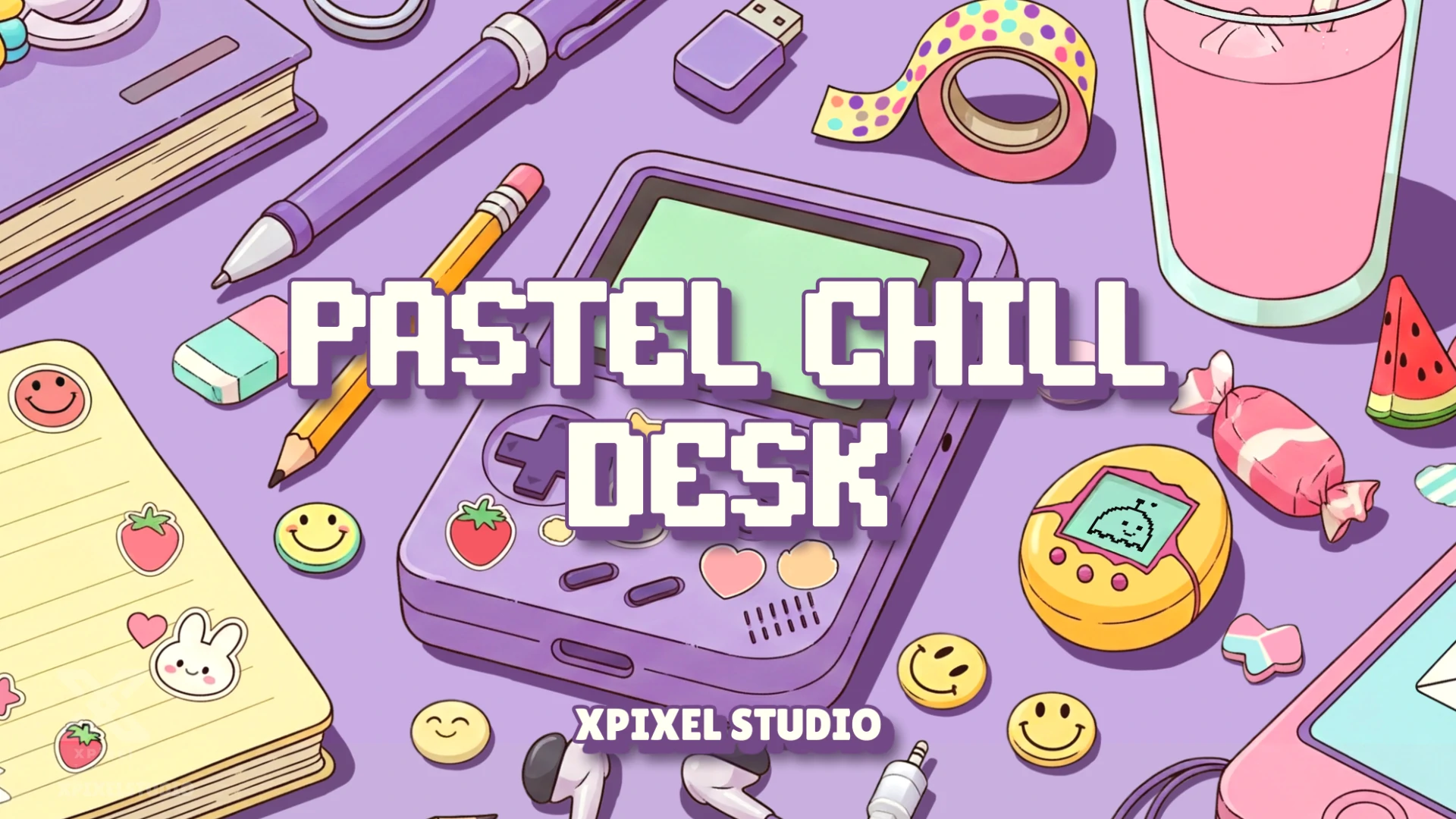
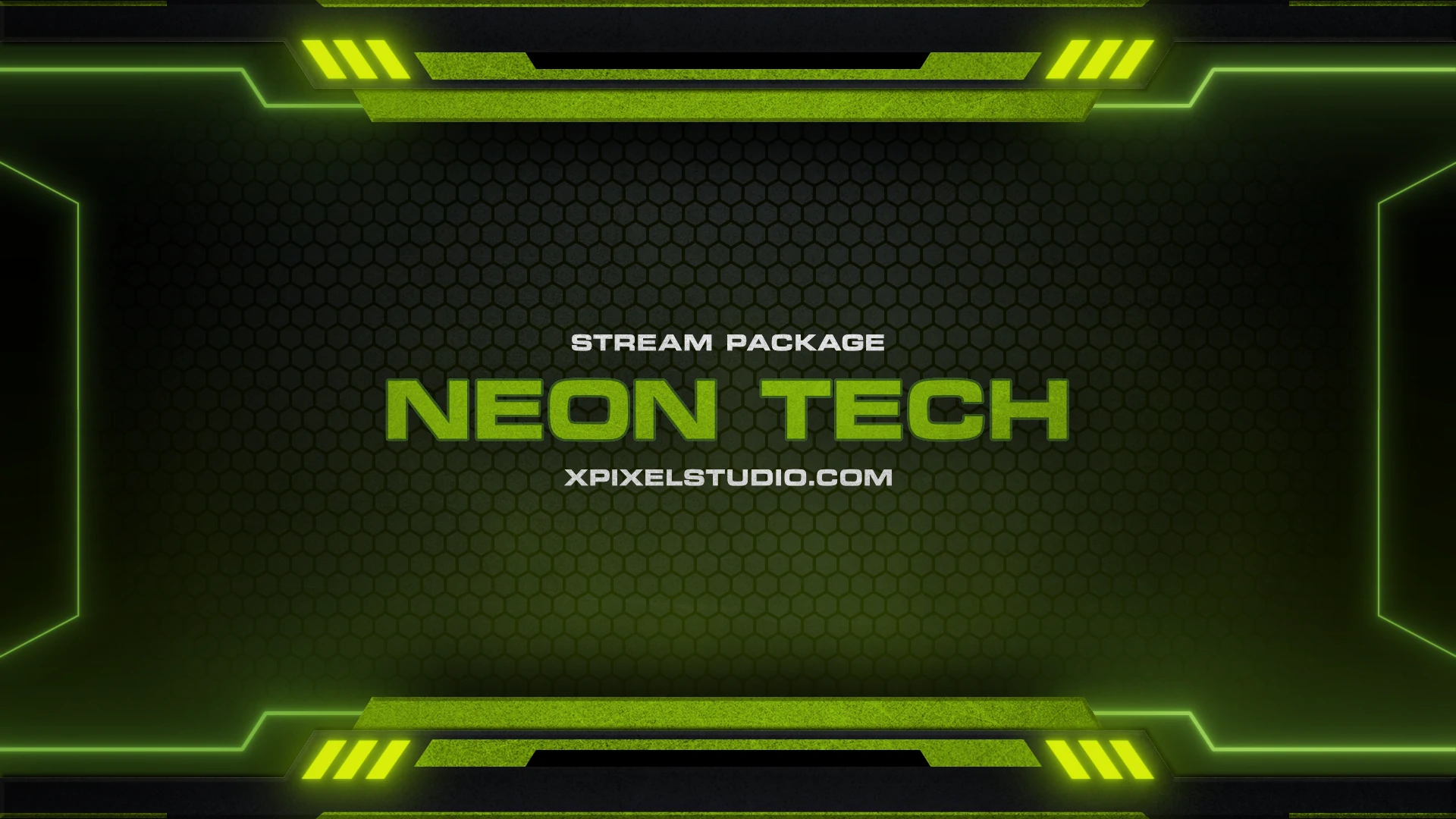
Optimized for Your Streaming Setup






Featured Twitch Emotes
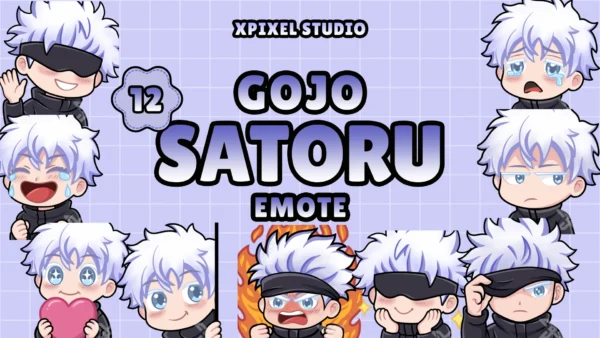
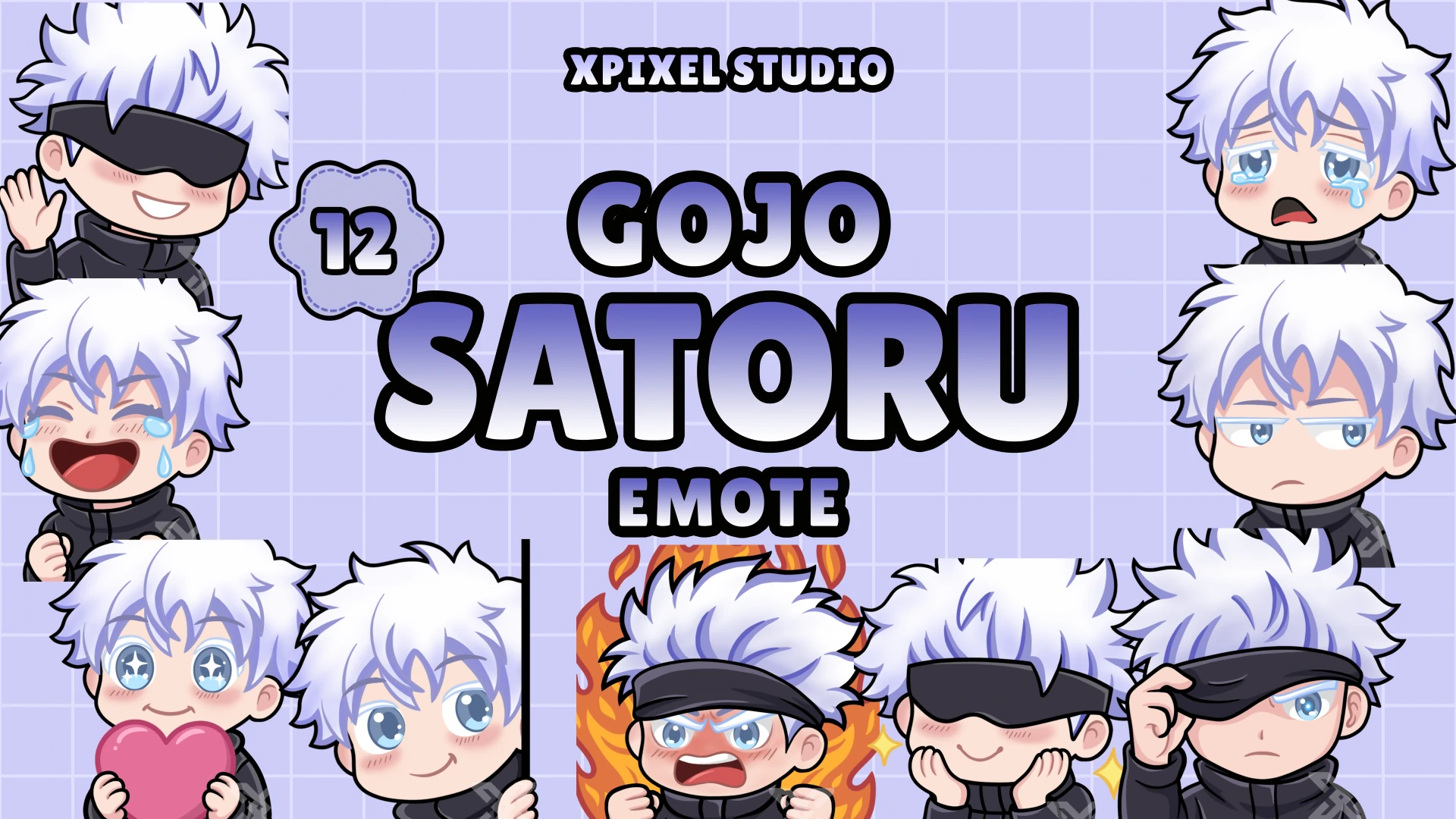
Chibi Gojo Satoru Emotes Pack
Bring charm, fun, and anime energy to your stream with this Chibi Gojo Satoru Emotes Pack!
Best Sellers
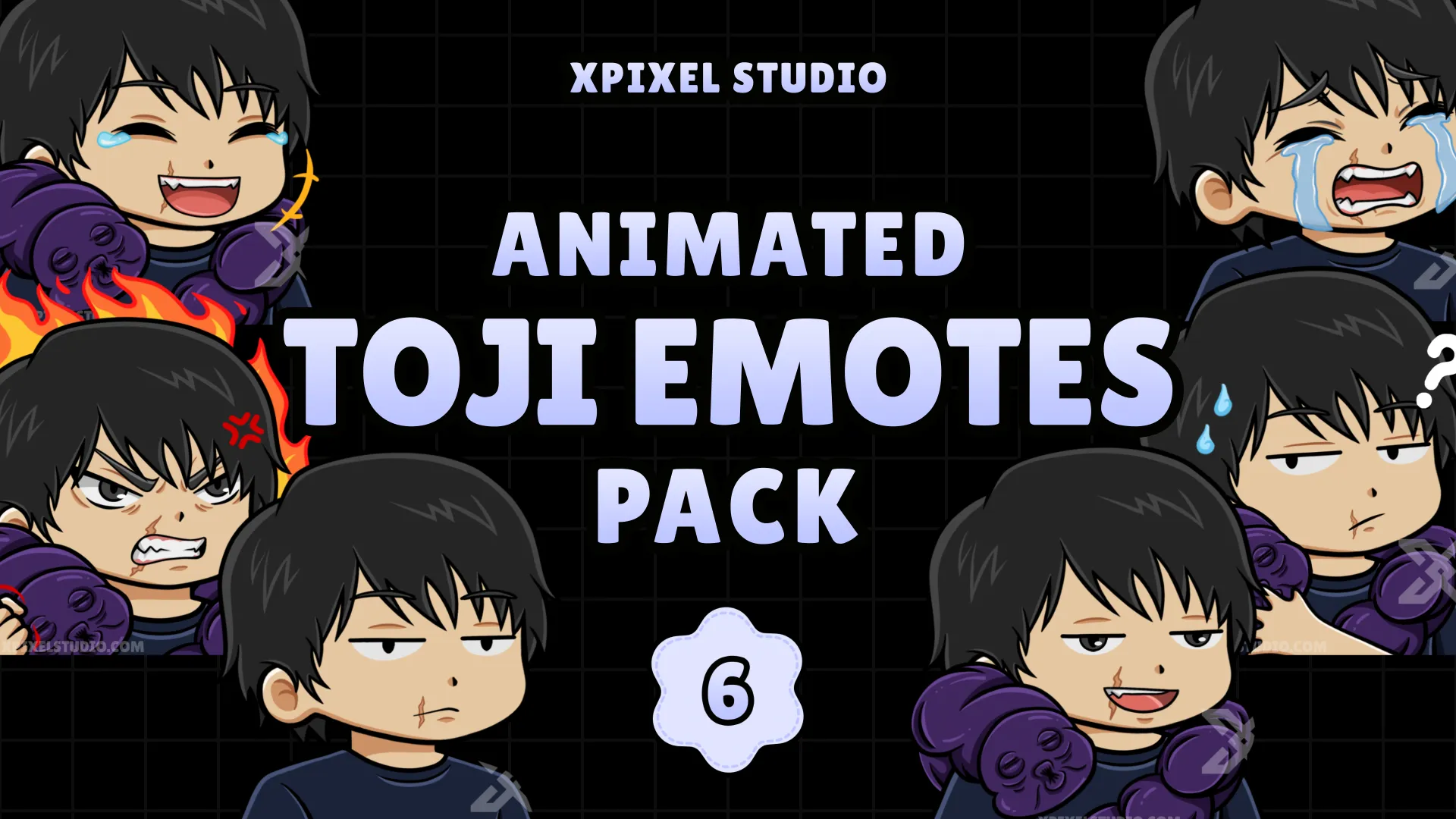
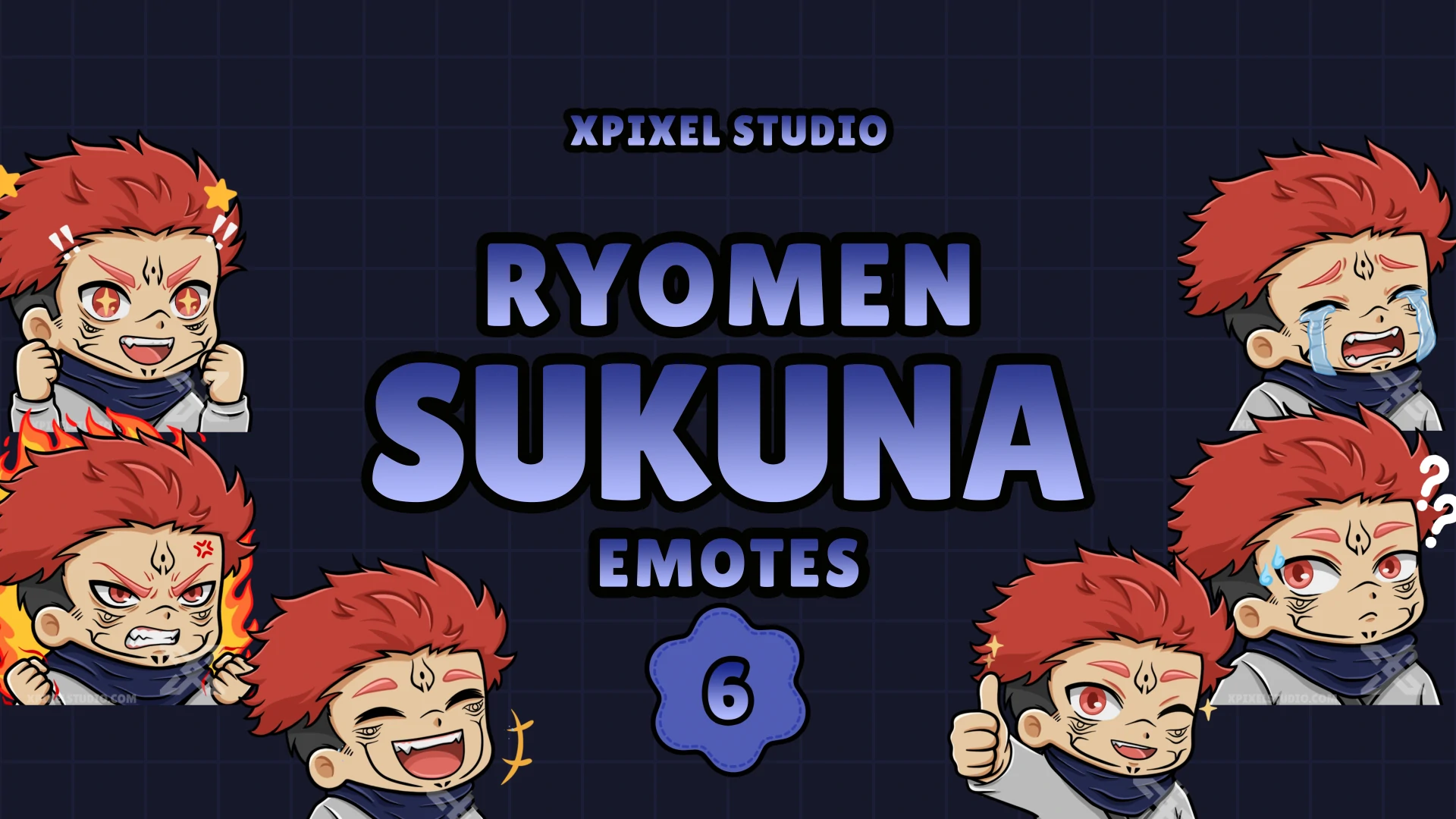
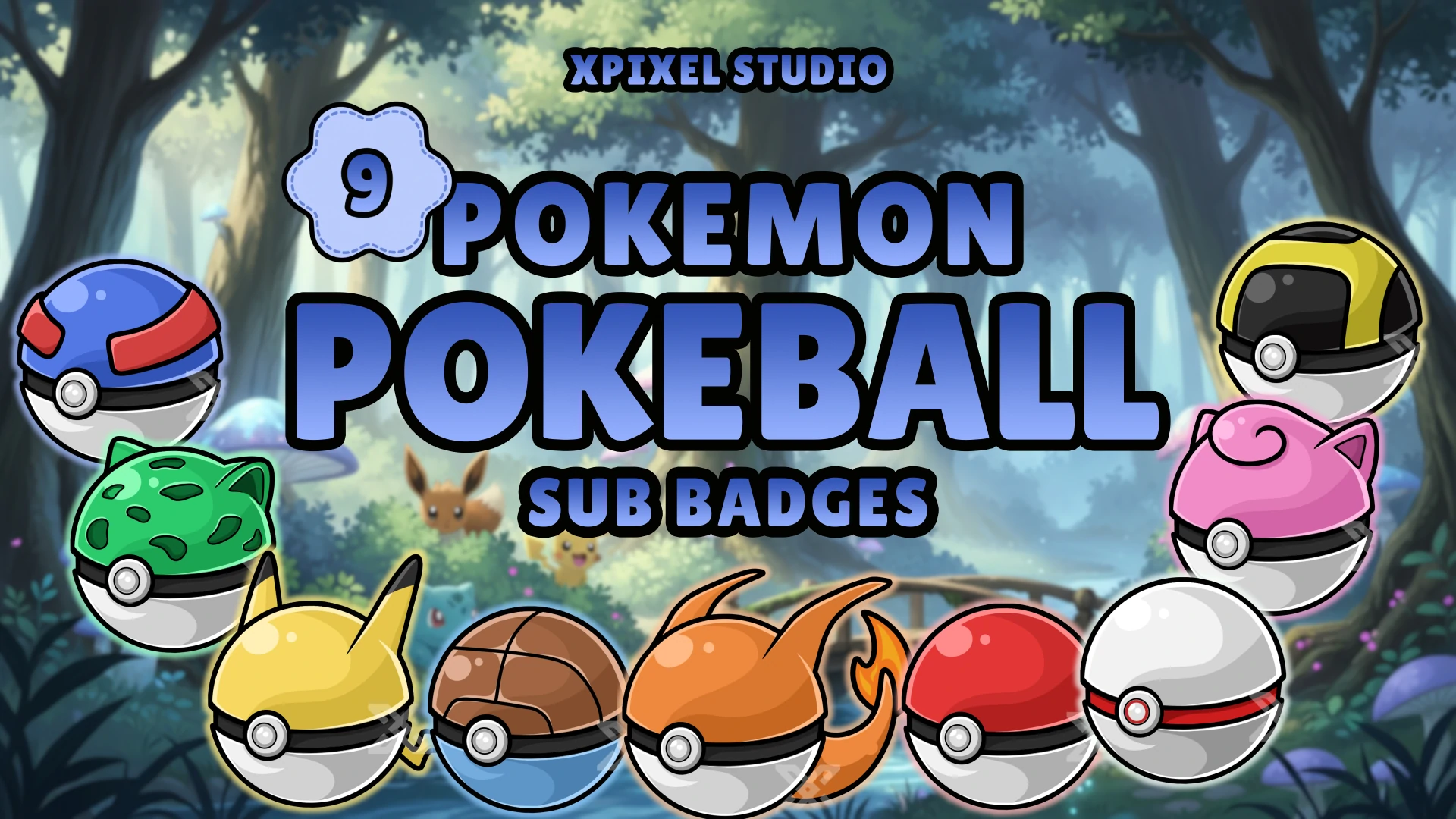
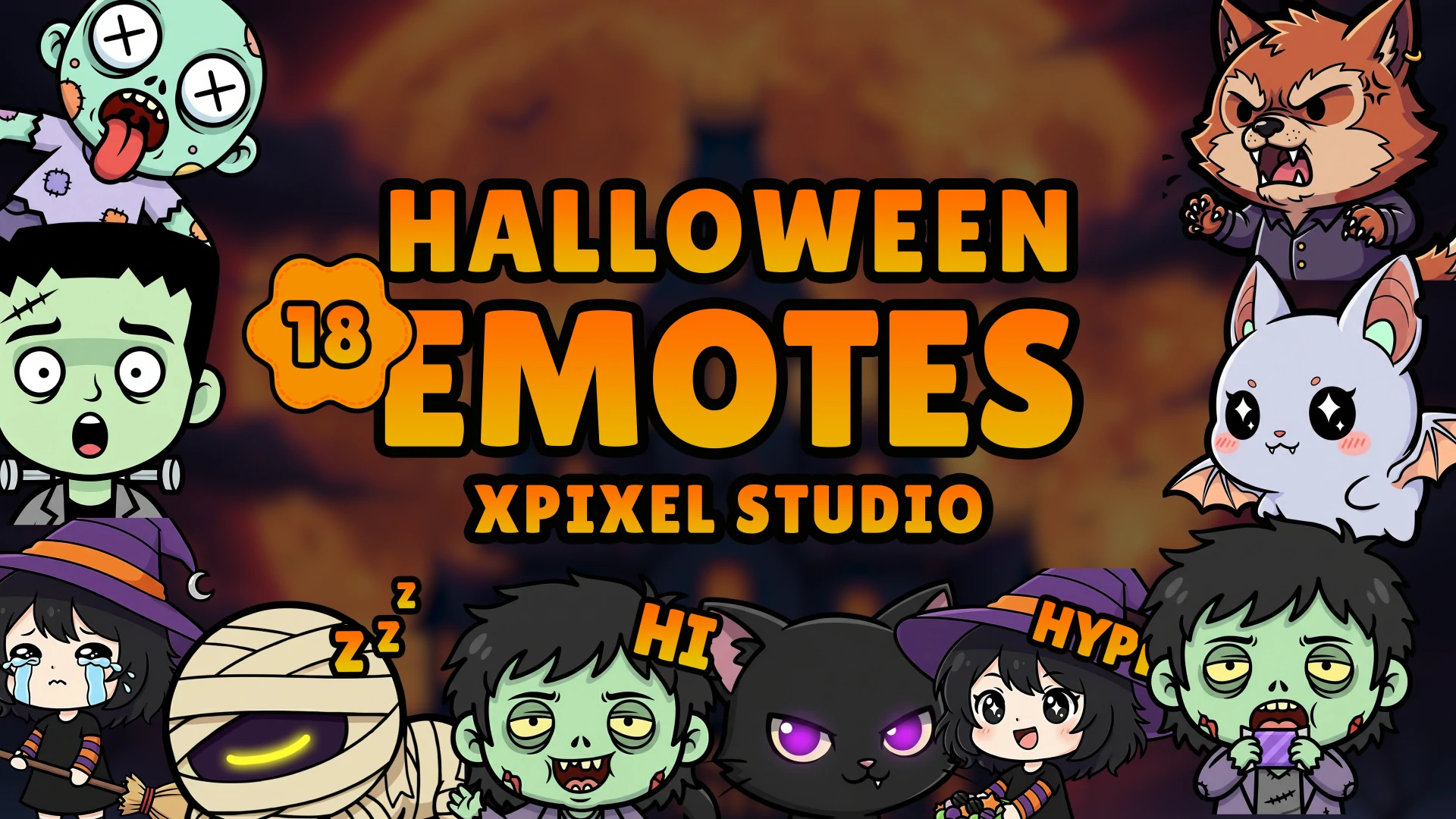
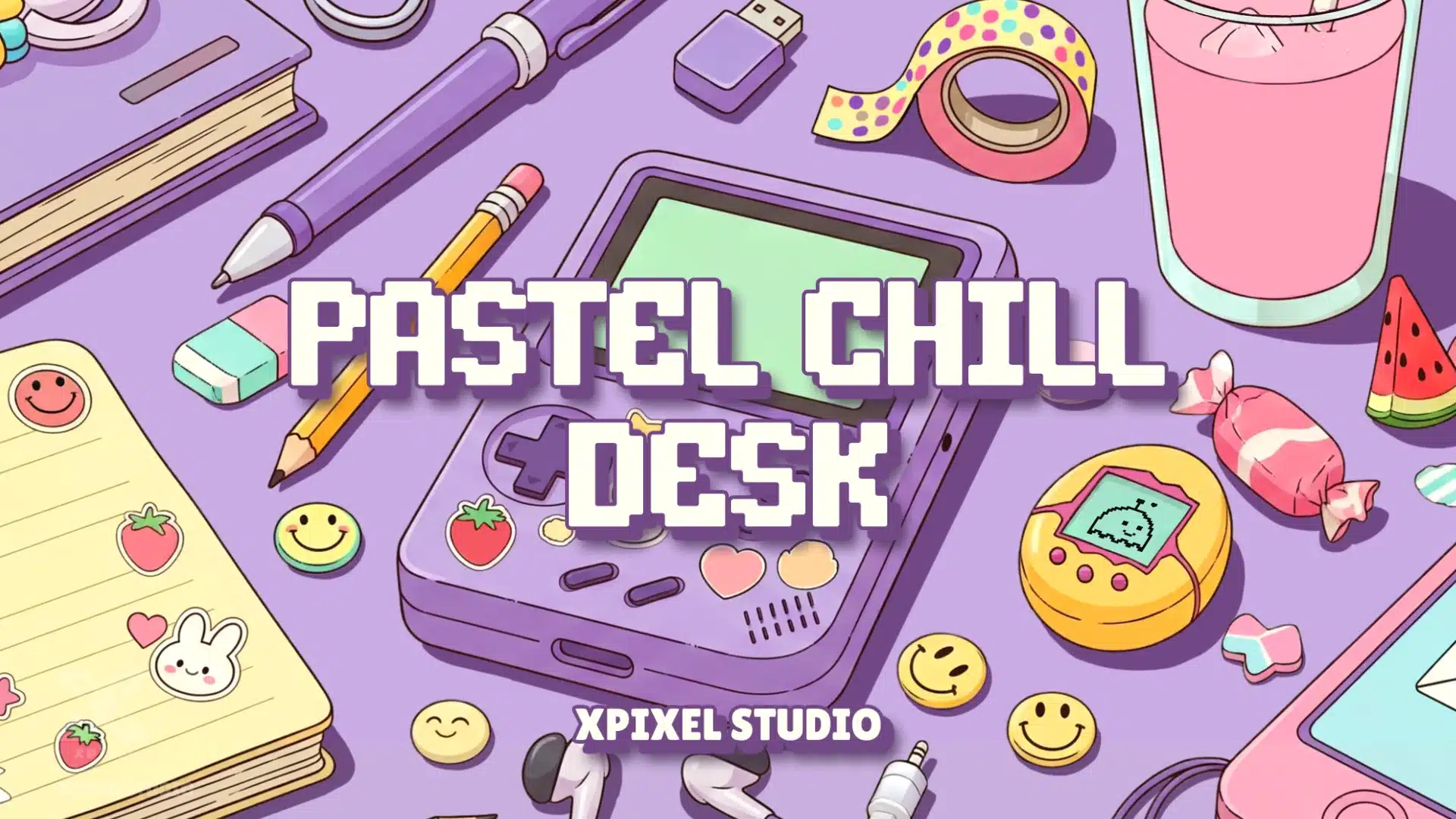
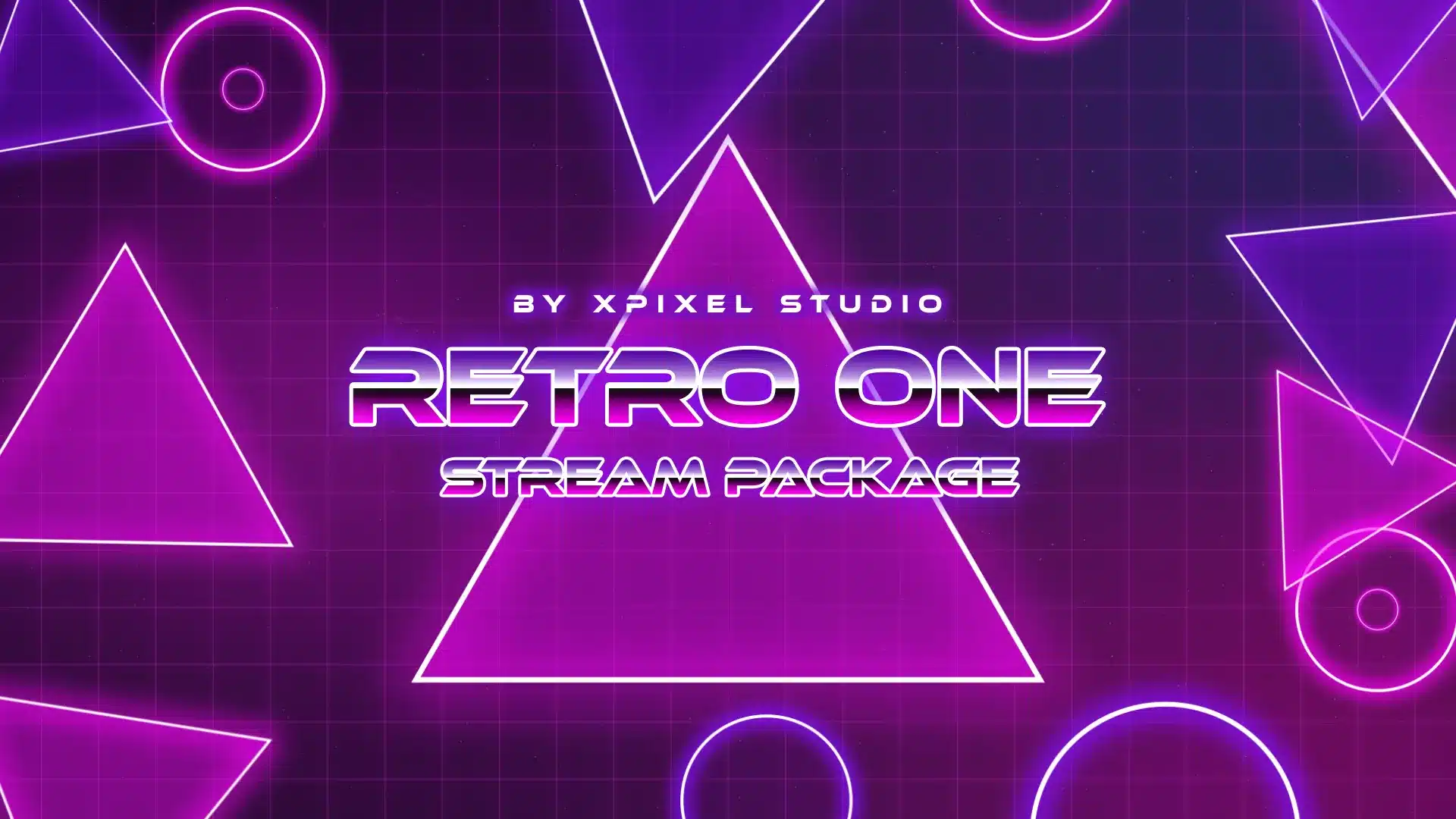
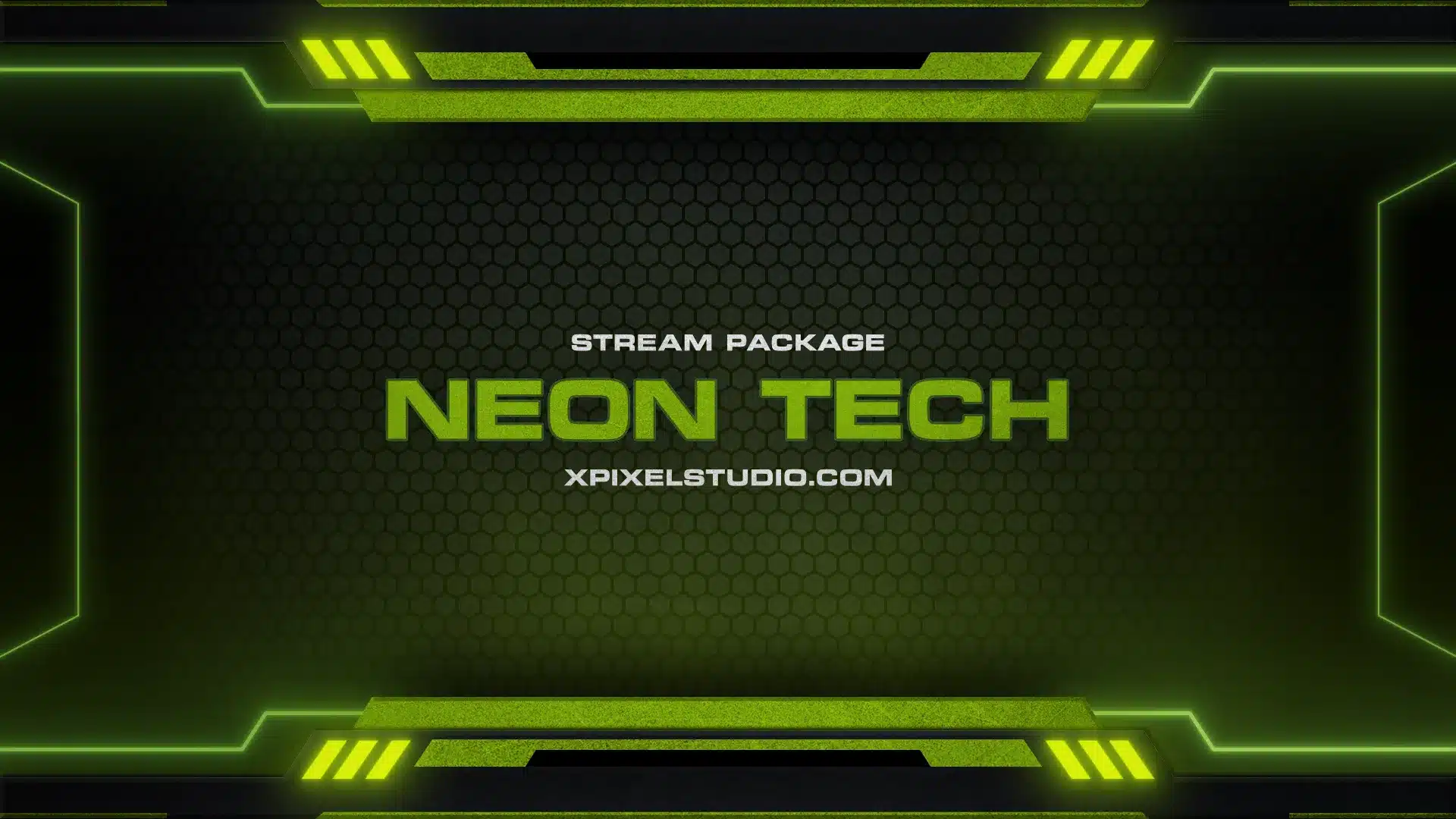
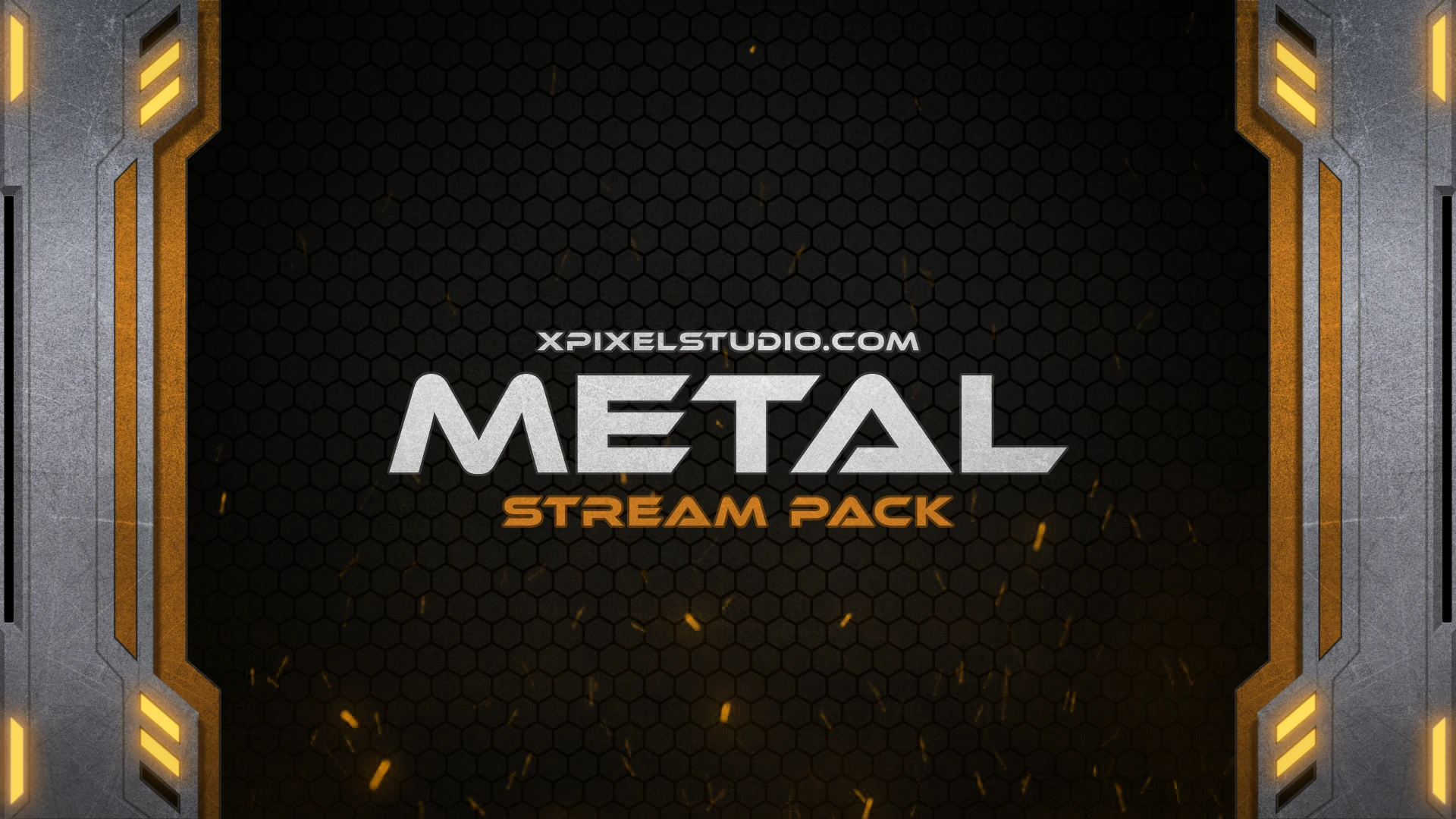
Best Selling Twitch Overlays and Stream Packages
Explore our most popular stream overlays, badges, and emote packs for creators who want a professional gaming setup with fast visual impact.



Why Choose Us
Why Streamers Choose Xpixel Studio
Creators choose XPixel Studio for premium Twitch overlays, fast setup, flexible customization, and stream graphics that help channels look more polished, memorable, and professional.
01
Professional Twitch Stream Overlays for Your Channel
Every Twitch overlay in our store is created to give streamers a polished, high-end channel appearance with strong visual branding across scenes, alerts, and panels.
02
Fast and Easy Overlay Setup
Our stream overlays work smoothly with OBS Studio, Streamlabs Desktop, and popular streaming tools, helping creators launch a professional layout in minutes.
03
Better Viewer Engagement
Animated alerts, branded layouts, and clean scene organization help your channel feel more memorable, interactive, and trusted by returning viewers.
04
Reliable Creator Support
From setup help to product guidance, our support and tutorials make it easier for streamers to choose the right overlay pack and use it with confidence.
Featured Stream Package
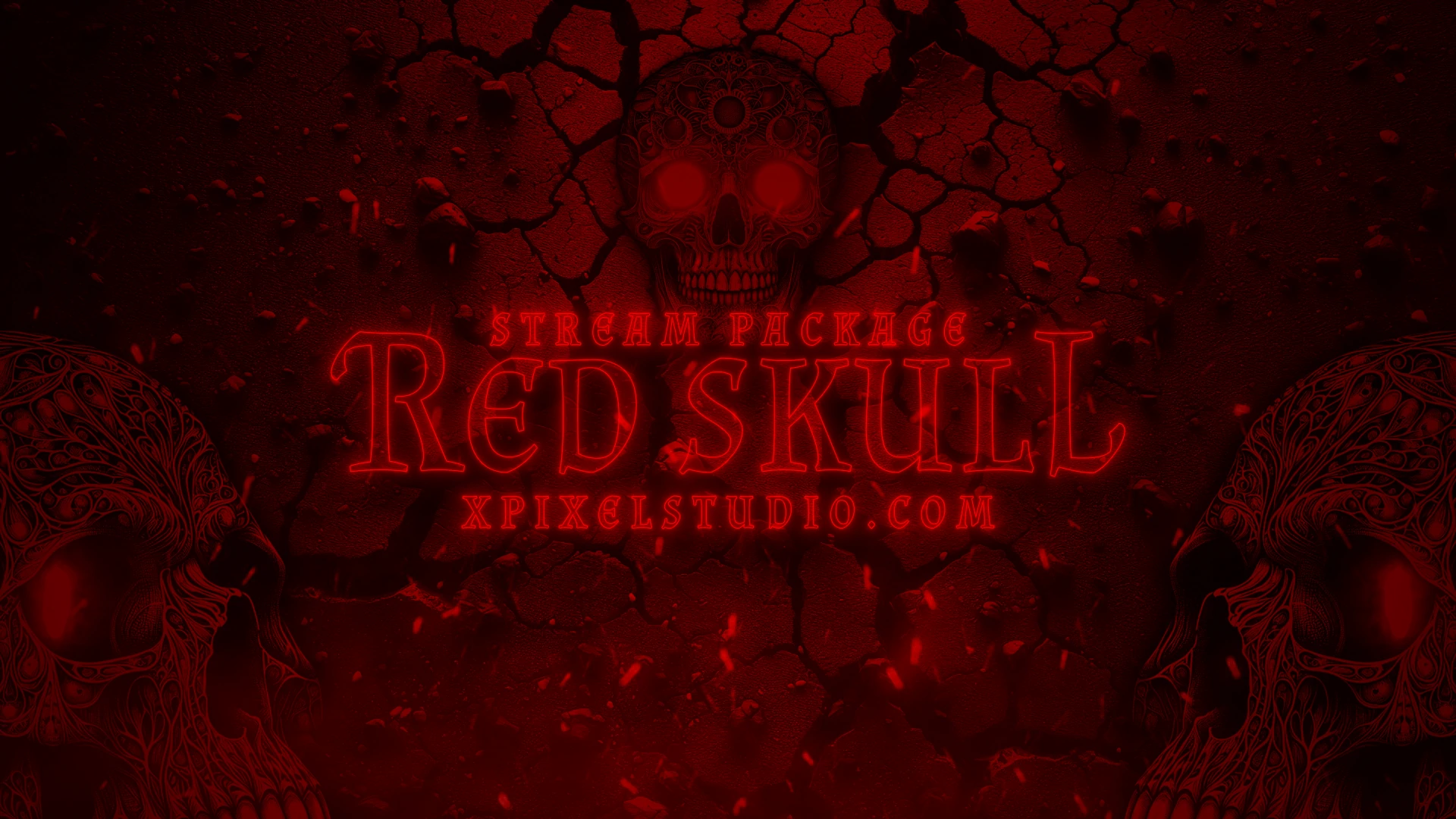
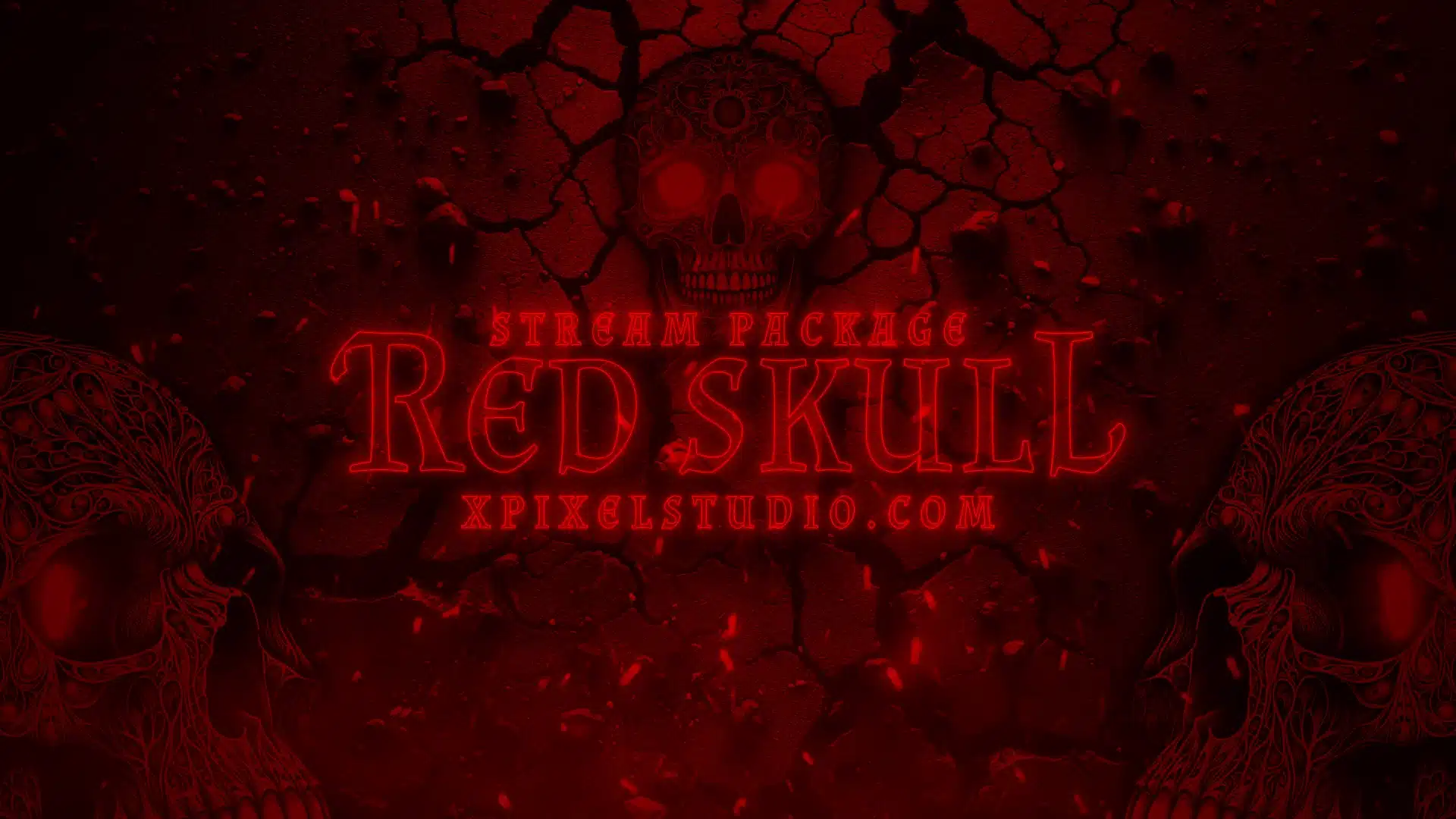
Red Skull Stream Package
Give your channel a bold, dark, and high-impact look with the Red Skull Stream Package, complete with animated screens, alerts, webcam overlay, panels, labels, and stream-ready assets.
Stream Graphics Collection
The Ultimate Stream Design Library for Creators








Whether you are a beginner just starting on Twitch or an experienced streamer looking to refresh your channel, our professionally designed graphics help you create a unique identity. Each overlay, panel, and alert is optimized for platforms like OBS, Streamlabs, and Twitch Studio, ensuring smooth integration and a polished look. With our Twitch stream packages, you can instantly elevate your content, attract new followers, and keep your community engaged.
Shop By Style
Choose Your Vibe and Browse Game Overlay Themes
Find stream overlays by aesthetic and game category, from retro and horror themes to anime, cute, and esports-inspired channel designs.












Customer Reviews
What Streamers Say About Our Overlay Packs
Real feedback from creators who use our stream overlays, badges, and emotes to build a more polished and engaging channel.
“This overlay package is fantastic! The designs are modern and clean, exactly what I was looking for. It has definitely upgraded my streaming game. Highly recommended!”
Andrew H.
"These overlays are amazing! The quality is superb and they integrate perfectly with my streaming software. My channel looks so much more professional now. Thank you!"
David
“I wanted a gaming look without making the site feel too dark. This style strikes the right balance and feels more premium.”
Olivia
FAQ
Frequently Asked Questions About Twitch Overlays
Learn what Twitch overlays are, why streamers use them, which software they support, and how our stream packages help creators build a stronger channel identity across Twitch, YouTube, and Kick.
What is a Twitch overlay?
A Twitch overlay is a collection of visual assets that improve the look, branding, and functionality of a live stream. A complete stream overlay package can include webcam borders, alerts, starting screens, ending screens, labels, banners, panels, and other graphics designed to create a more professional channel presentation. Twitch overlays can be animated or static, and they help streamers build a stronger brand identity across Twitch, YouTube, Kick, and other streaming platforms.
Why should I use overlays on my stream?
Using stream overlays helps your channel look more polished, memorable, and engaging. A professional Twitch overlay can improve visual consistency, support your personal brand, and make your stream feel more interactive through alerts, widgets, and scene graphics. Stronger presentation can also improve viewer retention, increase trust, and encourage more follows, subscriptions, and repeat viewers over time.
Can I use these overlays on platforms other than Twitch?
Yes. Our stream overlays can be used on Twitch, YouTube, Kick, and most modern live streaming platforms. Interactive assets such as alerts, widgets, and stream labels are typically easiest to configure for Twitch and YouTube, but the visual design assets themselves are flexible enough for broader streaming use.
What software is compatible with your overlays?
Our overlays are designed for easy setup with OBS Studio and Streamlabs Desktop. They are also compatible with most modern streaming software because each package includes separate asset files that can be added manually into your preferred streaming setup. This gives creators more flexibility when building a custom workflow.
Do you offer support for setting up overlays?
Yes. We recommend using our help center, setup guides, and video tutorials for step-by-step support. If you still need help, you can contact our team through the support area on the website. This makes it easier for beginner and experienced streamers alike to install overlays, configure alerts, and launch a polished stream faster.
Can I request a custom overlay design?
Custom overlay design requests may be available for selected large-scale or commercial projects, depending on team availability. If you are a brand, organization, or creator with a custom project in mind, you can reach out through the contact page to discuss your stream design requirements.
Blog & Learning Center
Streaming Guides and Tutorials
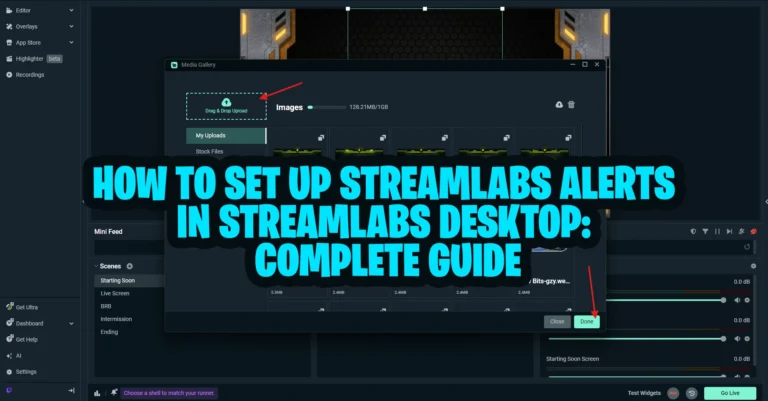
Explore Twitch overlay tutorials, OBS setup guides, and stream branding articles that help creators use stream graphics more effectively and grow a stronger channel identity.