Badges
Browse premium Twitch badges designed for streamers who want a cleaner and more recognizable channel identity. Each badge set includes cohesive designs for every subscriber tier, multiple sizes, and fast upload support for Twitch, YouTube, and Discord.
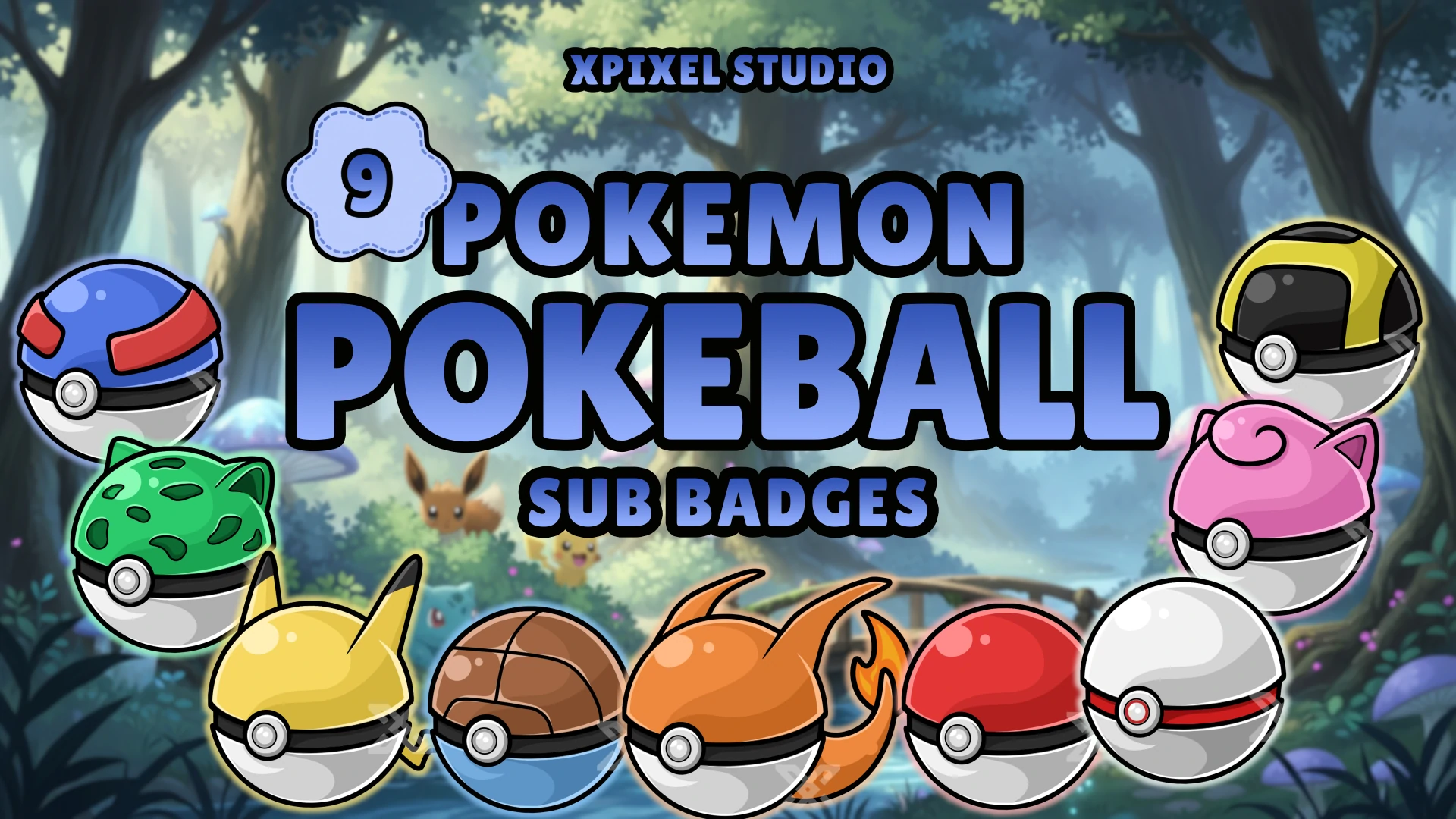
Subscriber Badges (Sub Badges)
Subscriber badges (often called sub badges) are small icons that represent a viewer’s loyalty and support. They appear next to a subscriber’s name in chat, helping long-time members stand out while making your community feel more rewarding and “alive.” A strong badge set also upgrades your channel branding—especially when your design style is consistent across your entire stream identity.
If you’re building a cohesive look across your channel, you may also want matching assets like emotes and full stream packages:
New to badges? You can also start with free downloads here:
What’s Included in These Badge Sets
Most badge sets in this category are designed for quick upload and typically include:
- Multiple badge tiers (so each tier has a distinct look)
- High-quality exports in multiple sizes (optimized for small icon visibility)
- Consistent theme and style across the full set for a professional look
Note: Exact tiers and formats can vary per product—check each listing for the full bundle details.
Why Subscriber Badges Matter
Badges do more than “look nice”—they help build retention and community identity:
- Viewers feel rewarded as they level up tiers
- Chat becomes more active and visually engaging
- Your channel branding looks more complete and premium
- Badge sets pair perfectly with emotes, panels, and overlay themes
Tip: The best badges use bold silhouettes, simple shapes, and strong contrast—because badges are viewed at very small sizes.
How to Upload Badges (Twitch, YouTube, Discord)
Uploading badges is usually quick:
- Download your badge files
- Upload them in the platform’s badge settings (for your tier slots)
- Preview them in chat to confirm readability and contrast
- Adjust tiers/levels as your community grows
If you want a fully cohesive stream look, match your badges with your overlay theme and visuals:
Choosing the Right Badge Style
Pick a badge set that fits your channel vibe:
- Minimal badges: clean and modern, easy to read
- Themed badges: anime, cyber, fantasy, etc. for strong identity
- Tier progression badges: designs that clearly “level up” from tier to tier
For best results, use consistent colors and shapes so your badges remain recognizable even at tiny sizes.
Frequently Asked Questions
Subscriber badges are loyalty icons shown next to a subscriber’s name in chat. They help recognize long-time supporters and make your community feel more rewarding.
Yes. These badge assets are designed for fast upload and small-size readability, making them ideal for Twitch subscriber badge slots.
Yes. Badges can be used across platforms as long as the file formats and sizes match the platform’s requirements. Many creators use the same theme across Twitch, YouTube, and Discord for consistent branding.
It depends on your membership structure. Some creators start with a few tiers and expand over time. A tiered set is helpful because it gives your community clear progression.
These sets are designed to stay readable at small sizes. For best visibility, choose badges with strong contrast and clean shapes.