Webcam Overlays
Browse premium webcam overlays for Twitch, Kick, and YouTube creators. Each overlay is designed to improve your stream layout, branding, and readability while keeping your setup clean and professional in OBS Studio and Streamlabs.
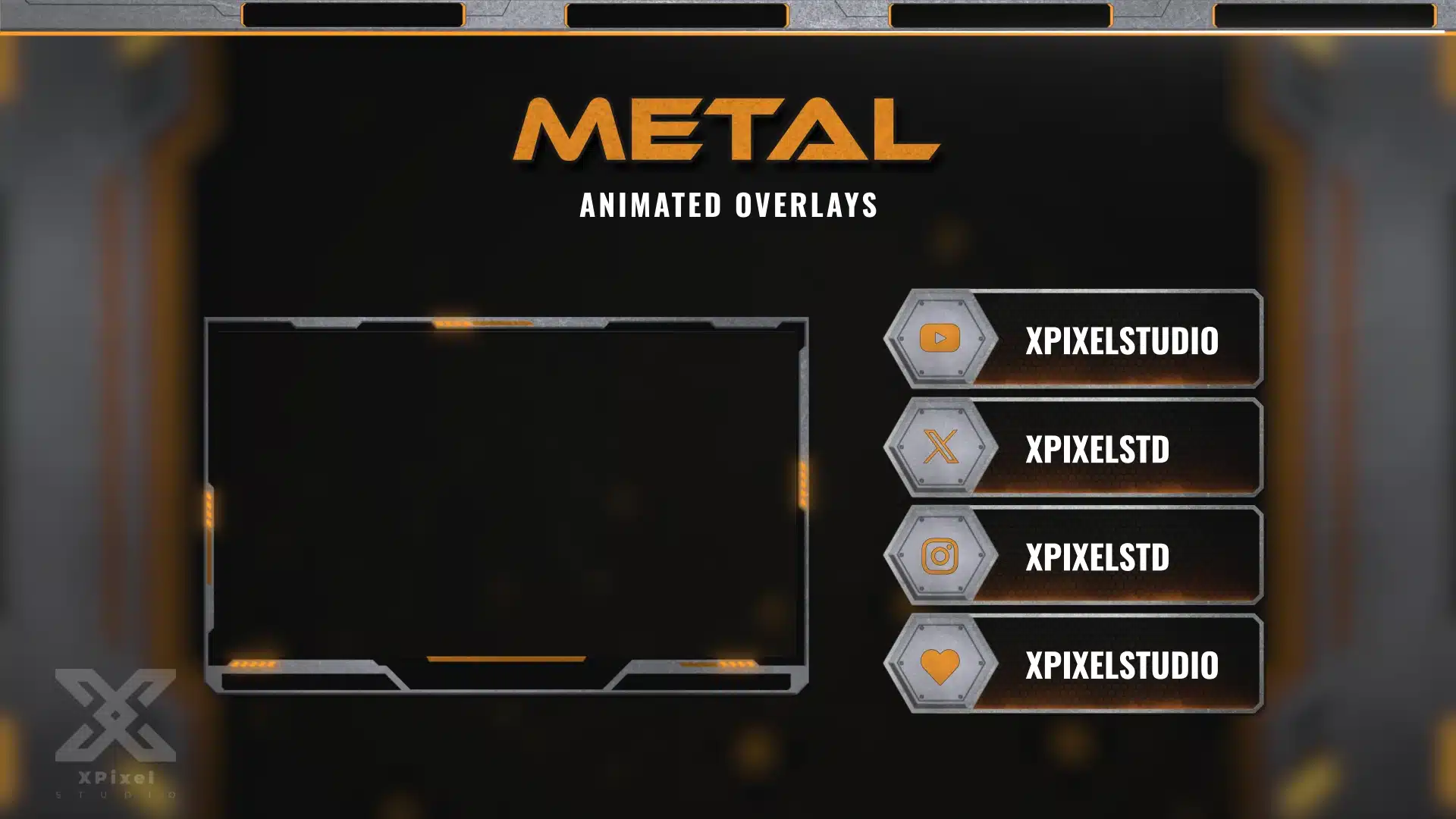
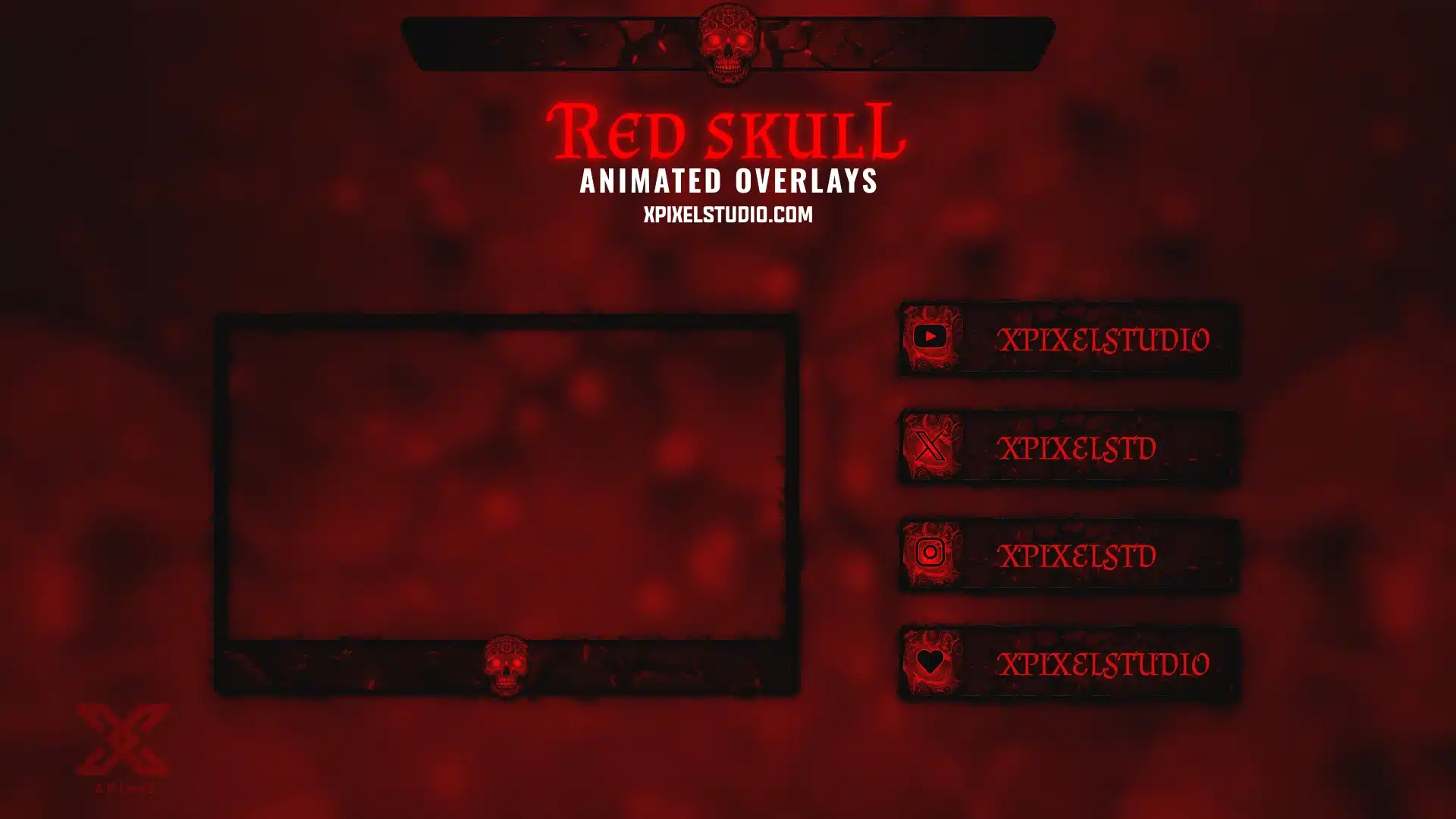
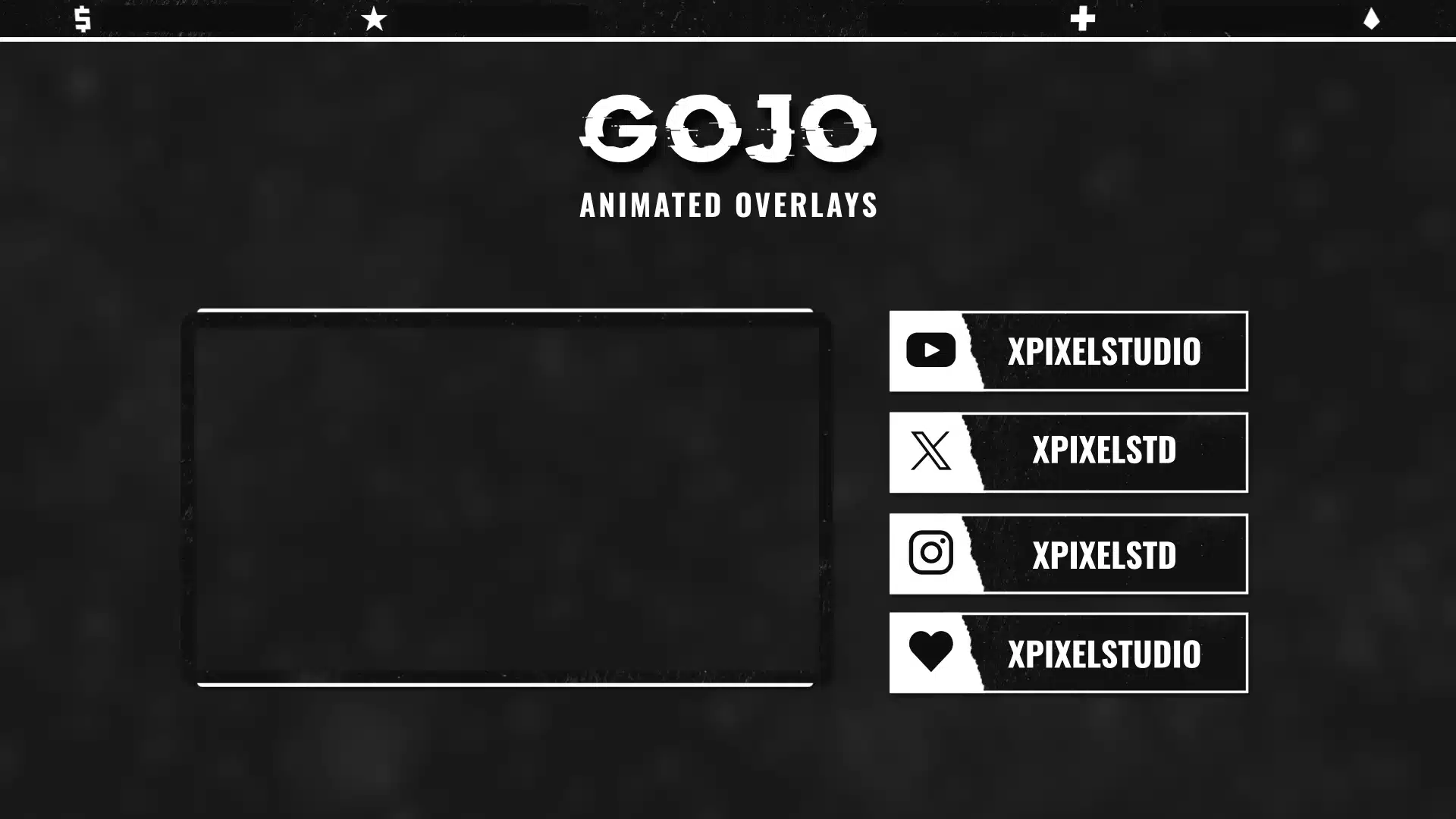
Webcam Overlays (Stream Overlays)
Webcam overlays (also called stream overlays) are on-screen graphics that sit on top of your content—helping your stream look cleaner, more professional, and easier to follow. A strong overlay layout improves branding, keeps key information organized, and makes your channel instantly recognizable across Twitch, YouTube, and Kick.
If you want a complete matching setup, explore full packages and scene transitions:
- Stream Packages
- Transitions
Want to try a free download first? - Freebies
What’s Included in These Overlay Sets
Most overlay products in this category are designed to be plug-and-play and typically include:
- Webcam / facecam overlay (camera frame)
- Bar overlay (clean UI bar for stream info)
- Stream labels (latest follower/sub/donation, top supporter, etc.)
- Layout elements built to stay readable without blocking gameplay or chat
Note: Exact contents can vary per product—check each listing for the full bundle details.
Why Webcam Overlays Matter
A clean overlay layout instantly raises your production value:
- your stream looks more organized and “broadcast-ready”
- your branding feels consistent across scenes and videos
- important info stays readable at a glance
- your content looks better in clips and VODs
Tip: The best overlays balance style + clarity. Less clutter usually looks more premium.
How to Add Overlays in OBS Studio or Streamlabs
Most overlays can be installed in minutes:
- Import overlay files into OBS Studio / Streamlabs
- Add them as sources (Image / Media / Browser source depending on format)
- Place overlays above gameplay and below alerts (based on your preference)
- Adjust safe margins so nothing blocks key HUD elements
- Test with a quick recording before going live
For the cleanest setup, start with webcam overlay + bar overlay + labels, then expand your full layout.
Choosing the Right Overlay Style
Pick overlays that match your stream vibe:
- Minimal overlays: clean, modern, best for competitive games
- Bold overlays: high-energy layouts for variety content
- Themed overlays: anime, cyber, fantasy, etc. for strong identity
If you already use alerts or transitions, matching the theme and color palette keeps your stream looking consistent.
Frequently Asked Questions
A webcam overlay is a frame or border around your facecam that matches your stream branding. It helps your camera look intentional and polished.
Yes. OBS Studio supports overlays through sources (images/media/browser sources). Most overlay layouts are quick to set up.
Yes. Streamlabs supports the same overlay assets and setup concept. You can add the files as sources and layer them above your content.
Yes. Overlays are platform-agnostic. You can use the same overlay layout on Twitch, YouTube, Kick, and more.
A good overlay is designed with safe margins and clean spacing to avoid covering important UI. You can also reposition elements to fit your game and layout.