Stinger Transitions
Browse premium stinger transitions for Twitch, Kick, and YouTube creators. Each transition is designed to deliver smoother scene changes, a cleaner broadcast feel, and seamless setup in OBS Studio and Streamlabs.
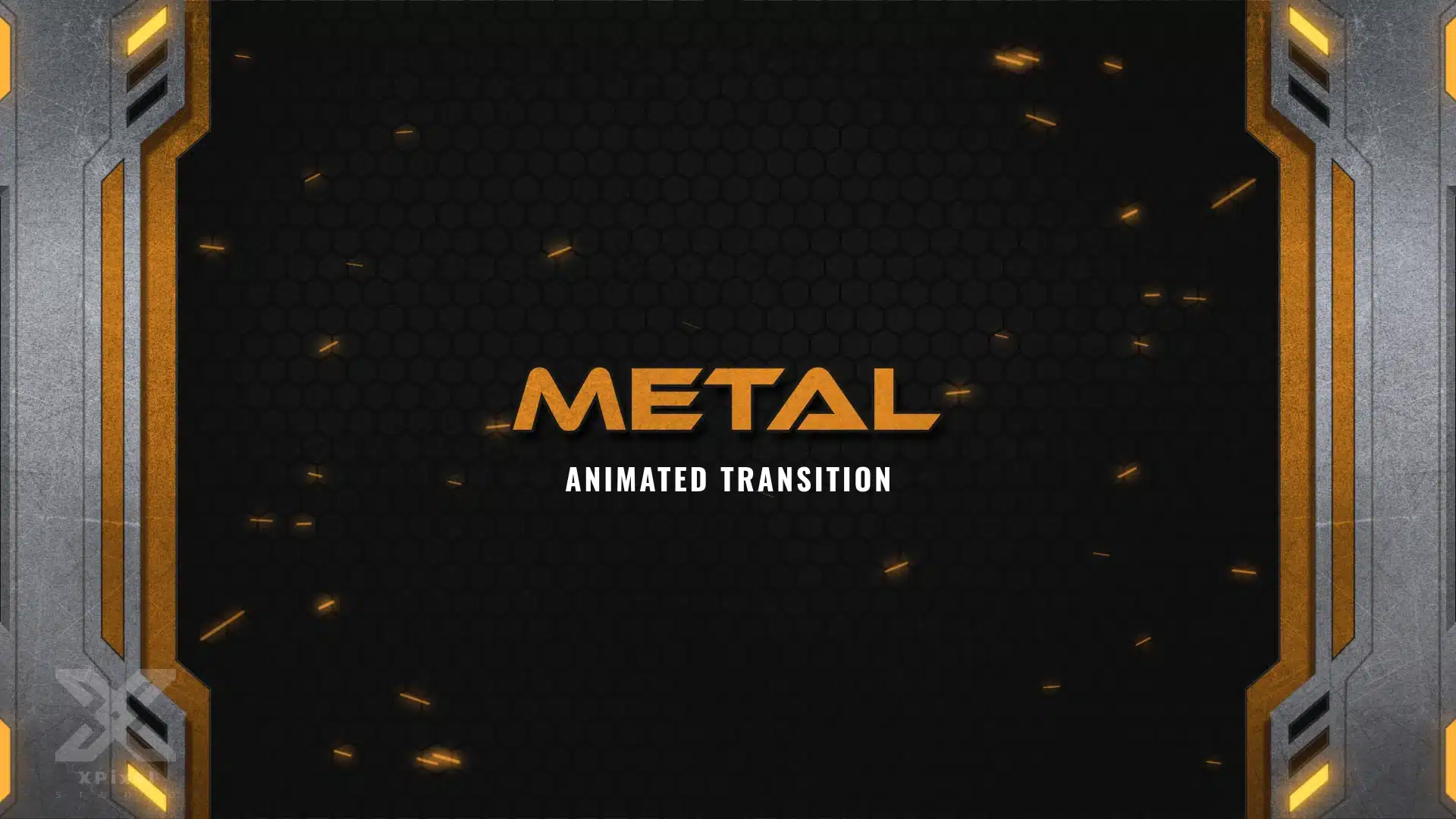
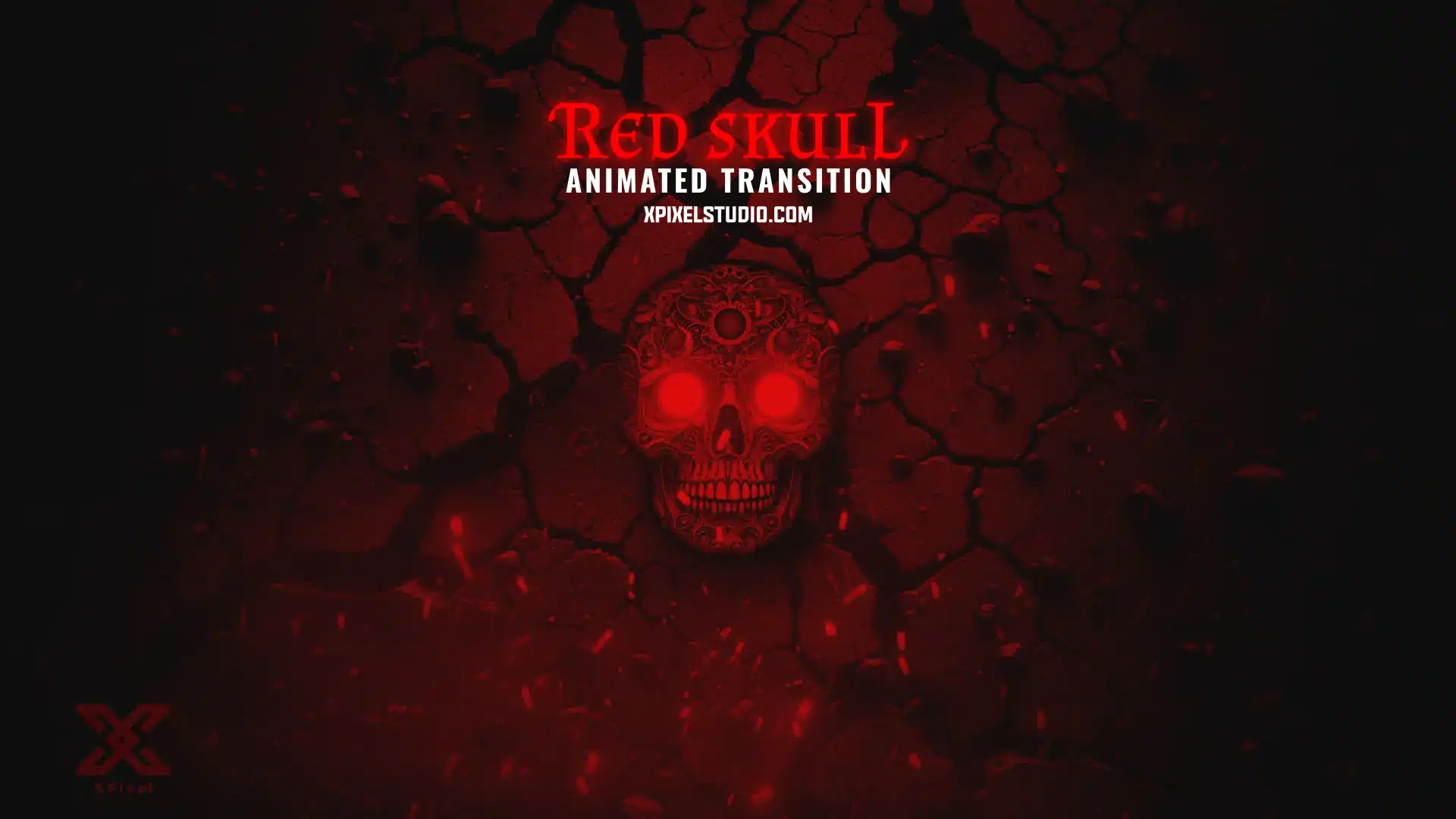
Stinger Transitions (Stream Transitions)
A stinger transition is an animated scene switch that plays when you move from one scene to another—like Starting Soon → In-Game, In-Game → BRB, or Just Chatting → Ending. It keeps your stream flow smooth, removes awkward jump cuts, and adds a premium broadcast feel for Twitch, YouTube, and Kick.
If you’re building a full stream identity, stinger transitions look best when they match your overlays and overall theme:
- Stream Packages
- Overlays
Want to try before you commit? Start here: - Freebies
Why Stinger Transitions Matter
Transitions do more than “look cool”—they improve the viewer experience:
- scene changes feel smoother and more professional
- your stream layout stays consistent and branded
- switching to BRB or Intermission feels intentional
- your channel looks higher quality in clips and VODs
Tip: The best stingers are quick, clean, and readable—usually long enough to cover the scene change without feeling slow.
How to Add Stinger Transitions in OBS Studio or Streamlabs
Most stingers are easy to install:
- Import the transition file in your streaming software
- Set it as a Stinger transition type
- Adjust the timing so the cut happens at the right moment
- Test it by switching between scenes (Starting Soon → In-Game, etc.)
For best results, keep your scene layouts consistent so the transition feels seamless every time.
Choosing the Right Transition Style
Pick a stinger that fits your stream vibe:
- Minimal stingers: clean and modern, works with most layouts
- High-energy stingers: bold motion for hype streams
- Themed stingers: anime, cyber, fantasy, etc. for strong identity
If you already have overlays, choose a transition that matches the same color palette and mood for a cohesive look.
Frequently Asked Questions
A stinger transition is an animated scene switch used when changing scenes. It hides the cut so your stream feels smoother and more professional.
Yes. Stinger transitions are commonly used in OBS Studio. You’ll import the file and set it as a stinger transition, then adjust timing for a clean cut.
Yes. Streamlabs also supports stinger-style transitions and can use the same transition assets.
Most stingers are lightweight. To keep performance smooth, avoid stacking too many heavy animations at once and keep your transition lengths reasonable.
It’s optional, but stingers greatly improve scene switching and make your stream feel more broadcast-quality—especially when your stinger matches your overlay theme.