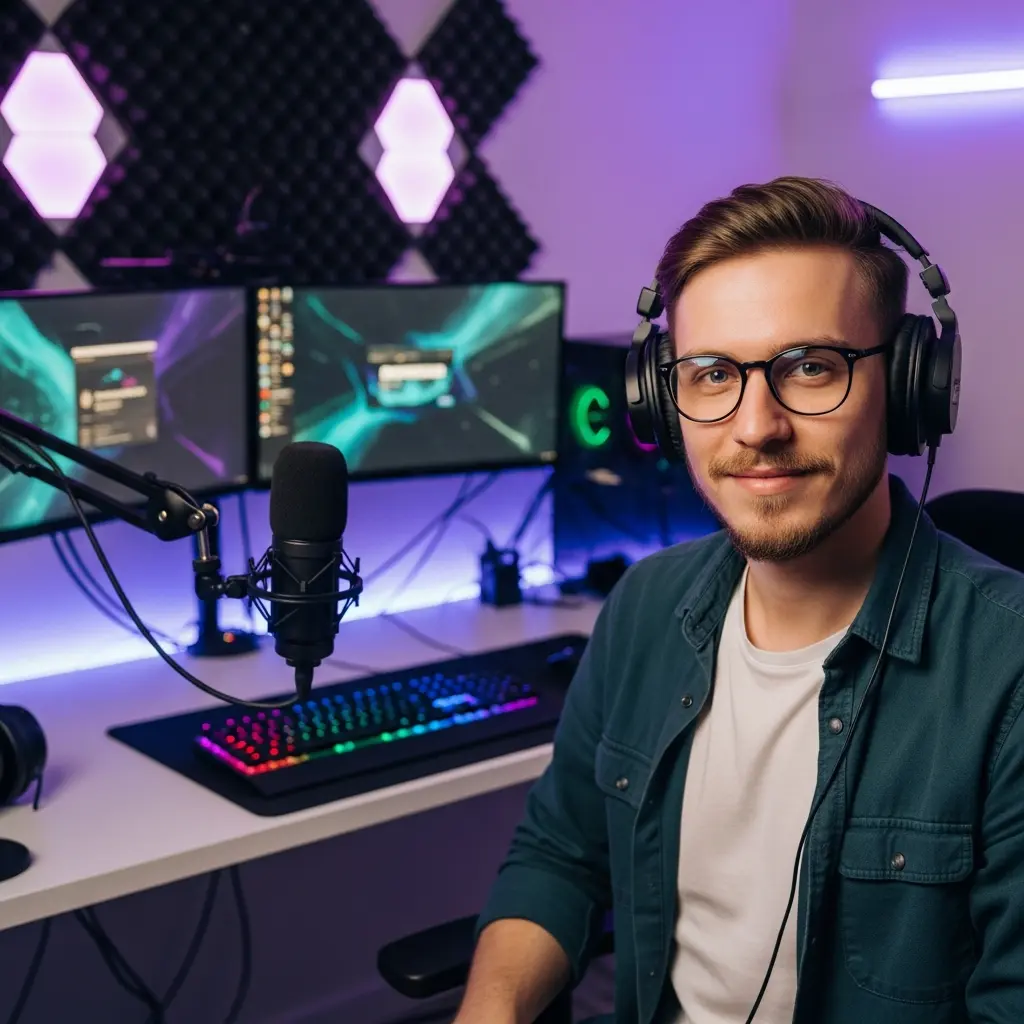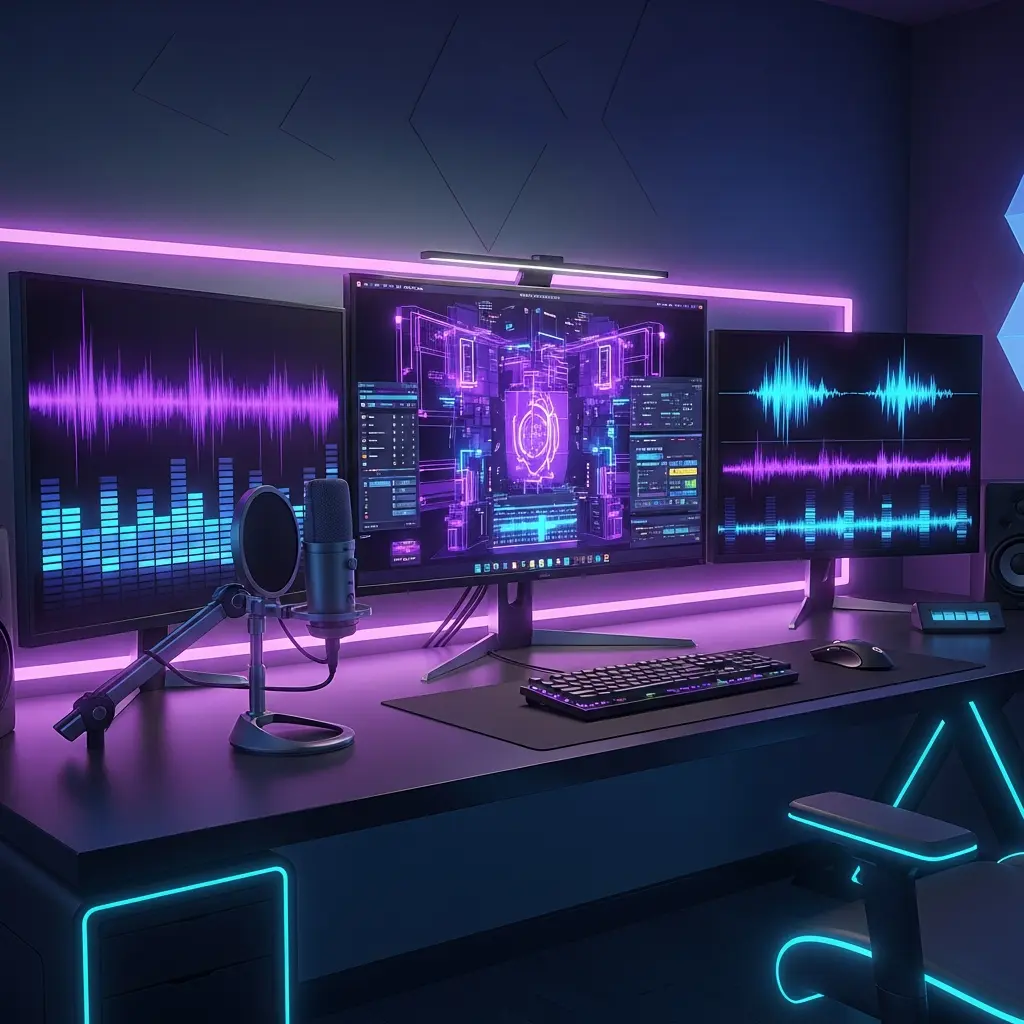

A streamer’s life revolves around visuals, paramount among which is audio quality. If gaming, you need a mic. If podcasting, you need a mic. If hosting a live Q&A, you need a mic. It is the most important piece of equipment. This guide gives you the top 10 ‘how-to’s’ of microphones. This is the bare minimum every streamer should do to sound professional, attract their audience, and differentiate themselves. Let’s jump straight to practical advice on audio to do the needful!
Great audio still requires a mic to be of the right type. There are two categories: dynamic and condenser microphones. Dynamic are more rugged, and better at avoiding background interference, so good for rooms that are untreated. Condenser have superior detail and are more sensitive so good for studio settings. Streamers on the other hand, need a dynamic USB mic to strike the right balance between quality and ease of use. Streamers need to understand microphones better.
Have the mic between 6-12 inches of your mouth angled slightly downward to try and eliminate plosives. Don’t place the mic directly in the middle of your head, as you will block the camera. Try to experiment with angles that suit you best. There are always adjustments to be made here to make the experience more comfortable.
Sometimes called pop filters, plosive sounds can destroy an otherwise perfect recording. They work as a pop filter and a foam windscreen, and allow the airflow caused by speech to blast and distort woosh sounds. These inexpensive accessories work wonders for condenser microphones.
No matter how good the microphone is, if the room is full of echoes and is noisy, the audio will be spoiled. Sound absorbent materials such as foam panels, curtains, and carpets will help in Reverb Control. Also, streaming in a quieter and smaller area, as well as shutting down noisy gadgets, will further refine your audio quality.
This should be avoided, as audio which is very loud or very quiet will frustrate viewers. The accepted input levels sit roughly in between -6dB to -3dB. You should never allow your signal to be in the red zone, as clipping occurs and a distortion is guaranteed.
Most modern streaming softwares such as Streamlabs and OBS come with filter sets, which enhance audio file quality by nearly removing the background noise and keyboard clicks. The voice should be amplified using gain without noise. Once mastered, Streamlabs will be capable of further refining your audio setup.
Using a pair of headphones during your monitoring session helps with isolating and correcting pop and static noises or any excess background sounds that might slip through. Many microphones support real-time headphone monitoring, which is a great feature for folks doing live streams.
A couple of background noises, which include; sneezes, coughs, and even private conversations, can easily distract your viewers and tend to be an annoyance. As a speaker, you should always try to mute your microphone after a speech that you give to you audience. This ensures that unwanted sounds from your side aren’t bothered. There’s even streaming software that allows you to programme a hotkey for quick muting.
Microphones, if untreated or uncleaned for a duration of time, would collect and accumulate dust, which would then translate to an uncleaned microphone. Wipe your microphone with a soft, dry cloth, and store it dry and cool. Do your best to not eat or drink if microphone is near you; it’s the best way to extend its longevity.
In this case, speaking with the audience isn’t only part of the explanation, it is also part of the sound. Speaking with an audience is all about making meaningful connections, and that can only be done if you put your voice out there and change its tonality when it is necessary. Such audience would also be happy to stay and tak with you, which increases your chances of better participation during the chat. If you want better participation then you can use better engagement tips that would bring you results.
Perfect audio is only a tiny part of what makes a successful stream. Make note of the best times to stream on Twitch, and enhance wellness with the health and productivity tips for streamers.
If you are a neophyte to audio devices, the basics of microphones, how they function, and what makes each of them different would be helpful. This would facilitate better decisions as the channel matures.
The streaming world is best suited for dynamic USB microphones because they are easy to use and reject background noise, though in a controlled environment, more detail is captured with condenser microphones.
You can use noise suppression filters available in your streaming application, microphone positioning, and room treatment to decrease ambient noise.
Distortion occurs more often than not due to the input levels being too high, also referred to as clipping. Reducing mic gain and ensuring audio levels sit in the optimal range lessens distortion.
In most cases, a basic USB microphone would suffice. As your Android or iOS setup grows, mics get more complicated, and you may need an interface or mixer for more control and quality.
Wipe your microphone once every couple of weeks, or more often for frequent streamers. A cleaner cloth should suffice, and moisture should be avoided.
Like most headset mics, this one is probably more convenient and more portable than a desk headset, but will likely never offer near the audio quality of a good dedicated microphone.
Receive an additional 30% discount for your first order by signing up through email!