Design & Branding
Best Stream Overlay Packages for Twitch, YouTube, and Kick: Platform-Specific Guide
Finding the best stream overlay packages is not just about choosing the most stylish design. The right overlay package should match your platform, content type, audience behavior, and long-term branding goals. A layout that works well for a fast-paced Twitch gaming stream may not be ideal for a YouTube replay, while a clean podcast layout may not feel bold enough for a Kick variety channel.
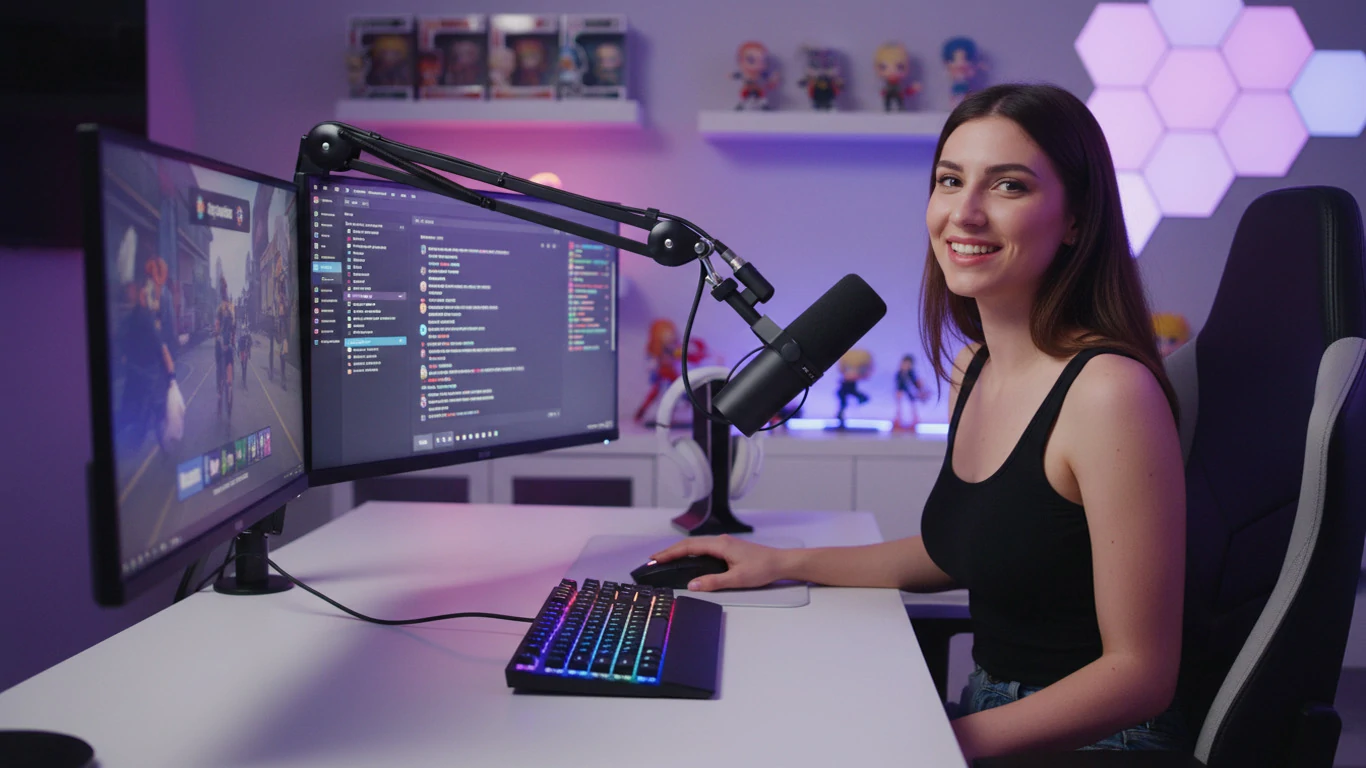
That is why streamers should think beyond “what looks cool” and start asking a more important question: which overlay package works best for the platform I actually stream on?
Twitch, YouTube, and Kick all support live streaming, but each platform has different viewing habits and community expectations. Twitch is highly interactive and community-driven. YouTube Live often needs to work as both a live stream and a replay-friendly video. Kick attracts many creators who want bold, modern, and attention-grabbing visuals.
In this platform-specific guide, we’ll break down how to choose the best stream overlay packages for Twitch, YouTube, and Kick, what design styles work best on each platform, and how to avoid common overlay mistakes that can make your stream feel cluttered or unprofessional.
What Are Stream Overlay Packages?
A stream overlay package is a collection of visual assets designed to improve the appearance and branding of your live stream. Instead of using random graphics from different sources, a complete overlay package gives your channel a consistent style across every scene.
Most high-quality stream overlay packages include:
- Webcam overlays: Frames around your camera feed.
- Gameplay overlays: Layout elements for your main stream content.
- Alerts: Animated notifications for follows, subscribers, donations, memberships, and other viewer actions.
- Stream screens: Starting Soon, Be Right Back, Intermission, Offline, and Stream Ending screens.
- Transitions: Scene-switching animations for a smoother broadcast.
- Panels: Profile graphics for rules, schedules, links, social media, and channel information.
A strong overlay package does more than decorate the screen. It helps viewers recognize your brand, understand your stream layout, and feel like they are watching a more polished creator.
Why Platform-Specific Stream Overlays Matter
Many creators use the same overlay setup across every platform without thinking about how viewers behave differently on Twitch, YouTube, and Kick. While one package can work across multiple platforms, the layout may need small adjustments to fit each environment.
Platform-specific overlays matter because each platform has different priorities:
- Twitch: Live interaction, chat, alerts, community identity, and gaming readability.
- YouTube: Clean presentation, replay value, search-friendly content, and long-term watchability.
- Kick: Bold visuals, fast first impressions, high-energy branding, and creator personality.
The best stream overlay packages are flexible enough to support these differences. They should look professional, stay readable, and make the content easier to watch instead of covering important parts of the stream.
Best Stream Overlay Packages for Twitch
Twitch is one of the most community-focused streaming platforms. Viewers often expect active chat, follower alerts, subscriber recognition, channel point interactions, and a strong creator identity. Because of that, Twitch overlays usually need to balance visual style with real-time engagement.
What Twitch Streamers Should Look For
A good Twitch overlay package should support interaction without making the screen feel crowded. For gaming streams, the overlay must keep the gameplay visible. For Just Chatting, art, or music streams, the layout can place more focus on the webcam, chat, and community elements.
Useful Twitch overlay elements include:
- Webcam frame
- Recent follower or subscriber labels
- Chat box
- Donation or sub goal bar
- Animated alerts
- Starting Soon and BRB screens
- Intermission layout
Best Overlay Styles for Twitch
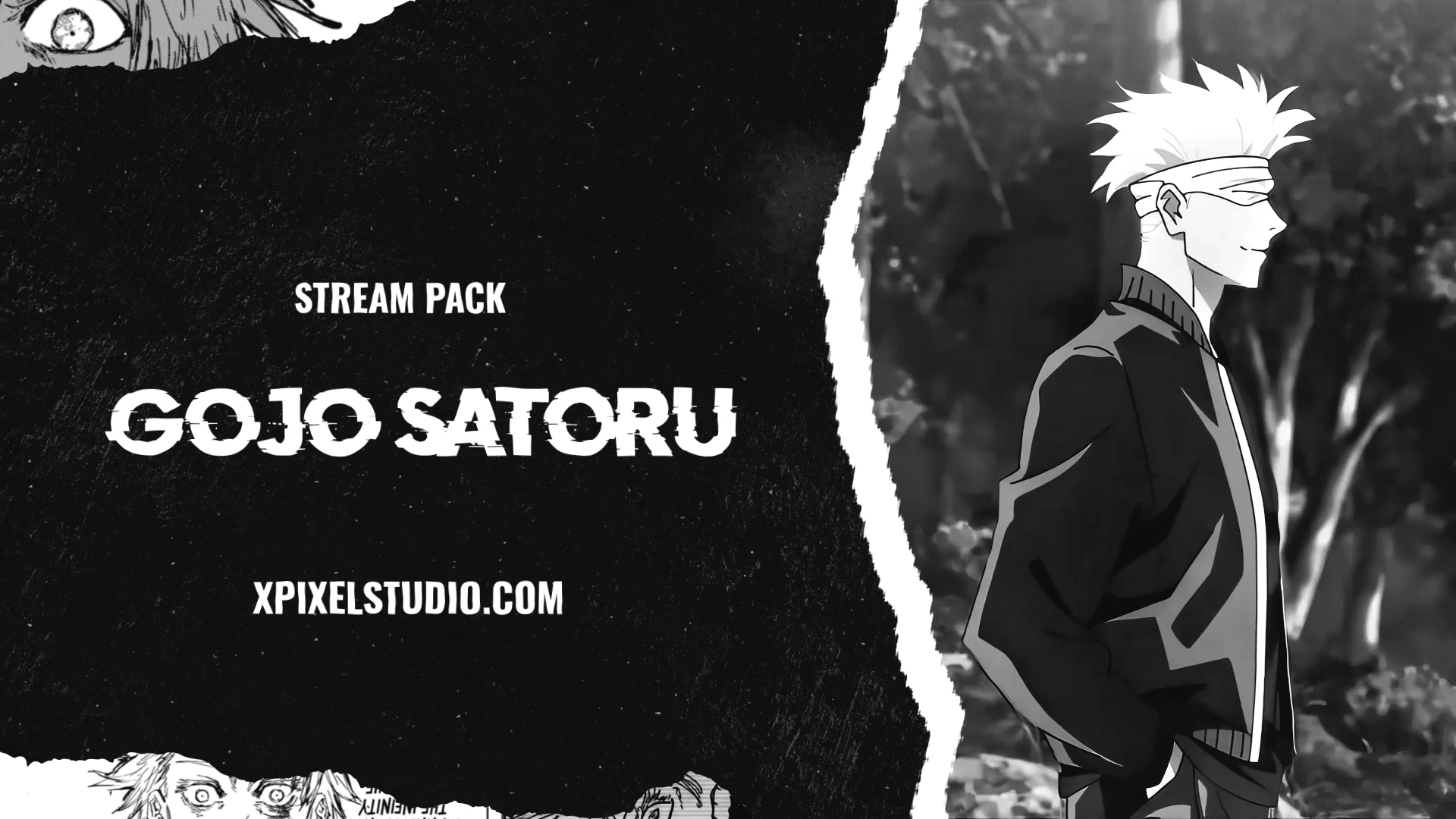
Twitch creators can usually be more expressive with their overlay style because the platform is built around personality and community. Strong styles for Twitch include cyberpunk, neon, anime-inspired, dark gaming, cozy, lofi, retro, and esports-style overlays.
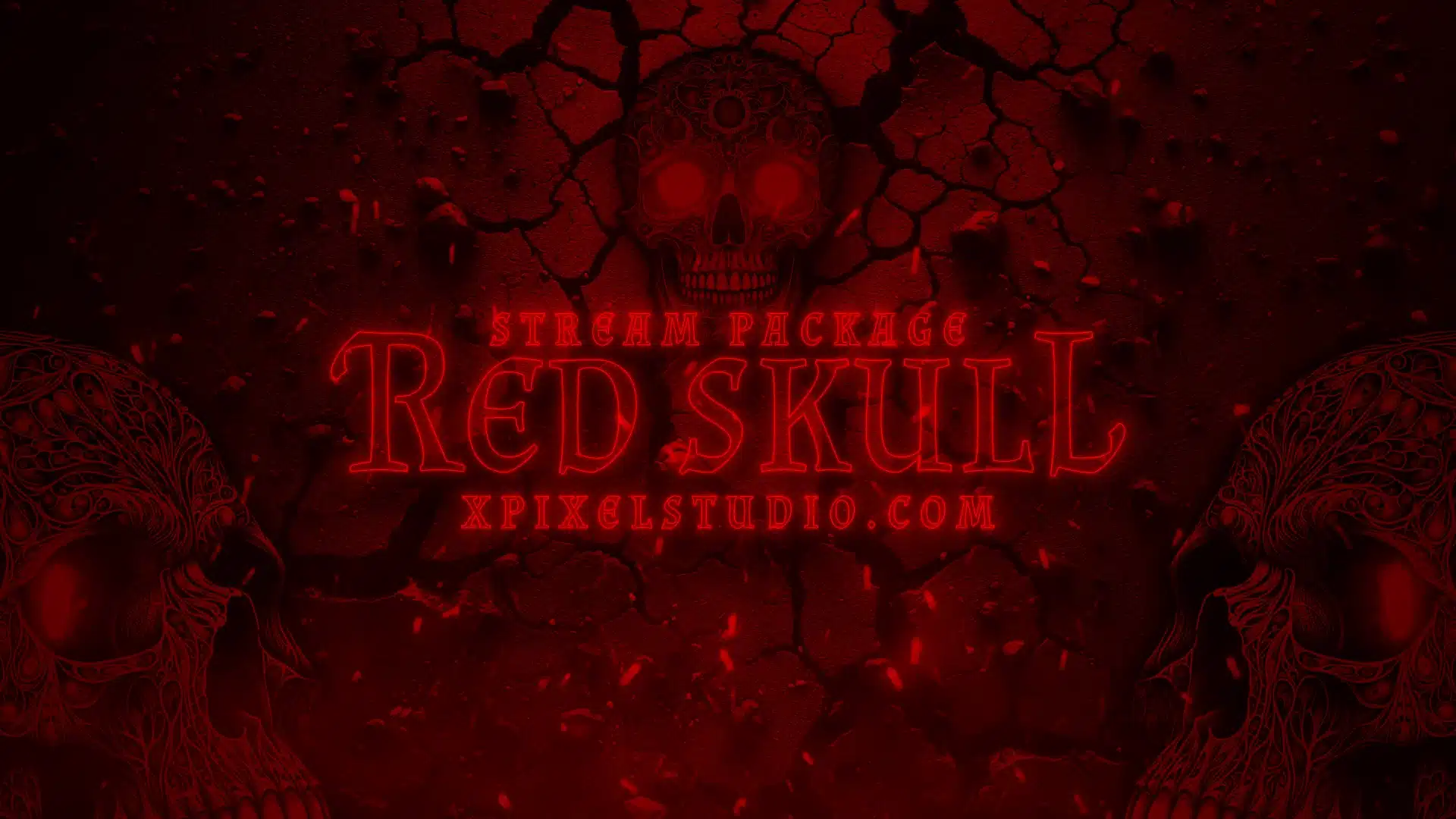
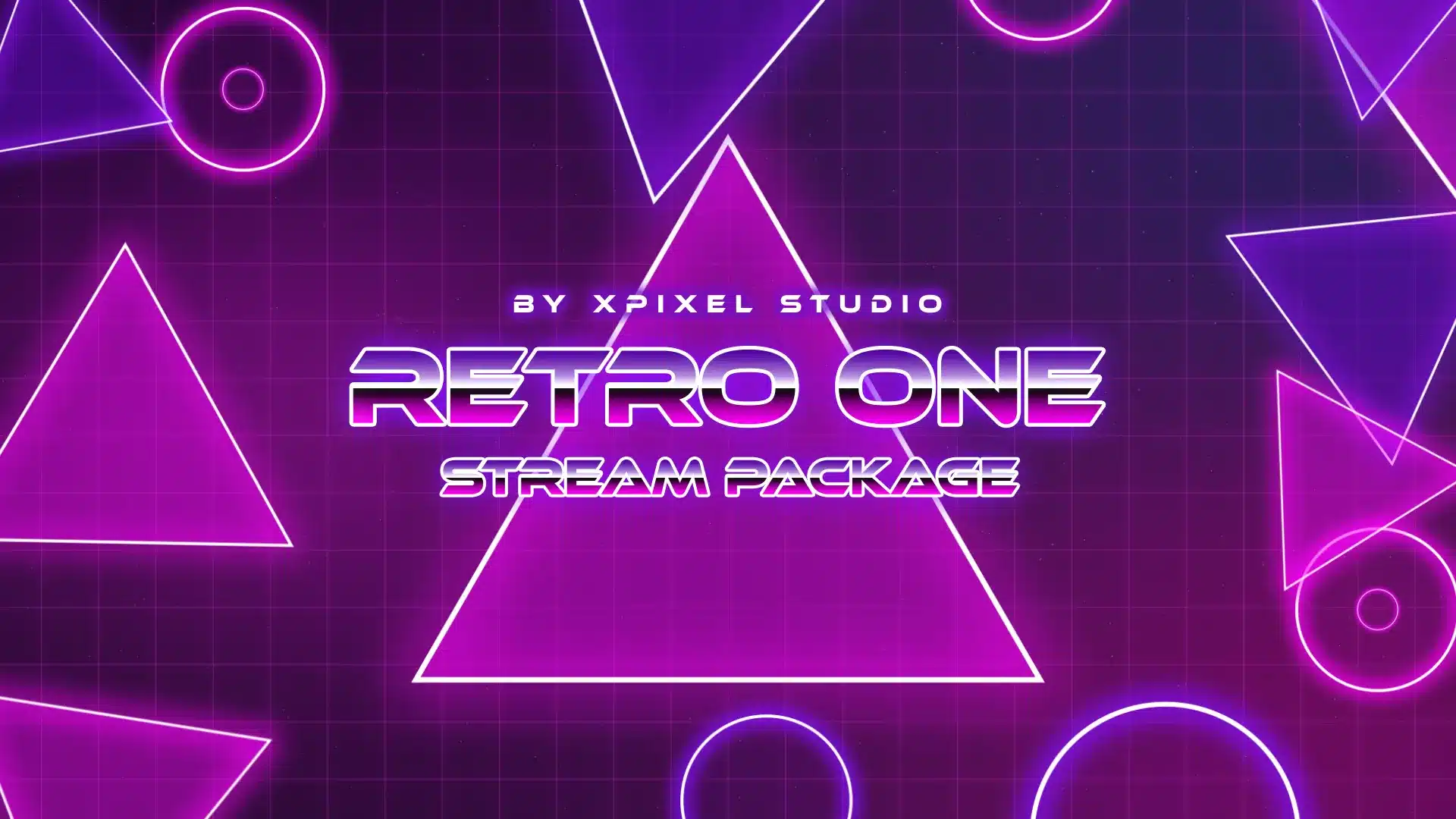
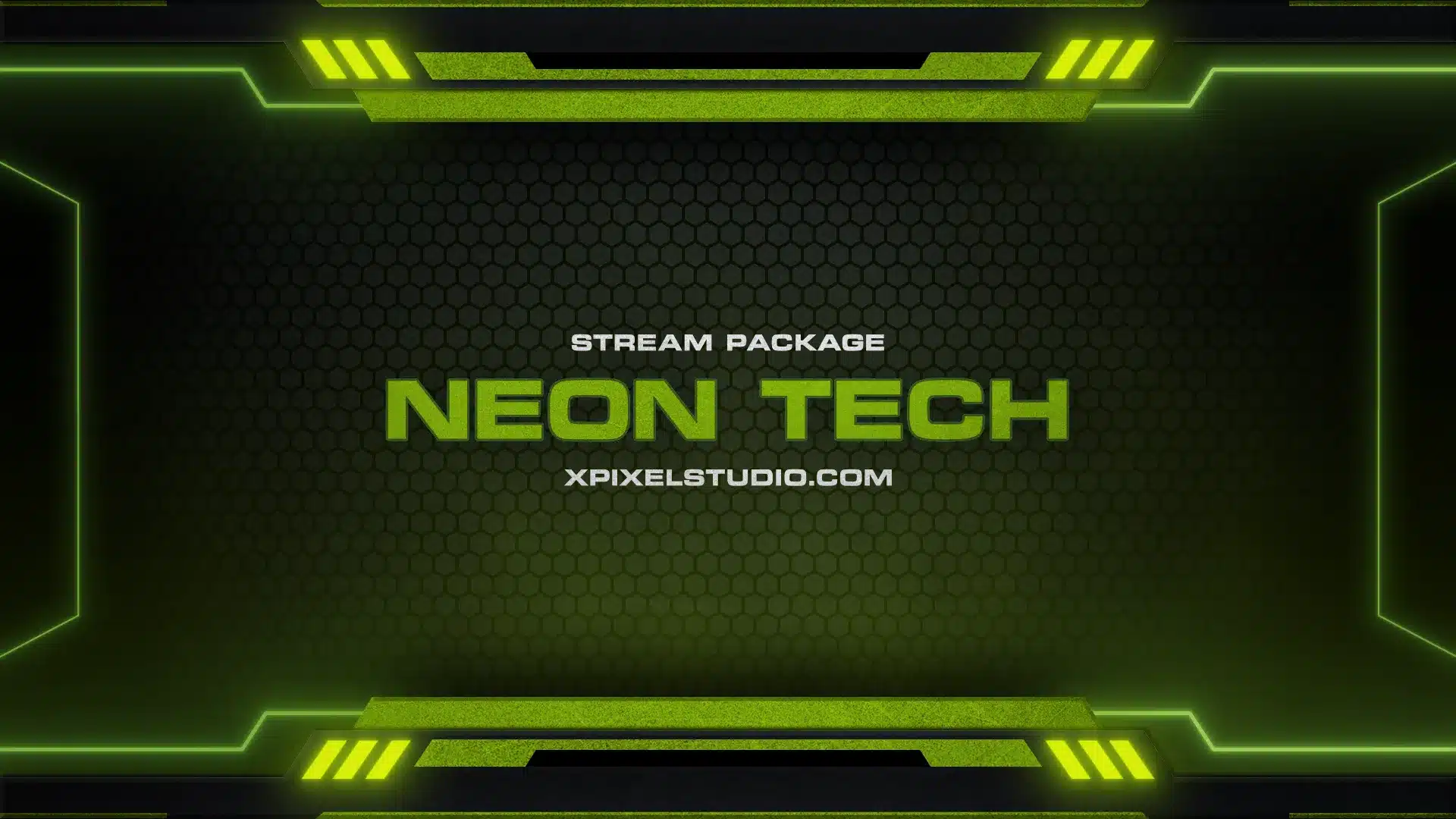
For gaming creators who want a bold futuristic look, a cyberpunk stream package can be a strong choice because it combines neon colors, sharp interface elements, and high-energy visuals that fit competitive or action-heavy streams.
The key is to make sure the overlay does not cover important gameplay information. Minimap areas, health bars, inventory slots, and game UI should remain visible at all times.
Best Stream Overlay Packages for YouTube
YouTube Live is different from Twitch because live streams can continue to gain views after the broadcast ends. Many YouTube live streams become replay content, which means your overlay needs to look good both during the live session and later as a video.
Because of this, YouTube stream overlays should usually be cleaner and less distracting. Viewers may watch on desktop, mobile, tablet, or TV, so readability and layout balance are especially important.
What YouTube Streamers Should Look For
A good YouTube overlay package should support long-form viewing. If your stream is educational, podcast-based, tutorial-focused, or replay-friendly, avoid heavy animations and oversized alert elements that may feel distracting after the live stream ends.
Useful YouTube overlay elements include:
- Clean webcam frame
- Lower-third graphics
- Topic or segment labels
- Minimal alert placement
- Scene layouts for guests or screen sharing
- Professional Starting Soon and Ending screens
Best Overlay Styles for YouTube
The best YouTube stream overlay packages often use clean, modern, and structured designs. Minimalist overlays, professional layouts, subtle animations, and branded lower-thirds work especially well.
For tutorial channels, the main screen area should stay clear so viewers can follow the content. For podcasts and interviews, the layout should highlight speakers clearly. For gaming channels, the overlay should still support live interaction but remain clean enough for replay viewers.
Best Stream Overlay Packages for Kick
Kick has become a popular option for creators who want to grow on a newer live streaming platform. Many Kick streamers use bold visuals to stand out quickly and build a recognizable brand from the start.
Compared with YouTube, Kick overlays can often be more energetic and attention-grabbing. However, bold does not mean messy. The best Kick overlays are visually strong but still readable.
What Kick Streamers Should Look For
A good Kick overlay package should help a creator make a fast first impression. Bright colors, animated elements, strong webcam frames, and modern layouts can work well, especially for gaming, reaction, variety, and high-energy content.
Useful Kick overlay elements include:
- Animated webcam overlay
- Bold alert design
- Clean chat or community area
- High-impact Starting Soon screen
- Modern transition animation
- Simple but recognizable branding elements
Best Overlay Styles for Kick
Kick streamers often benefit from neon, futuristic, dark, animated, and bold modern styles. These styles help the stream feel current and energetic, especially for creators trying to capture attention quickly.
Twitch, YouTube, and Kick are the most common platforms creators focus on, but they are not the only options. If you are still exploring where to build your audience, you can also compare other Twitch-like live streaming platforms before finalizing your overlay setup.
Twitch vs YouTube vs Kick Overlay Comparison
Here is a simple comparison to help you choose the best stream overlay package based on your main platform.
| Platform | Best Overlay Style | Main Priority | What to Avoid |
|---|---|---|---|
| Twitch | Community-focused, gaming, cyberpunk, cozy, anime, or esports overlays | Live interaction, chat, alerts, and creator personality | Covering gameplay UI or using too many on-screen elements |
| YouTube | Clean, minimal, structured, and replay-friendly overlays | Clarity, long-term watchability, and video archive quality | Heavy animations or distracting alerts that hurt replay viewing |
| Kick | Bold, neon, animated, dark, or futuristic overlays | Fast visual impact, modern branding, and strong first impressions | Cluttered layouts that make the stream hard to read |
There is no single best overlay package for every creator. The best choice depends on where you stream, what type of content you create, and how you want viewers to remember your brand.
Best Overlay Styles Based on Content Type
Your platform matters, but your content type matters too. A gaming streamer, podcast host, cozy streamer, and VTuber may all need different layouts even if they stream on the same platform.
Gaming Streams
Gaming overlays should support the gameplay instead of covering it. A webcam frame, small alert area, and compact supporter labels can work well, but the game should remain the main visual focus.
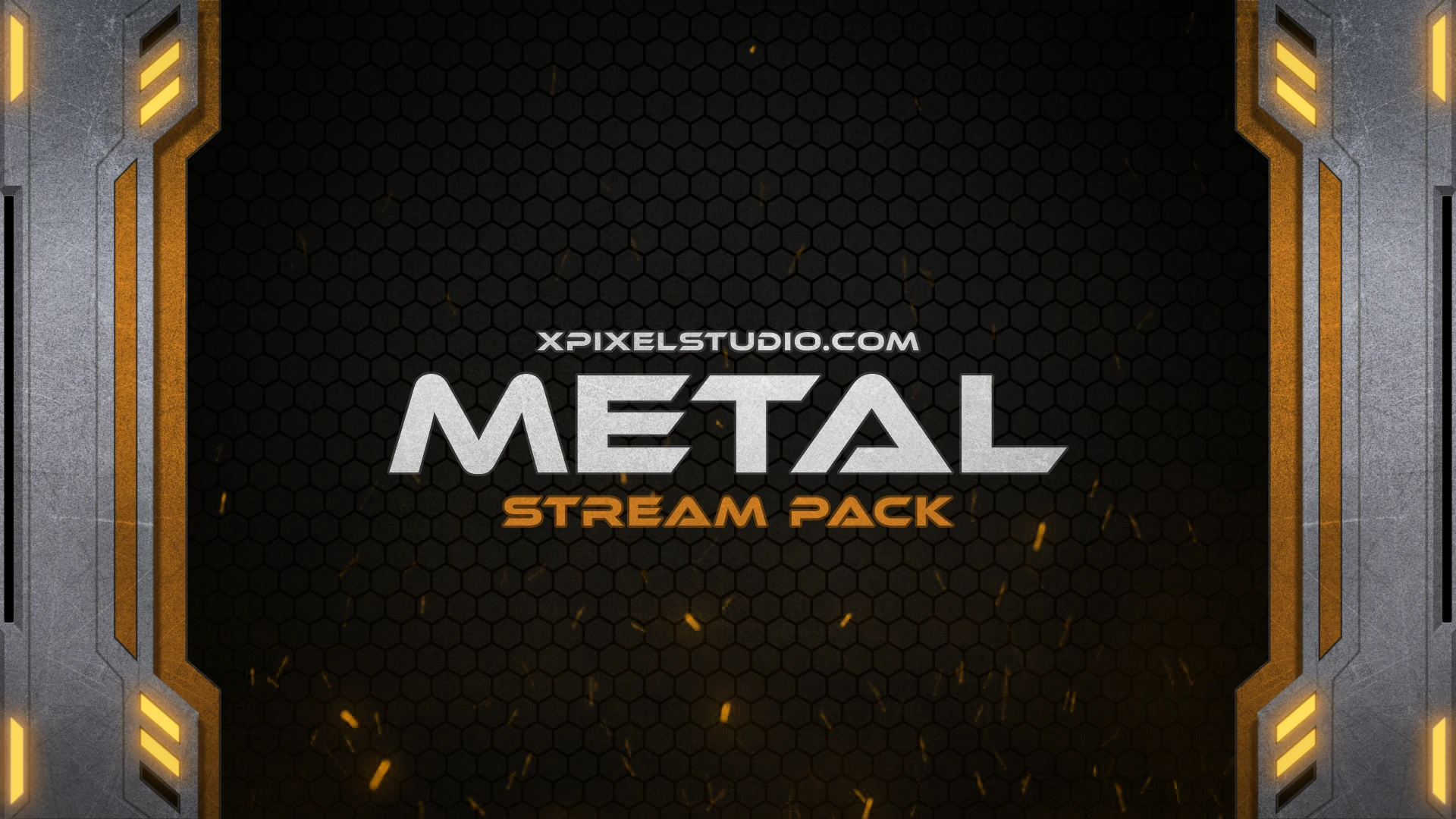
Best styles for gaming streams include cyberpunk, neon, esports, dark, metal, anime, and futuristic overlays.
Just Chatting Streams
Just Chatting layouts can give more space to the creator’s camera and chat. Since personality is the main content, the overlay should feel welcoming and community-focused.
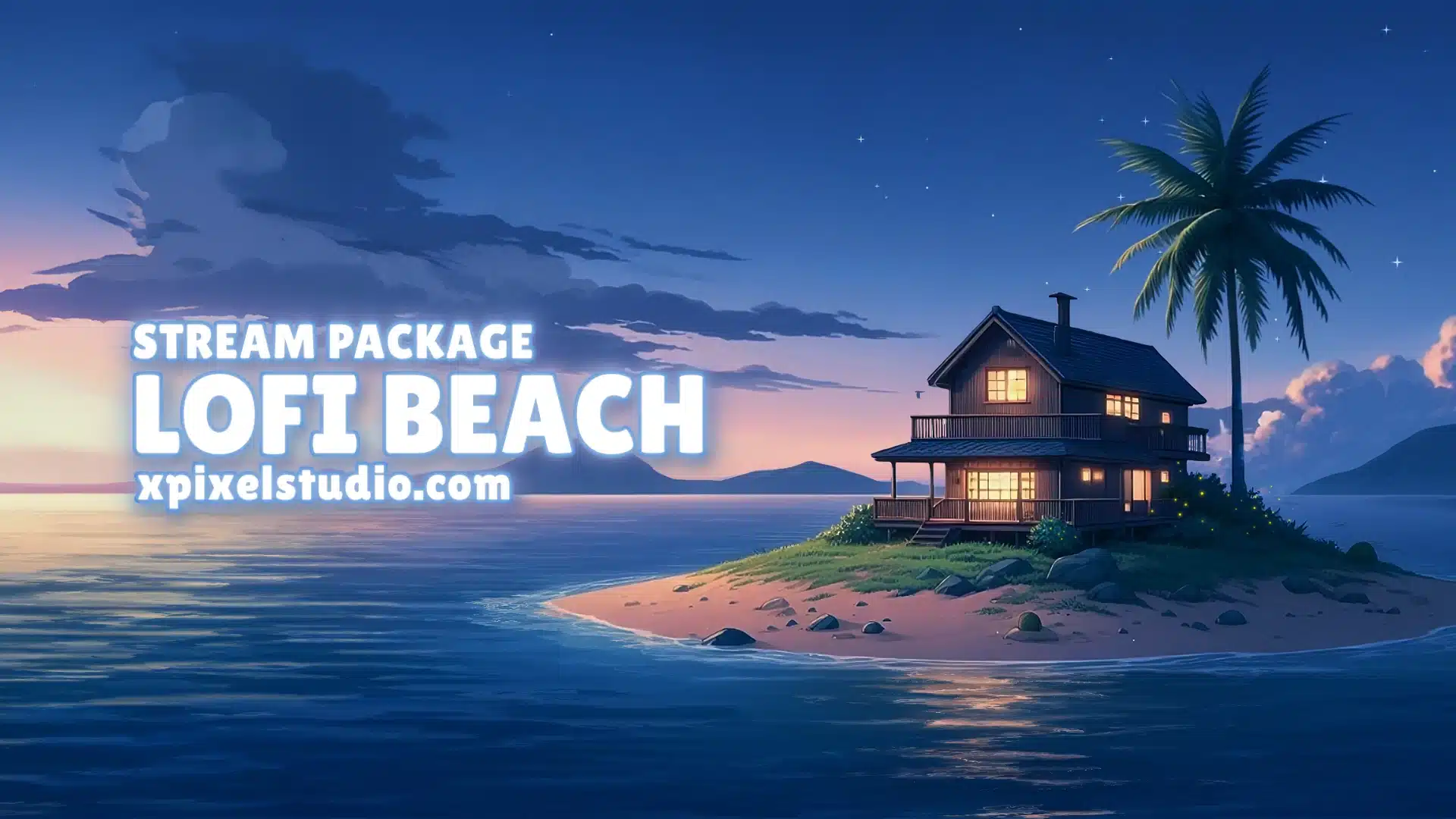
Best styles include cozy, lofi, pastel, retro, minimalist, and creator-branded overlays.
Podcast and Talk Show Streams
Podcast and talk show streams need structured layouts that can support multiple speakers, guest names, topics, and screen sharing. Readability and balance are more important than heavy animation.
Best styles include clean minimal layouts, modern panels, subtle branded frames, and professional lower-third graphics.
Creative and Art Streams
Creative streams need enough room for the artwork, music production, design process, or screen capture. The overlay should frame the content nicely without stealing attention from the creative work.
Best styles include soft gradients, lofi, pastel, retro, minimalist, and calm animated overlays.
Pre-Made vs Custom Stream Overlay Packages
When searching for the best stream overlay packages, you will usually find two main options: pre-made overlay packages and custom stream overlays. Both can be useful depending on your goals, budget, and stage as a creator.
Pre-Made Stream Overlay Packages
Pre-made stream overlay packages are ready-to-use designs that can be installed quickly. They are usually more affordable than custom designs and are a strong choice for beginners or growing creators who want a professional look without waiting for a full design project.
Pre-made packages are best if you want:
- A fast setup process
- Affordable professional visuals
- A complete overlay bundle
- Consistent design across scenes
- Easy compatibility with OBS Studio or Streamlabs
Custom Stream Overlays
Custom overlays are created specifically for your brand. They can include your mascot, logo, color palette, community theme, character style, or unique channel identity.
If your channel already has a clear brand identity, mascot, color palette, or community theme, custom overlays for streamers can help you create a more unique visual experience than a standard template.
Custom overlays are best if you want:
- A unique design made only for your channel
- Brand-specific colors and graphics
- A mascot, character, or logo integrated into the layout
- A stronger identity for sponsorships or long-term growth
For many streamers, the best path is to start with a high-quality pre-made stream overlay package, then upgrade to custom overlays once the channel’s identity becomes more established.
What to Look for in the Best Stream Overlay Packages
Before choosing an overlay package, evaluate it based on more than just the preview image. A design may look impressive in a product preview but still feel distracting during a real stream.
1. Readability
Text should be easy to read. Alerts, labels, panels, and chat elements should use clear fonts and enough contrast. If viewers cannot read your overlay, it will not help your stream.
2. Layout Balance
The overlay should frame your content without blocking it. A strong layout gives each element enough space and keeps the main content area clear.
3. Software Compatibility
Make sure the package works with your streaming software, especially OBS Studio and Streamlabs. Organized files and clear setup instructions can save a lot of time.
4. Branding Consistency
Your overlays, alerts, screens, transitions, and panels should all feel like part of the same visual identity. Consistency makes your channel easier to recognize.
5. Performance Optimization
Animated overlays should be optimized so they do not slow down your stream. Heavy files can affect performance, especially if your computer is already handling gameplay, camera, chat, and recording.
6. Long-Term Flexibility
Choose a design that still fits your channel as it grows. Trendy visuals can look exciting today but may feel outdated quickly if they are too narrow or overly specific.
Common Stream Overlay Mistakes to Avoid
Even a beautiful stream overlay can hurt the viewer experience if it is used incorrectly. Here are some common mistakes to avoid when setting up your stream visuals.
Using Too Many Graphics
A cluttered screen makes it harder for viewers to focus. Keep your overlay clean and only show elements that support the stream experience.
Covering Important Content
For gaming streams, avoid covering the minimap, health bar, inventory, or key gameplay information. For talk shows, avoid placing graphics over faces, captions, or important screen-sharing details.
Mixing Too Many Design Styles
Using a cyberpunk webcam frame with a pastel alert and a retro starting screen can make your channel feel inconsistent. Choose one visual direction and keep it consistent.
Ignoring Mobile Viewers
Many viewers watch streams on smaller screens. Make sure your text, alerts, webcam frame, and chat layout still look clear on mobile.
Choosing Style Over Function
A strong overlay should look good, but it should also be useful. Function always comes first. The best stream overlay packages support your content instead of competing with it.
Quick Checklist Before Choosing a Stream Overlay Package
Use this checklist before choosing your final overlay package:
- Does the overlay fit your main streaming platform?
- Does it match your channel personality?
- Is the gameplay or main content still easy to see?
- Are alerts readable and not too distracting?
- Does the package include overlays, alerts, screens, transitions, and panels?
- Is it compatible with OBS Studio or Streamlabs?
- Will the style still work as your channel grows?
- Does the design look consistent across all scenes?
If a package checks most of these boxes, it is much more likely to support your channel long term.
Why Xpixel Studio Is a Good Choice for Stream Overlay Packages
Xpixel Studio creates stream graphics for creators who want professional visuals without making the setup process complicated. The collection includes stream packages, overlays, alerts, transitions, screens, emotes, badges, and other stream assets designed for creators who want a polished visual identity.
For Twitch, YouTube, and Kick creators, Xpixel Studio can be a strong choice because the designs are:
- Made for streamers and gaming creators
- Designed for visual consistency
- Available in multiple styles and themes
- Suitable for OBS Studio and Streamlabs setups
- Easy to use for beginners and growing creators
- Built to make channels look more professional
If you want a ready-to-use design for your channel, browse the stream packages collection and choose a style that fits your platform, content, and brand.
Conclusion: Choosing the Best Stream Overlay Package for Your Platform
The best stream overlay packages are not the same for every creator. A Twitch streamer may need community-focused alerts and gaming-friendly layouts. A YouTube creator may need cleaner visuals that still look good in replays. A Kick streamer may benefit from bold, modern designs that create a fast first impression.
Instead of choosing overlays based only on style, think about platform behavior, audience expectations, readability, performance, and long-term branding. Your overlays should support your content, not distract from it.
Whether you choose a pre-made package or invest in custom overlays, your goal should be the same: create a stream that feels professional, recognizable, and enjoyable to watch.
With the right overlay package for Twitch, YouTube, or Kick, your channel can make a stronger first impression, build a more consistent brand, and give viewers a better reason to remember you.
FAQ About Stream Overlay Packages for Twitch, YouTube, and Kick
What are the best stream overlay packages for Twitch?
The best stream overlay packages for Twitch are usually community-focused, readable, and designed around live interaction. Gaming channels often work well with cyberpunk, neon, esports, or dark-themed overlays, while Just Chatting creators may prefer cozy, pastel, or minimalist layouts.
What kind of stream overlays work best for YouTube Live?
YouTube Live overlays should be clean, structured, and replay-friendly. Since many live streams can become long-term videos, the overlay should not distract from the content or feel too busy during playback.
Are Kick overlays different from Twitch overlays?
Kick overlays can be similar to Twitch overlays, but many Kick creators prefer bolder and more energetic visuals. Neon colors, animated elements, and modern layouts can work well, as long as the design remains readable.
Should I choose pre-made or custom stream overlays?
Pre-made stream overlays are great for beginners and growing creators who want a professional look quickly. Custom overlays are better for established creators who already have a strong brand identity, mascot, or specific visual direction.
Can one stream overlay package work on Twitch, YouTube, and Kick?
Yes, one stream overlay package can work across Twitch, YouTube, and Kick if it is properly sized, readable, and compatible with your streaming software. However, you may still want to adjust the layout slightly for each platform’s audience and viewing style.
Our Products