Stream Packages
Browse premium stream packages for Twitch, Kick, and YouTube creators. Each package includes stream screens, alerts, webcam overlays, panels, transitions, and other assets to help you build a polished and professional stream. Compatible with OBS Studio, Streamlabs, and StreamElements.
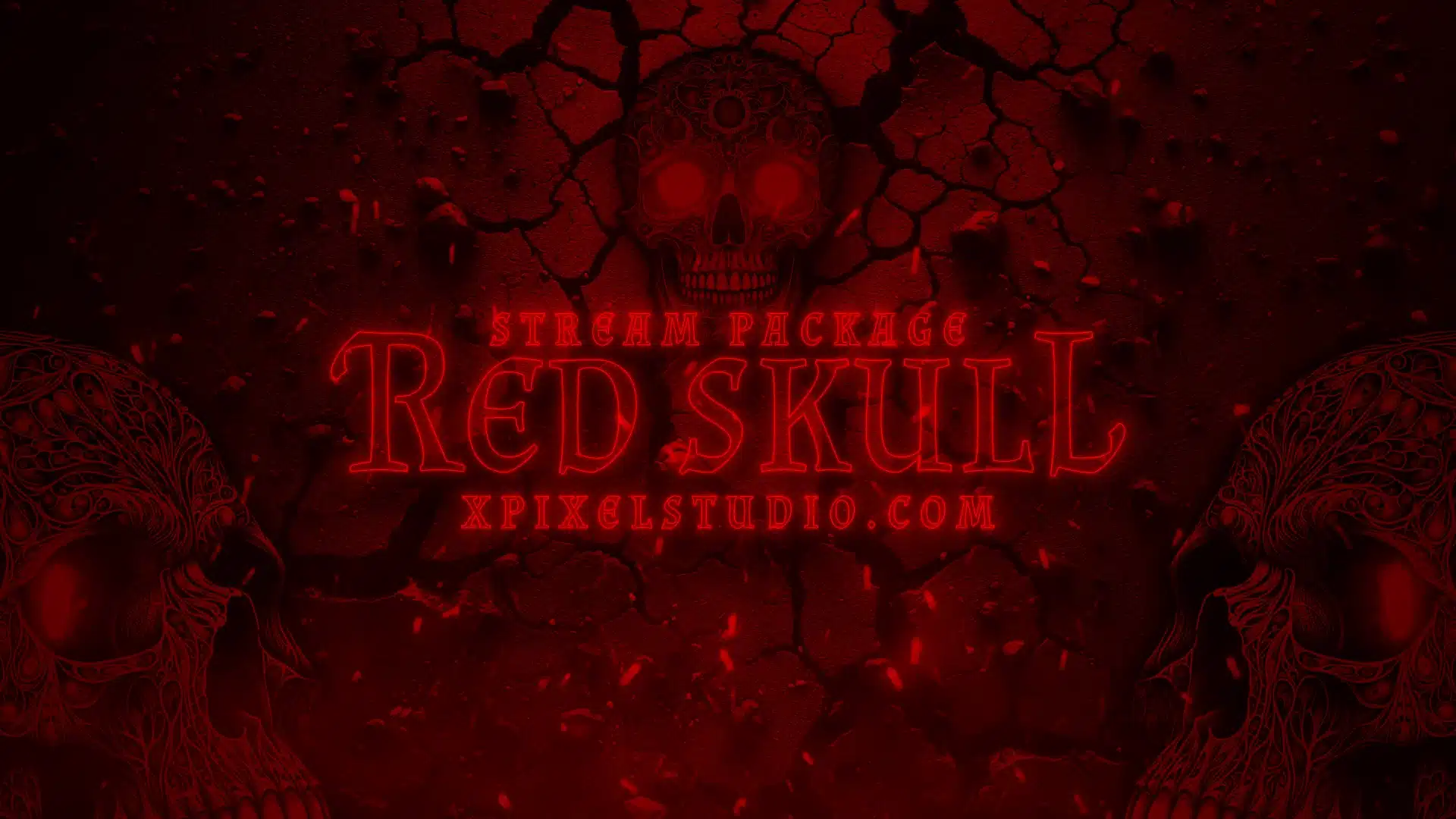
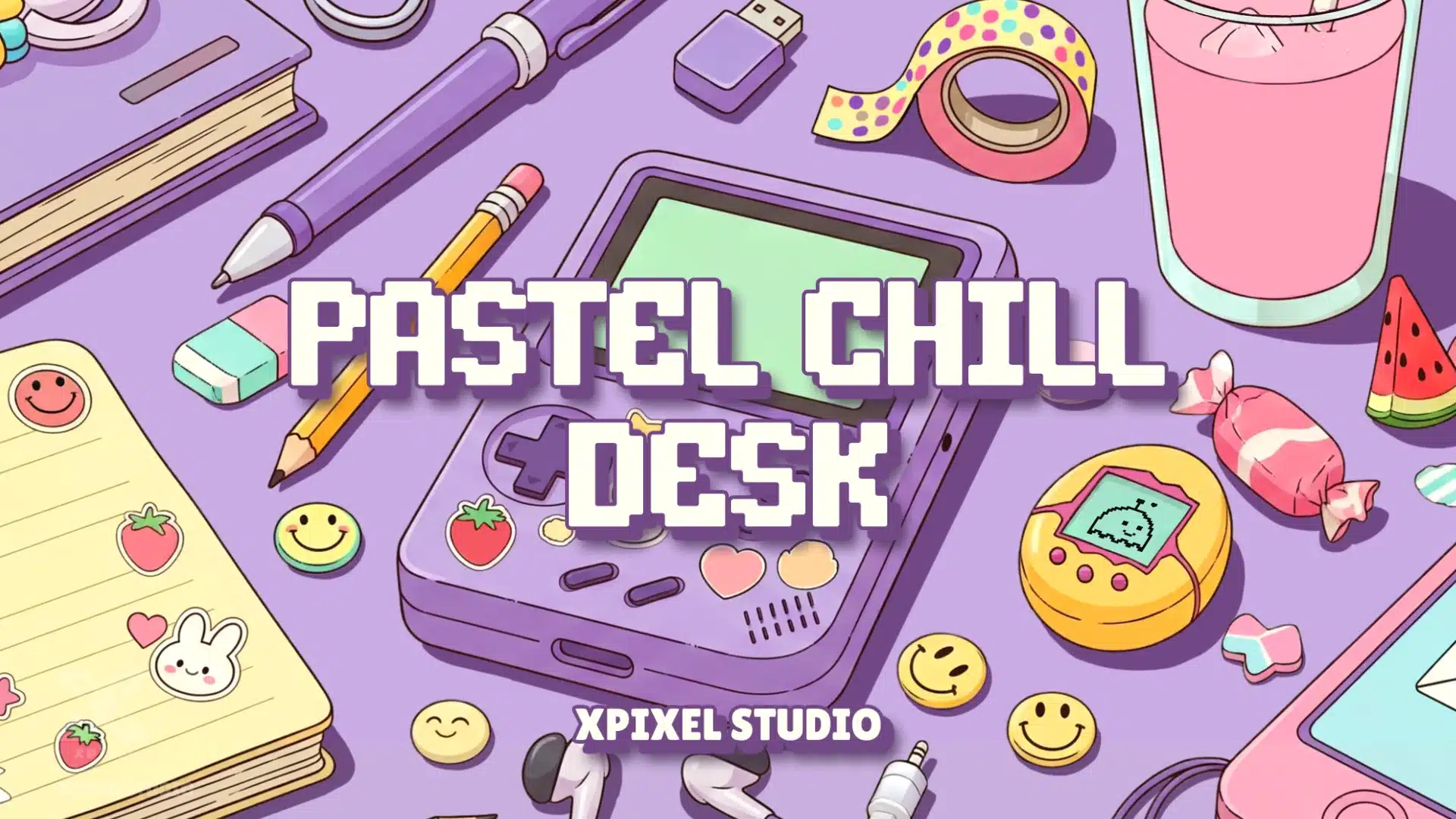
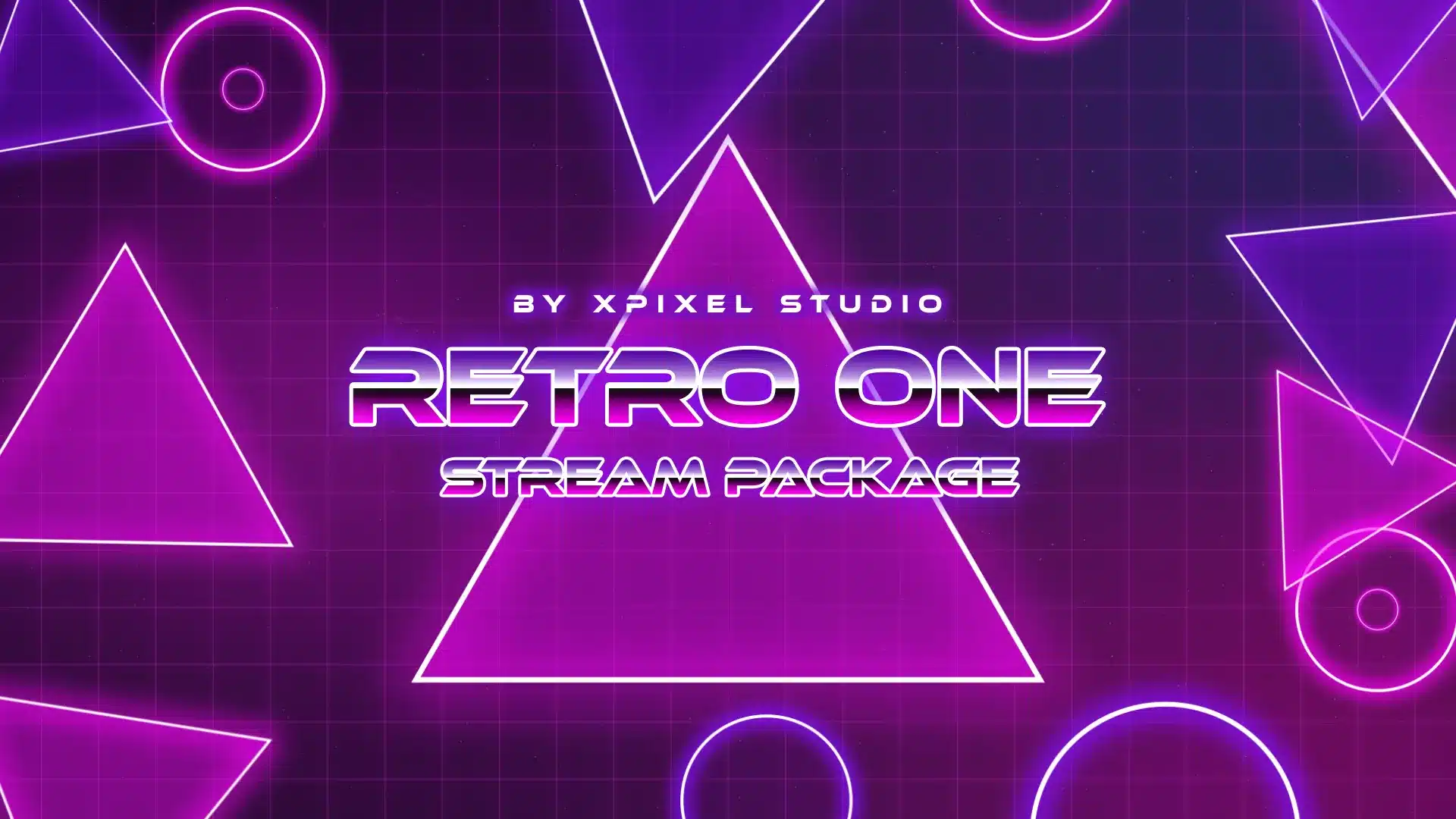
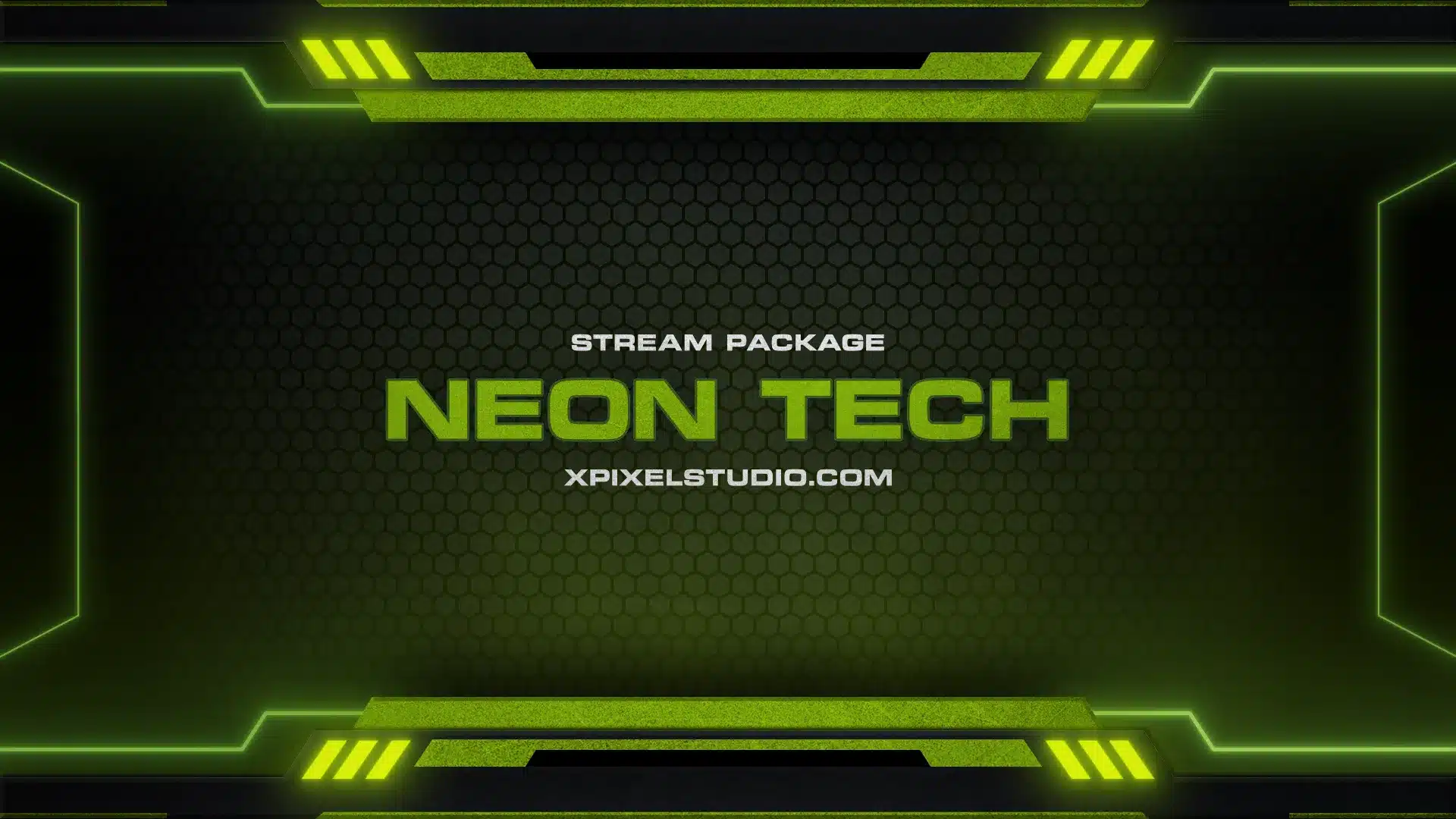

Stream Overlay Packages (Stream Packages)
Looking for a clean, professional stream setup that matches your brand? These stream overlay packages (also called stream packages) are ready-to-use graphics designed to upgrade your livestream on Twitch, YouTube, and Kick. Each package is built to keep your layout consistent across scenes, improve readability, and highlight key moments like follows, subs, and donations—without cluttering your gameplay.
Whether you stream games, Just Chatting, or variety content, a complete overlay set helps your channel look more polished, more recognizable, and easier to follow at a glance.
What’s Included in These Stream Packages
Most stream packages in this category include a full set of matching assets:
Stream Screens (Scenes)
- Starting Soon
- BRB
- Ending
- Offline
- Intermission
- Just Chatting
Core Overlay Elements
- Bar Overlay (clean info bar for your stream layout)
- Facecam / Webcam Overlay (camera frame that matches the theme)
- Stream Labels (latest follower/sub/donation, top supporter, etc.)
- Stinger Transition (smooth animated transition between scenes)
Channel Branding Assets
- Twitch Panels (about, rules, schedule, socials, and more)
- Social Media Banner (for consistent branding across platforms)
Stream Alerts / Twitch Alerts
Pop-up alerts designed for key events such as:
- followers
- subscribers
- donations / tips
- raids and more
If you only need specific elements instead of a full set, you can browse individual categories for overlays, transitions, and alerts:
What Are Stream Overlays?
Stream overlays are on-screen graphics that sit on top of your live video. They make your broadcast look cleaner and more professional, while also improving viewer interaction. Overlays typically include scene screens, webcam frames, alerts, labels, and info panels—everything needed to create a cohesive streaming identity.
How to Add Overlays to Your Stream
Most creators install overlays using streaming software such as OBS Studio, Streamlabs, or StreamElements. In general, you’ll:
- add overlay files as sources (images/media/browser sources)
- arrange the layer order (gameplay below, overlay above)
- duplicate layouts for each scene
- test quickly before going live
Tip: Start with your In-Game layout + facecam + alerts + stinger transition first, then expand to the full scene pack.
Choosing the Right Stream Package
If you want the best result, pick a package that matches:
- your branding (colors, fonts, theme)
- your content type (gaming vs Just Chatting)
- your preferred layout (minimal vs bold)
A clean overlay improves the viewing experience and makes your stream easier to recognize—especially when people find your clips on social media.
Frequently Asked Questions
A stream package is a complete set of matching stream overlay assets—usually including multiple scene screens, webcam overlay, bar overlay, alerts, labels, transitions, and channel branding (like Twitch panels and banners).
Yes. Stream overlays are commonly used in OBS Studio by adding them as sources and placing them above your gameplay/camera layers.
Yes. Streamlabs and StreamElements support overlay assets as well. Setup methods vary slightly, but the core idea is the same: add the files as sources and arrange them in the correct order.
Not necessarily, but having a complete set makes your channel look more professional. If you want a simple setup, start with Starting Soon + In-Game + Ending and add the rest later.
Stream labels display automatically updated info like latest follower, latest subscriber, latest donation, or top supporter. They add “live” interaction without manual updates during your stream.
A stinger transition is an animated scene-switch effect. It makes transitions (Starting Soon → In-Game, In-Game → BRB, etc.) feel smooth and broadcast-quality.
Static overlays are very lightweight. Animated elements (like stinger transitions) can use more resources, but most setups handle them well when used in moderation.
Yes. Overlays are platform-agnostic—you can use the same stream package for Twitch, YouTube, Kick, or any platform you stream on.