Design & Branding
How to Choose the Perfect Stream Package for Your Channel
Live streaming has become one of the most powerful ways to build a community, share your personality, and grow a brand across platforms like Twitch, YouTube, and Kick. Whether you are a gamer, podcaster, VTuber, artist, or Just Chatting creator, your stream visuals play a major role in how viewers perceive your channel.
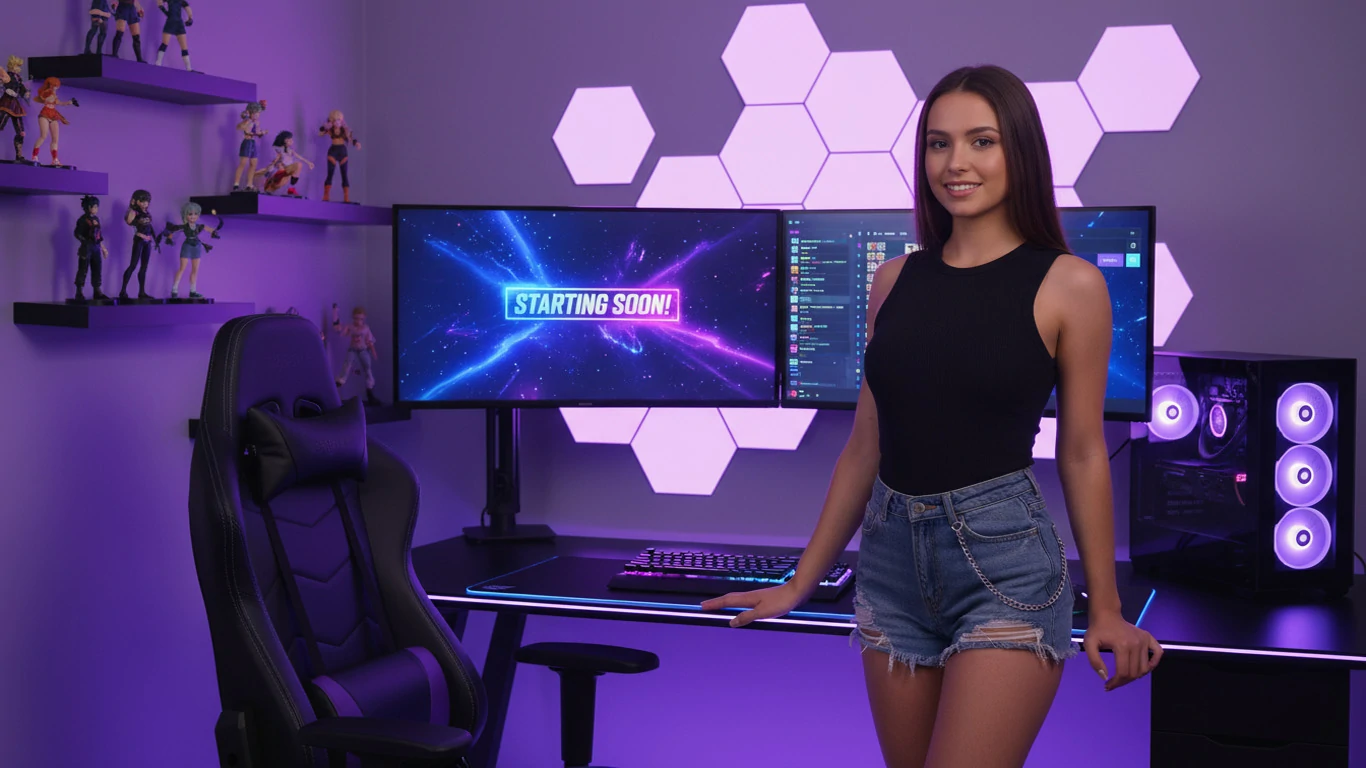
Content is still the most important part of streaming, but presentation matters too. A clean overlay, smooth alert animation, matching panels, and professional stream screens can instantly make your channel feel more trustworthy and memorable. That is why choosing the perfect stream package is one of the smartest upgrades you can make as a creator.
But with so many stream packages available, how do you know which one is right for your channel? Should you choose a bold animated design, a minimalist overlay, a cozy lofi theme, or an affordable stream package that still looks premium?
In this guide, we’ll break down what to look for in a stream package, how to match it with your channel identity, how to avoid low-quality designs, and how to choose a package that gives you the best value for your budget.
If you are completely new to overlays, alerts, panels, and stream screens, you may also want to read our full guide to stream packages for beginners before choosing your first design.
Why Your Stream Design Matters
Your stream design is often the first thing a new viewer notices. Before they fully understand your personality, content, or community, they see your layout. If your visuals look messy, outdated, or inconsistent, viewers may leave before giving your content a real chance.
A professional stream package helps solve that problem by giving your channel a polished and consistent look. Instead of using random graphics from different places, a complete package gives you matching overlays, alerts, transitions, panels, and stream screens that all follow the same visual style.
Good stream design helps with:
- First impressions: A polished layout makes your channel feel more professional.
- Brand identity: Consistent visuals help people remember your stream.
- Viewer trust: High-quality graphics show that you take your content seriously.
- Engagement: Alerts and animations make follows, subscriptions, donations, and community actions feel more exciting.
- Retention: A clean layout makes it easier for viewers to focus on your content.
In a crowded streaming space, strong visuals can help you stand out. You do not need the most expensive custom design to look professional, but you do need a stream package that feels intentional, readable, and aligned with your brand.
What Is Included in a Stream Package?
Before choosing the perfect stream package, it helps to understand what a complete package usually includes. Different providers may include different assets, but most professional stream packages contain several core elements.
Stream Overlays
Overlays are the visual frames and layout elements that appear on your live stream. These may include webcam frames, gameplay borders, chat boxes, supporter labels, goal bars, and social media sections.
A good overlay should make your stream look better without covering important content. For gaming streams, this means keeping the gameplay clear. For talk shows or podcasts, it means creating a clean layout that supports conversation.
Alerts
Alerts appear when someone follows, subscribes, donates, cheers, or interacts with your channel. They are one of the most important engagement tools in a stream package.
Premium alerts usually include matching animation, sound, typography, and colors. This makes viewer interactions feel more special and helps reinforce your branding.
Transitions
Transitions are animations that play when switching between scenes. For example, when you move from your Starting Soon screen to your live gameplay scene, a transition can make the change feel smooth and professional.
Stream Screens
Most stream packages include screens such as:
- Starting Soon
- Be Right Back
- Stream Ending
- Offline
- Intermission
These screens help you manage downtime while keeping your channel visually consistent.
Panels and Profile Graphics
Panels are used below your stream profile to organize information such as rules, social links, donation links, schedules, and setup details. Some packages may also include profile banners, logos, or social graphics.
When all of these elements match, your channel feels more complete and easier to recognize.
Step 1: Define Your Channel Identity
The best stream package is not always the flashiest one. It is the one that matches your channel identity.
Before buying or downloading a package, ask yourself:
- What type of content do I create?
- What mood do I want my stream to communicate?
- Is my channel energetic, cozy, competitive, funny, calm, dark, futuristic, or cute?
- What colors fit my brand?
- What type of audience am I trying to attract?
For example, a competitive FPS streamer may prefer a cyberpunk, neon, or tech-inspired stream package. A cozy Just Chatting streamer may prefer soft pastel overlays or lofi visuals. A podcast-style creator may need a clean layout with minimal distractions.
Your content format also matters. Gamers, podcasters, and Just Chatting creators often need different layouts, alert styles, and visual priorities. If you want a more specific breakdown, read our guide to stream packages for gamers, podcasters, and Just Chatting.
Your stream package should feel like an extension of your personality. If the design looks good but does not match your content, it may feel disconnected from your brand.
Step 2: Choose a Style That Fits Your Content
Once you understand your identity, choose a visual style that supports your content. Here are some common stream package styles and when they work best.
Cyberpunk and Futuristic
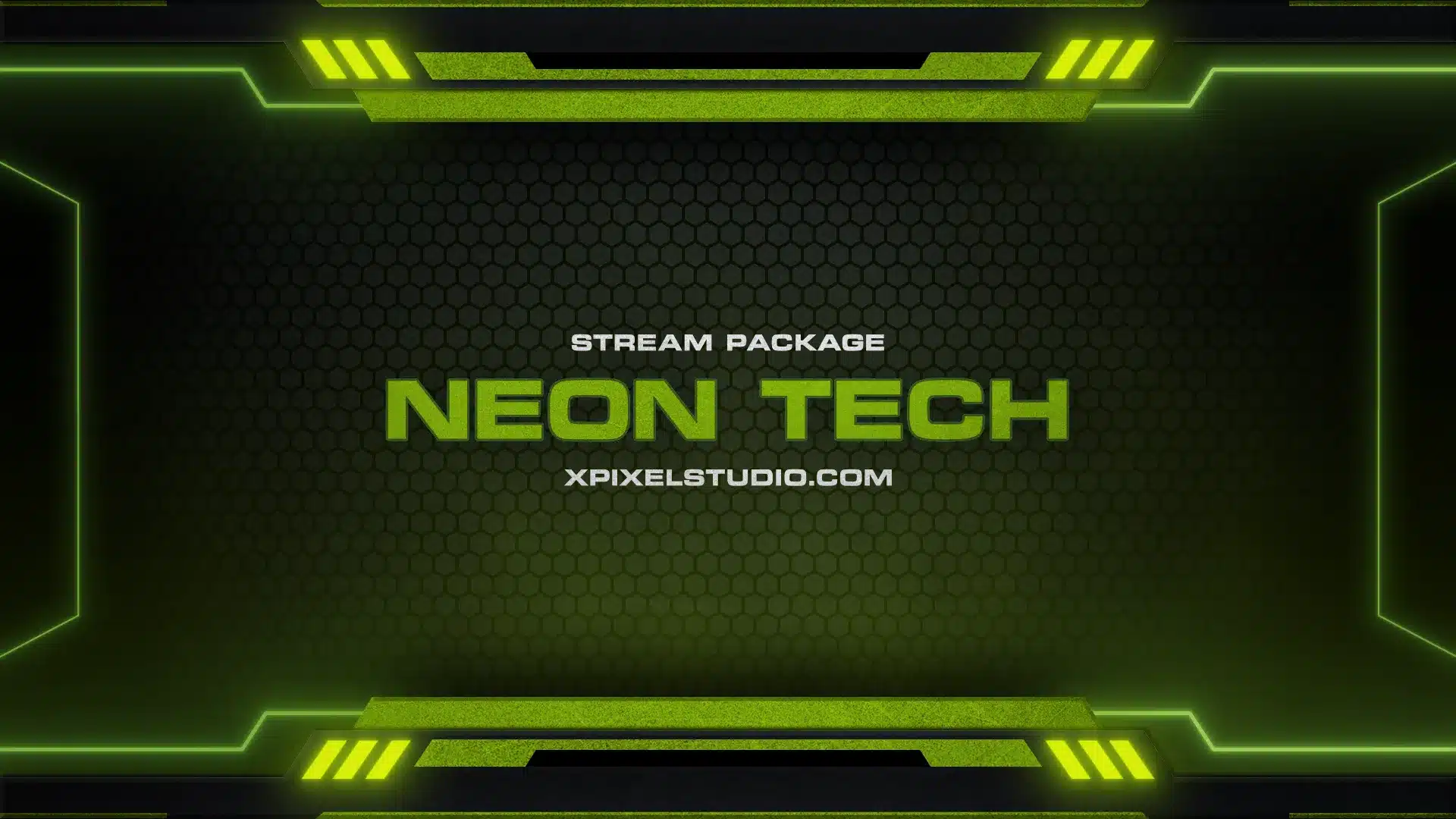
Cyberpunk stream packages often use neon colors, glitch effects, sharp lines, and high-energy animations. They are great for FPS games, tech channels, esports-style branding, and streamers who want a bold look.
Lofi and Cozy
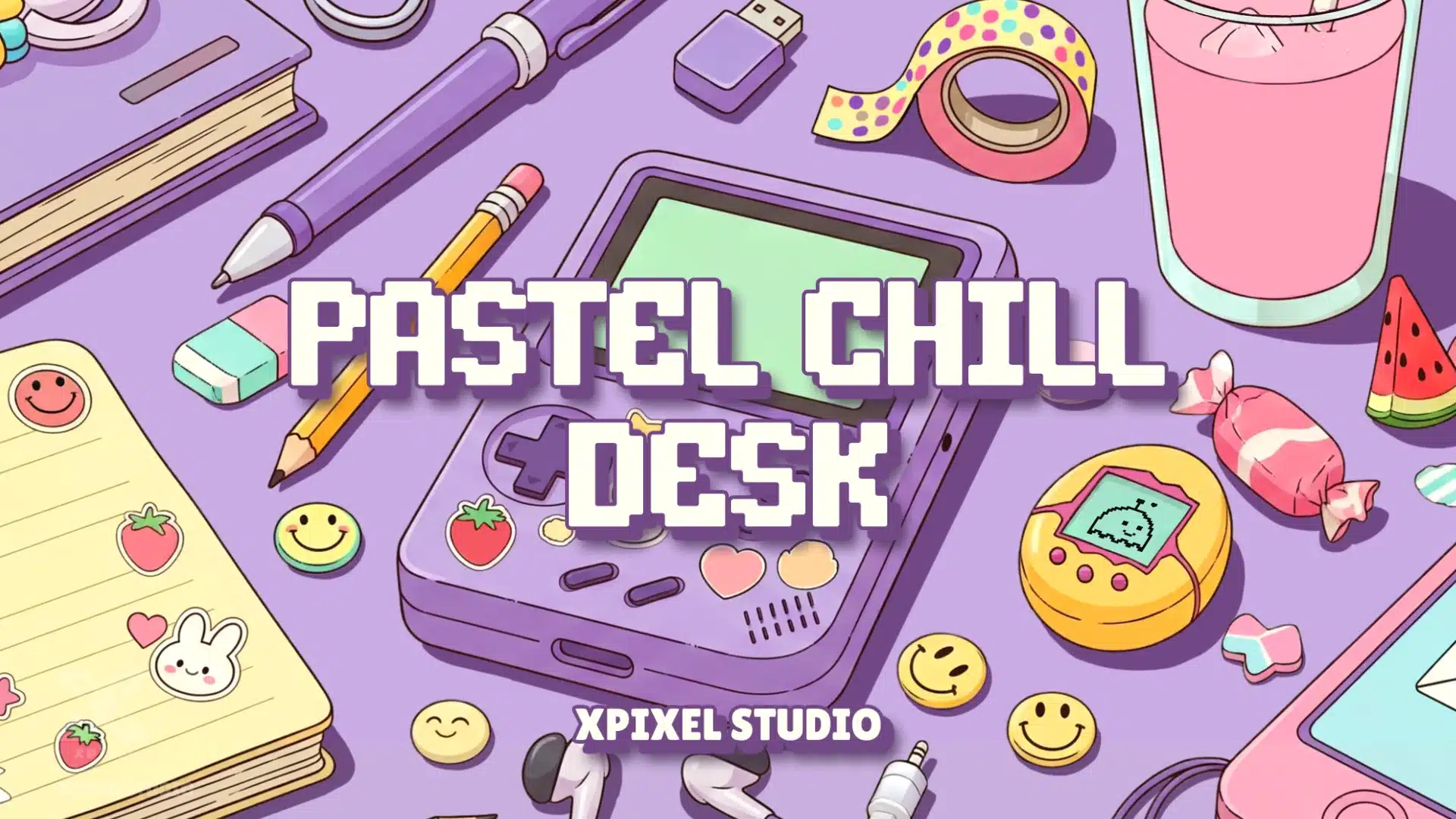
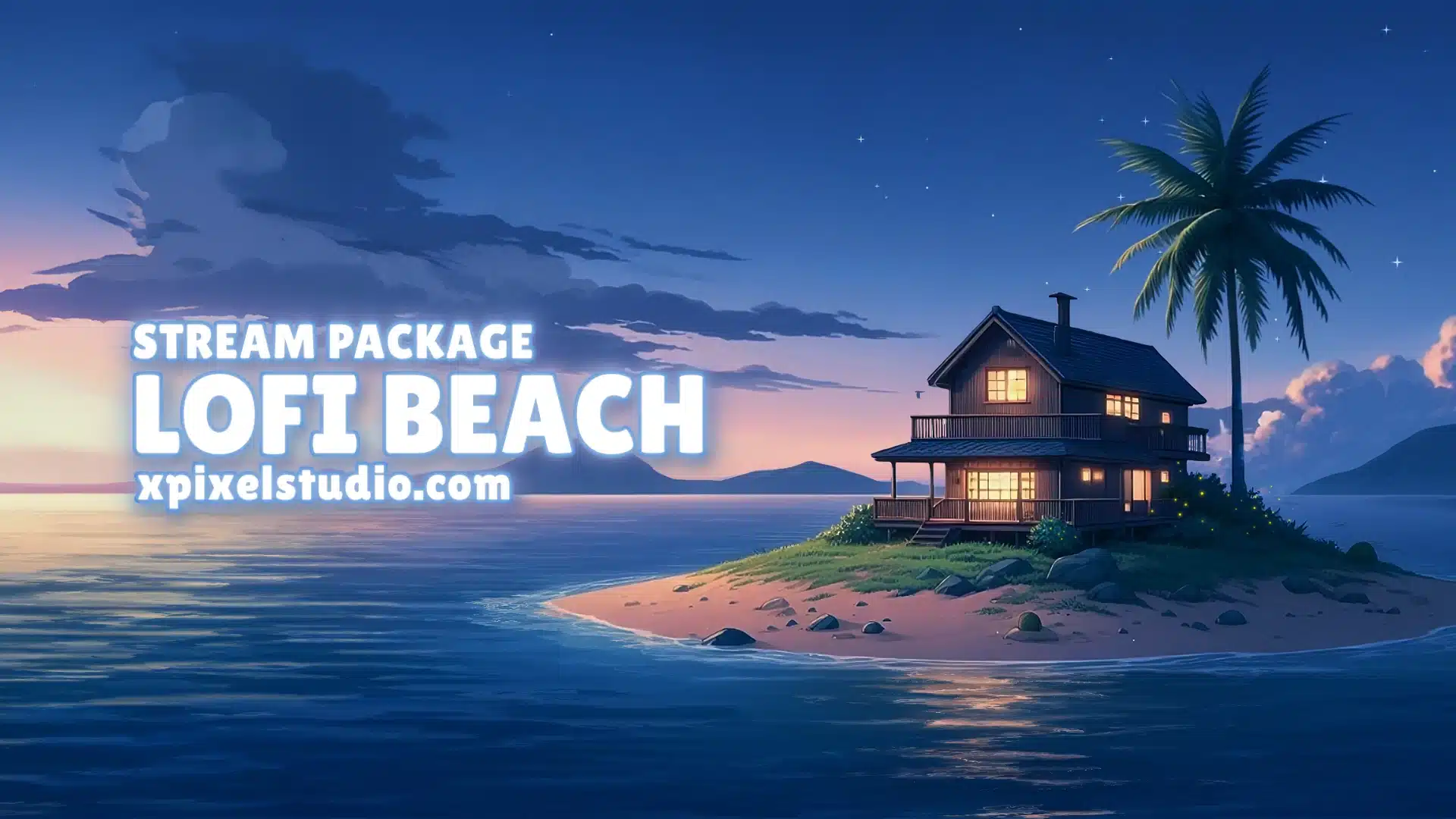
Lofi stream packages usually feel warm, relaxed, and atmospheric. They work well for Just Chatting, study streams, art streams, music streams, cozy gaming, and community-focused content. If your channel leans toward a soft, calm, and desk-inspired aesthetic, the Pastel Chill Desk stream pack is a good example of this style.
Minimalist and Clean
Minimalist packages are ideal for creators who want a modern and professional look without too much visual noise. This style works well for podcasts, educational streams, productivity streams, and creators who want the content to stay front and center.
Dark, Metal, and Intense
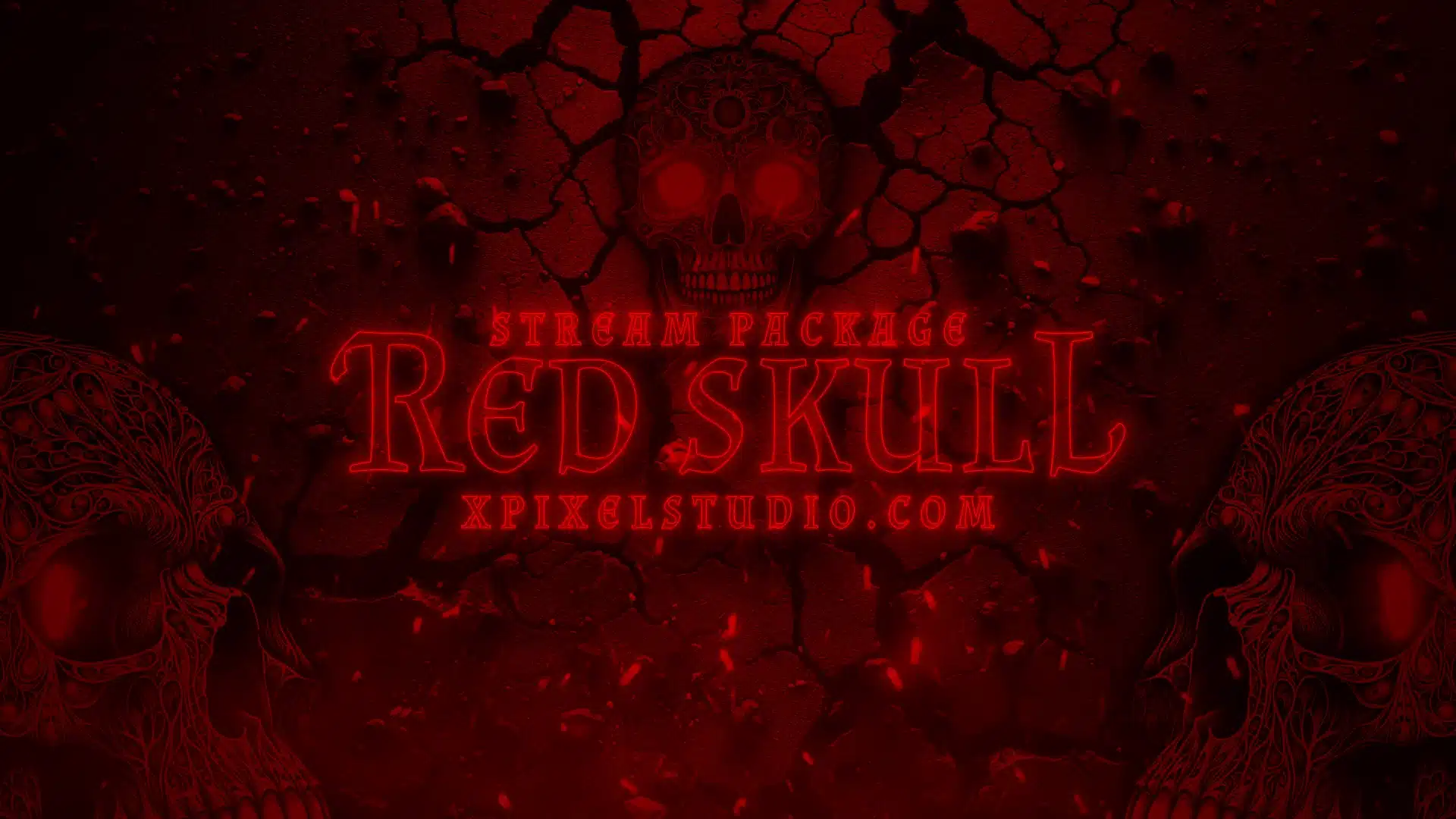
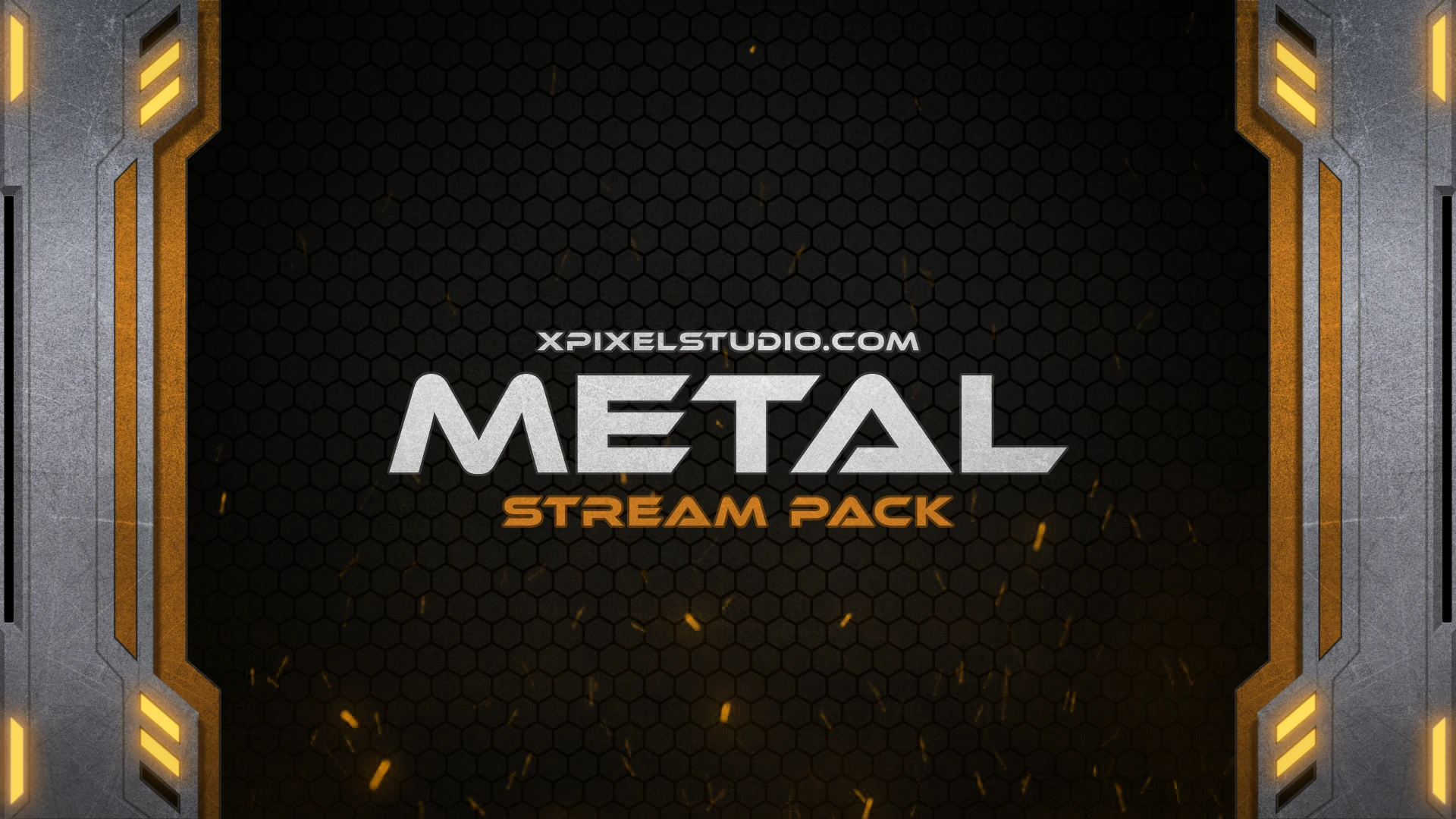
Darker themes are often popular with gaming creators, horror streamers, metal-inspired brands, and competitive players. These packages can create a strong mood and make the stream feel more powerful. For creators who want a more aggressive visual identity, a dark stream package for bold streamers can be a strong fit.
Colorful and Playful
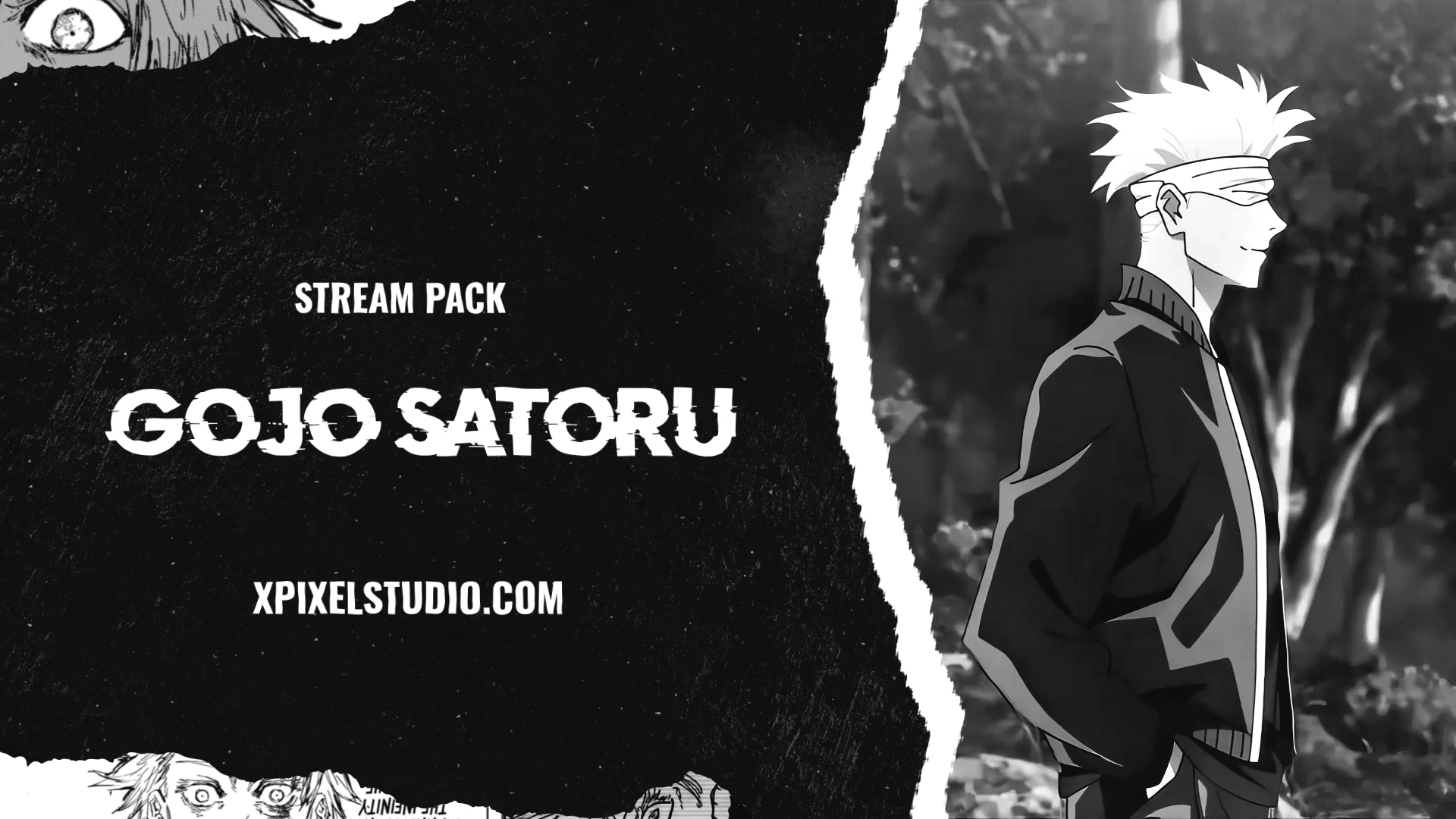
Bright and playful packages work well for variety streamers, anime-inspired channels, creative streams, and communities built around fun and personality.
The key is not just choosing what looks cool. Choose the style that supports the viewer experience you want to create.
Step 3: Check Platform and Software Compatibility
A stream package should work smoothly with your streaming setup. Before choosing one, make sure it is compatible with the platforms and software you use.
Look for compatibility with:
- OBS Studio
- Streamlabs Desktop
- Twitch
- YouTube
- Kick
- Common screen resolutions such as 1920×1080
If a package is difficult to install or not optimized for your software, it can waste your time and cause technical issues. A good stream package should be easy to set up, organized clearly, and ready to use with your scenes.
This is especially important for beginners. A professional-looking design is helpful, but it should also be practical.
Step 4: Prioritize Readability and Layout Clarity
One of the biggest mistakes streamers make is choosing a package that looks impressive in previews but becomes distracting during a real stream.
A perfect stream package should make your content easier to watch, not harder.
Check these details before choosing:
- Is the text easy to read?
- Does the webcam frame block important gameplay?
- Are alerts visible without being too large?
- Do the colors have enough contrast?
- Is the layout clean on both desktop and mobile viewing?
- Are there too many moving elements?
For gaming, overlays should not cover the minimap, health bar, ammo count, or important UI elements. For Just Chatting, the design should support your camera and chat without making the screen feel crowded. For podcasts, the layout should feel organized and professional.
Premium design is not just about decoration. It is about balance.
Step 5: Evaluate Quality and Premium Details
A stream package can look premium even if it is affordable. The difference comes down to design quality, consistency, and optimization.
When evaluating a package, look for these premium details:
High-Resolution Graphics
Avoid blurry, pixelated, or stretched graphics. A good package should look crisp in full HD and maintain quality across different scenes.
Consistent Visual Style
All elements should feel like they belong together. Your overlays, alerts, panels, transitions, and screens should use the same design language.
Smooth Animations
If the package includes animated elements, the movement should feel polished and not too distracting. Smooth animations make the stream feel more professional.
Optimized Files
Heavy graphics can affect stream performance. Good stream packages are optimized so they look clean without slowing down OBS or Streamlabs.
Customizable Elements
A premium-looking package should give you some flexibility. Being able to adjust text, colors, or layout details helps your stream feel more personal.
Affordable does not have to mean cheap. A well-made pre-designed stream package can look professional because the design work is created once and made accessible to many creators.
Step 6: Think About Audience Engagement
A stream package is not only for aesthetics. It can directly affect how your audience interacts with your channel.
Alerts, for example, make viewers feel recognized when they follow, subscribe, or donate. If the alert looks exciting and matches your theme, it can encourage more interaction.
Good stream packages can improve engagement by:
- Making viewer actions more visible
- Creating a stronger sense of community
- Helping important information stand out
- Making clips and highlights look more shareable
- Encouraging viewers to stay longer
However, engagement elements should not overwhelm the stream. Alerts should be noticeable but not annoying. Chat boxes should be readable but not distracting. Follower goals should support the content without taking over the screen.
The best design makes viewers feel included while keeping the focus on your stream.
Step 7: Balance Budget and Value
Budget is one of the biggest factors when choosing a stream package. Many new streamers assume they need to spend a lot of money to look professional, but that is not always true.
Free overlays can be useful when you are just experimenting, but they often come with limitations. They may be overused, outdated, inconsistent, or difficult to customize. On the other hand, custom stream packages can be expensive and may not be necessary for every creator.
This is where affordable stream packages become a strong option.
An affordable stream package gives you professional-looking graphics without the cost of a fully custom design. Instead of paying for a designer to create everything from scratch, you get a polished package that is already built, tested, and ready to use.
When comparing price and value, ask:
- Does the package include all the scenes I need?
- Are overlays, alerts, panels, and transitions included?
- Does it work with my streaming software?
- Is the design high quality?
- Can I customize parts of it?
- Will it still fit my brand months from now?
A cheap package is not always a good deal if you need to replace it quickly. A slightly higher-quality package can save time, improve branding, and help your channel look professional from the start.
If you are comparing whether a premium package is worth the price, you can also read our Xpixel Studio review to see how premium stream packages can support branding, presentation, and long-term channel value.
Free vs Affordable Premium vs Custom Stream Packages
To make the decision easier, here is a simple comparison between free, affordable premium, and custom stream packages.
| Type | Best For | Pros | Cons |
|---|---|---|---|
| Free Stream Packages | Testing or very new streamers | No cost, easy to try | Often generic, overused, and limited |
| Affordable Premium Stream Packages | Beginner to growing streamers | Professional look, consistent design, better value | May not be fully custom |
| Custom Stream Packages | Established creators or brands | Unique design made specifically for your channel | Higher cost and longer production time |
For many beginner and growing streamers, an affordable premium stream package offers the best balance. It gives you a professional look without the high cost or long wait time of custom work.
Step 8: Avoid Common Mistakes When Choosing Affordable Stream Packages
Affordable stream packages can be a great investment, but only if you choose carefully. Here are common mistakes to avoid.
Choosing Overused Free Templates
Free templates are often used by thousands of streamers. If your goal is to build a recognizable brand, using the same generic assets as everyone else can make your channel harder to remember.
Ignoring Performance
Some designs look great in previews but use files that are too heavy. This can cause lag, dropped frames, or slow scene transitions. Always choose packages optimized for streaming software.
Mixing Too Many Styles
Using a cyberpunk webcam frame, a cute pastel alert, and a dark metal starting screen can make your stream look messy. Consistency is one of the biggest signs of professional branding.
Prioritizing Looks Over Function
A beautiful overlay is not useful if it covers your content or makes text hard to read. Always prioritize clarity, usability, and viewer experience.
Forgetting Long-Term Branding
Choose a design you can grow with. If your channel evolves, your stream package should still feel relevant or customizable enough to adapt.
Step 9: Match Your Stream Package With Long-Term Goals
The perfect stream package should not only fit your channel today. It should also support where your channel is heading.
If you plan to grow across multiple platforms, choose a package that works beyond one streaming site. If you want to create YouTube clips, TikTok highlights, or branded social media posts, choose visuals that look good outside the live stream too.
A strong stream package can help you:
- Build a consistent brand across platforms
- Look more professional to sponsors
- Create better-looking clips and highlights
- Make your channel feel more established
- Save time when expanding your content
Thinking long-term helps you avoid buying a design that you outgrow too quickly.
Quick Checklist Before Choosing a Stream Package
Before choosing your final design, use this checklist to make sure the package is the right fit for your channel.
- Does it match your channel identity?
- Does it include overlays, alerts, panels, transitions, and stream screens?
- Is it compatible with OBS Studio or Streamlabs?
- Does it look clean on Twitch, YouTube, and Kick?
- Are the files optimized for smooth performance?
- Can you customize colors, text, or layout details?
- Does the design still fit your long-term branding goals?
If a package checks most of these boxes, it is much more likely to be a good long-term choice for your stream.
Why Xpixel Studio Is a Good Choice for Stream Packages
Xpixel Studio creates stream designs for creators who want professional visuals without overcomplicating the setup process. The goal is to help streamers build a polished identity with overlays, alerts, transitions, screens, emotes, badges, and complete stream packages.
For creators looking for a balance between affordability and premium quality, Xpixel Studio offers designs that are:
- Professional and polished
- Optimized for streaming platforms
- Easy to use with OBS and Streamlabs
- Available in different themes and styles
- Suitable for Twitch, YouTube, and Kick creators
- Designed to help channels look more consistent
Instead of relying on mismatched free graphics, a complete package gives your channel a stronger visual foundation from day one.
If you want a ready-to-use design that balances premium quality and affordability, explore our stream packages collection and find a style that fits your channel.
Tips to Get the Most Out of Your Stream Package
After choosing your stream package, use it consistently. Even the best design will not help much if it is only applied to one scene while the rest of your channel looks unfinished.
Use the Same Style Everywhere
Apply the same visual identity across your live scenes, panels, offline screen, social banners, and video thumbnails when possible.
Customize Small Details
Even simple changes like adjusting text, sounds, colors, or labels can make the package feel more personal to your brand.
Test Before Going Live
Check every overlay, alert, and transition before your stream starts. Make sure nothing blocks important content and that all animations work properly.
Refresh When Needed
You do not need to change your entire brand often, but small seasonal updates or occasional improvements can keep your stream feeling fresh.
Link Your Design to Your Brand Message
Your visuals should support what your channel is about. A cozy design should feel welcoming. A competitive design should feel sharp and energetic. A professional podcast layout should feel clean and trustworthy.
Conclusion: Choosing the Perfect Stream Package
Choosing the perfect stream package is about more than picking graphics that look cool. It is about finding a design that matches your channel identity, supports your content, fits your platform, and gives your audience a better viewing experience.
A great stream package should be clear, consistent, professional, and easy to use. It should include the core elements your channel needs, such as overlays, alerts, transitions, panels, and stream screens. It should also match your budget without sacrificing quality.
Affordable stream packages can still look premium when they are designed well. The key is to avoid generic, low-quality templates and choose a package that gives you strong branding, clean layout, smooth performance, and long-term value.
Whether you are just starting your first channel or upgrading your current stream, the right package can help you look more professional, build trust faster, and create a memorable brand across Twitch, YouTube, and Kick.
Your content deserves visuals that match your effort. Choose a stream package that represents your style, supports your goals, and helps your channel stand out from the moment viewers arrive.
FAQ About Choosing a Stream Package
What is the best stream package for beginners?
The best stream package for beginners is one that includes essential overlays, alerts, transitions, panels, and stream screens while staying easy to install in OBS or Streamlabs. It should look professional without making your setup process complicated.
Are affordable stream packages worth it?
Yes. Affordable stream packages can be worth it when they include high-quality graphics, consistent branding, optimized files, and enough customization options for your channel. They are often a strong middle ground between free templates and expensive custom designs.
Do I need a custom stream package?
Not always. Custom stream packages are useful for established creators with very specific branding needs, but many beginner and growing streamers can get a professional look from a premium pre-made package.
What should I avoid when choosing a stream package?
Avoid overused free templates, cluttered overlays, heavy files, inconsistent styles, and packages that are not compatible with your streaming software. A good stream package should support your content, not distract from it.
Can one stream package work for Twitch, YouTube, and Kick?
Yes, many stream packages can work across Twitch, YouTube, and Kick as long as the files are properly sized and compatible with your streaming software. Always check the package details before using it across multiple platforms.
Our Products