Design & Branding
Top 10 Stream Overlay Ideas to Boost Viewer Engagement
Viewer engagement is one of the biggest challenges for streamers. A good personality, consistent schedule, and strong content are still the most important parts of growth, but your stream visuals also play a major role in how viewers experience your channel.
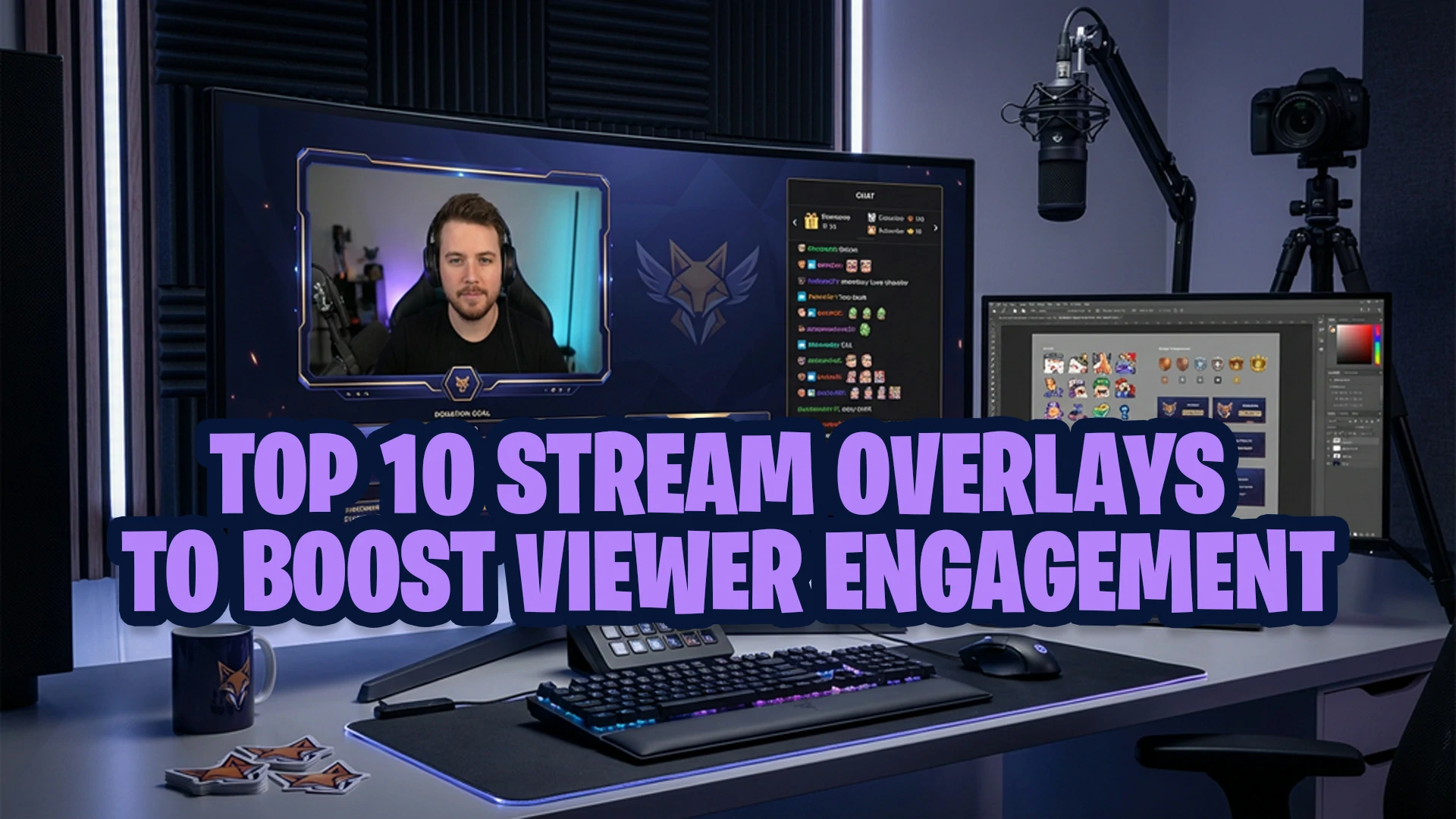
That is where stream overlay ideas become useful. The right overlay can make your stream easier to watch, highlight important moments, encourage chat interaction, and make follows, subscriptions, donations, or community events feel more exciting.
However, not every overlay improves engagement. Some overlays look impressive in a preview but become distracting during a real stream. Too many moving elements, unreadable text, or cluttered widgets can make viewers focus less on your content.
This guide covers 10 practical stream overlay ideas to boost viewer engagement without making your Twitch, YouTube, or Kick stream feel messy. If you also want broader engagement strategies beyond visuals, read these tips to boost viewer engagement as a streamer.
Why Stream Overlays Matter for Viewer Engagement
Stream overlays are more than decorative graphics. They help shape the way viewers understand and interact with your stream.
A strong overlay can help with:
- First impressions: A clean layout makes your channel feel more professional.
- Viewer recognition: Alerts and event widgets make community actions easier to notice.
- Brand consistency: Matching overlays, alerts, screens, and panels make your stream more memorable.
- Content clarity: A good layout keeps the focus on your gameplay, camera, or main content.
- Community momentum: Goal bars, chat prompts, and event lists can encourage viewers to participate.
The goal is not to fill every corner of the screen. The goal is to guide attention. A good overlay should support your content, not compete with it.
Good overlays work best when they support your content strategy, community habits, and platform behavior. For more general creator education, Twitch also provides helpful resources through Twitch Creator Camp.
What Makes a Stream Overlay Engaging?
An engaging overlay is not always the most animated or colorful one. The best overlays are usually clear, intentional, and connected to the way your audience interacts with your stream.
Before adding any overlay element, ask yourself:
- Does this help viewers understand what is happening?
- Does this encourage interaction?
- Does this make viewer actions feel recognized?
- Does this match my channel identity?
- Does this keep the stream easy to watch on desktop and mobile?
If an overlay element does not support the viewer experience, it may not belong on the screen. Simple and readable overlays often perform better than crowded designs.
Top 10 Stream Overlay Ideas to Boost Viewer Engagement
1. Chat-Friendly Overlay Layout
A chat-friendly overlay makes it easier for viewers to feel involved in the stream. This can be especially useful for Just Chatting, community nights, Q&A sessions, art streams, and slower-paced games where conversation is part of the experience.
A good chat-friendly layout may include:
- A clean chat box area
- Readable text with strong contrast
- A balanced webcam position
- Enough empty space so the screen does not feel crowded
This overlay idea helps engagement because viewers can see that chat matters. When chat is visible and easy to follow, people may feel more encouraged to join the conversation.
2. Animated Stream Alerts
Animated alerts are one of the most direct ways overlays can support engagement. When someone follows, subscribes, donates, becomes a member, sends a raid, or gives support, an alert makes that action visible to the whole stream.
Good alerts can make viewers feel recognized. They can also encourage other viewers to participate because they see community actions being celebrated live.
Useful alert types include:
- Follower alerts
- Subscriber or member alerts
- Donation alerts
- Raid alerts
- Gifted subscription alerts
- Milestone alerts
The key is balance. Alerts should be noticeable but not overwhelming. If you want a deeper breakdown of styles and use cases, explore these animated stream alerts and choose a style that fits your channel personality.
3. Goal Bar Overlay
A goal bar overlay gives viewers a clear reason to participate. It can show progress toward a follower goal, subscriber goal, donation goal, charity target, or community milestone.
Goal bars work because they create visible progress. When viewers can see the community getting closer to a target, they may feel more motivated to help.
Common goal bar examples include:
- Follower goal
- Subscriber goal
- Donation goal
- Charity goal
- Community challenge goal
Keep the goal realistic and relevant. A goal bar should feel like a community moment, not pressure. Place it where viewers can notice it without covering important content.
4. Event List Overlay
An event list overlay shows recent activity on your stream. This can include recent followers, subscribers, donations, raids, or top supporters.
This is useful because it creates social proof. New viewers can quickly see that people are interacting with your channel. Returning viewers can also feel recognized when their names appear on screen.
A clean event list can help with:
- Recognizing supporters
- Showing stream momentum
- Making the channel feel active
- Encouraging more participation
Avoid making the event list too large. It should support the stream, not dominate it.
5. Minimal Webcam Frame
A webcam frame is one of the most common overlay elements, but it does not need to be large or complex. In many cases, a minimal webcam frame works better because it keeps the streamer visible while leaving more room for content.
This is especially important for gaming streams, tutorials, and screen-sharing content. If the webcam frame is too large or too decorative, it can block gameplay UI, captions, or important visual information.
A strong webcam frame should:
- Match your stream branding
- Keep your camera feed clear
- Avoid covering important content
- Work well with different scenes
- Look clean on both desktop and mobile
Minimal does not mean boring. A simple frame with the right color, shape, and spacing can make your stream look more polished without distracting viewers.
6. BRB Screen With a Social Prompt
A Be Right Back screen is often treated as filler, but it can be a useful engagement tool. Instead of showing only a static “BRB” message, you can add prompts that encourage viewers to stay connected.
A BRB screen can include:
- Your social media handle
- Discord invite reminder
- Next stream schedule
- Short community message
- Simple animated background
This helps reduce drop-off when you step away. It also gives viewers something useful to do while waiting for you to return.
Keep the message simple. A BRB screen should be calm, readable, and consistent with the rest of your stream design.
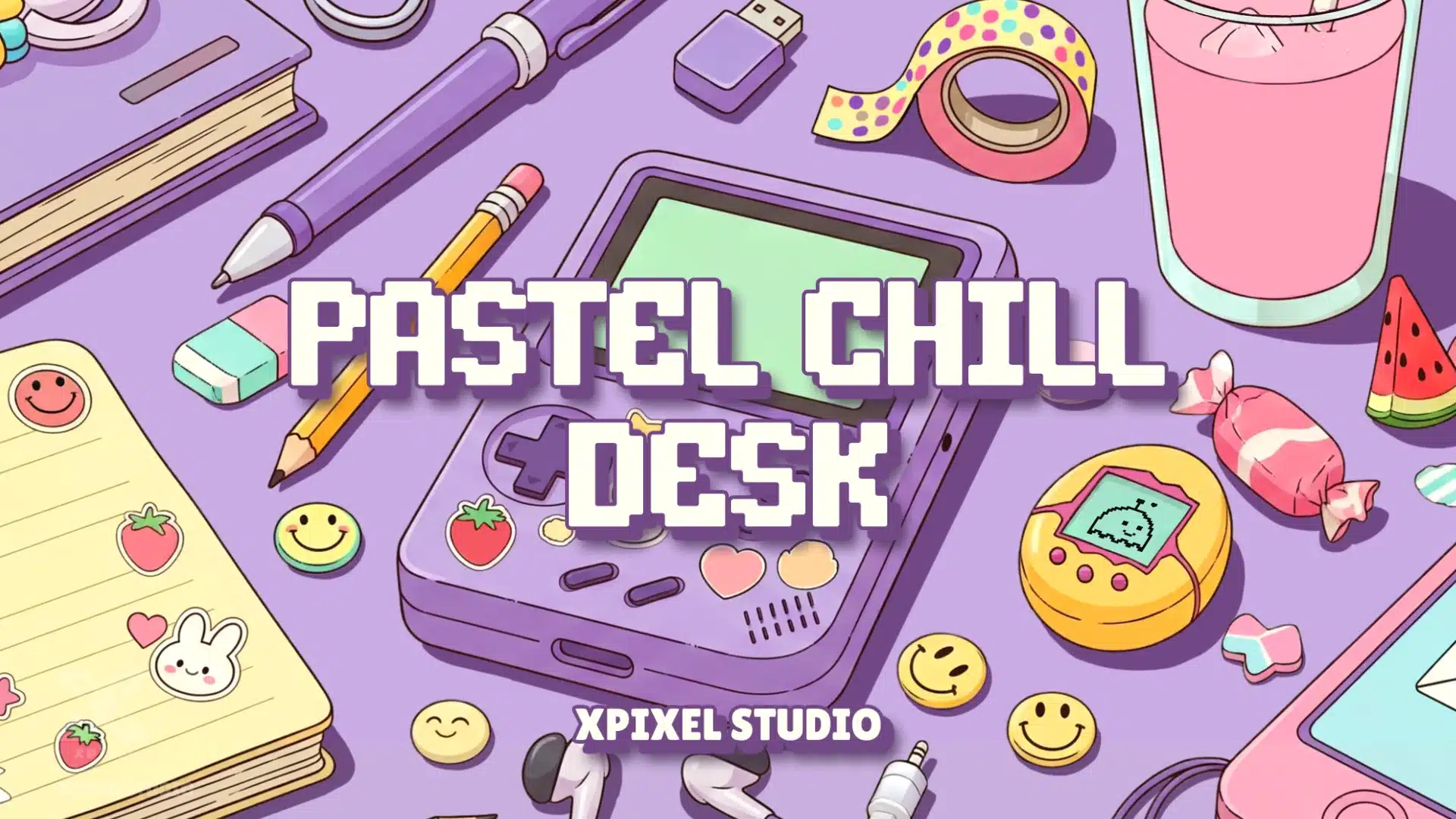
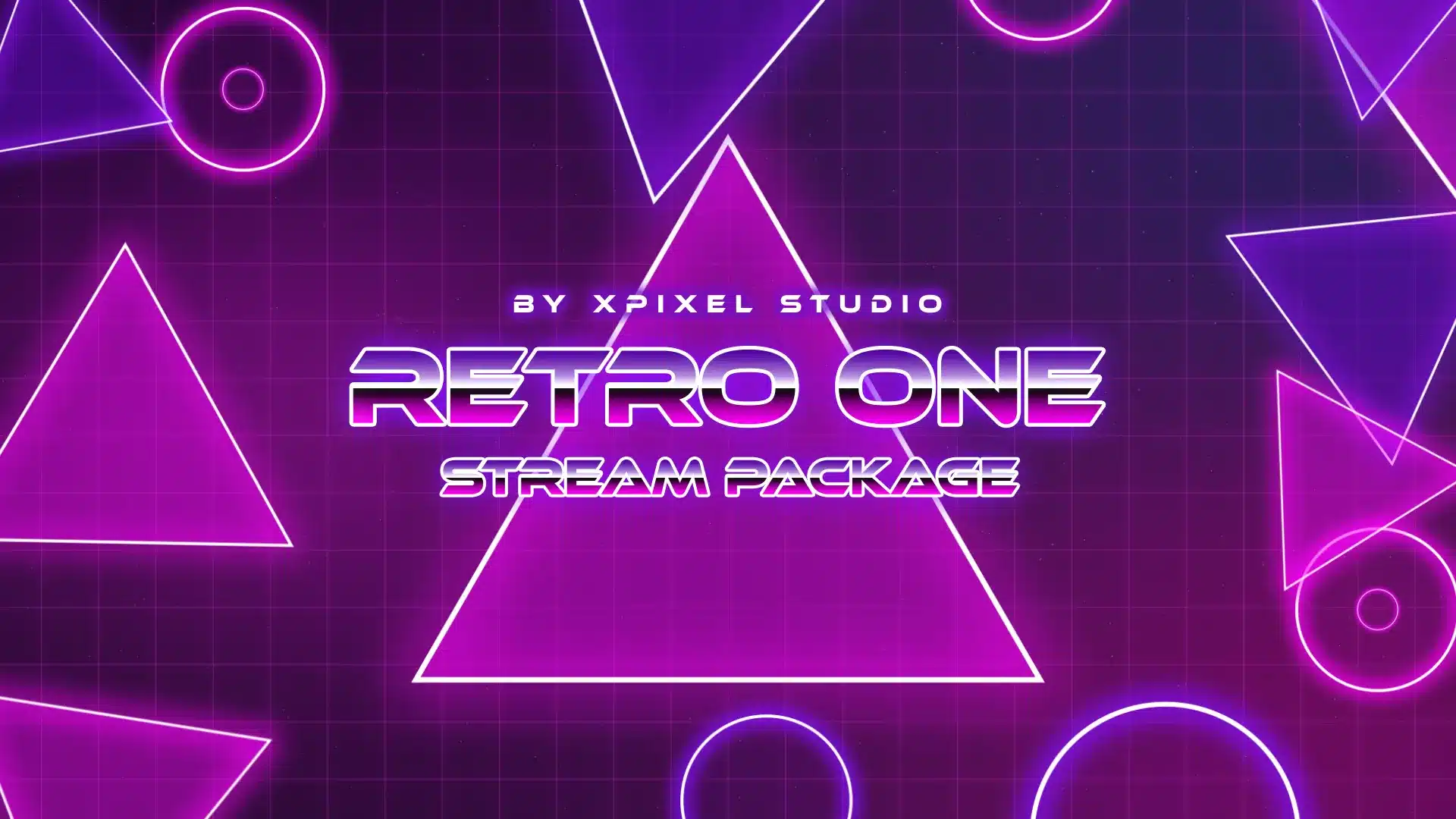
7. Lofi or Retro Overlay for Chill Streams
Not every stream needs a high-energy design. If your content is relaxed, cozy, creative, nostalgic, or community-focused, a lofi or retro overlay can help create a warmer atmosphere.
This style works well for:
- Just Chatting streams
- Art streams
- Music streams
- Study streams
- Cozy gaming streams
- Retro gaming streams
Lofi and retro visuals can support engagement by making viewers feel comfortable staying longer. Soft colors, nostalgic shapes, calm motion, and readable layouts can make a stream feel more welcoming.
If your goal is to create a relaxed and memorable stream environment, lofi and retro stream overlays can help make your channel feel warmer, calmer, and easier for viewers to return to.
8. Poll, Question, or Community Prompt Overlay
One of the best ways to increase engagement is to give viewers something to respond to. A poll, question, or community prompt overlay can guide chat participation without forcing it.
Examples include:
- “What should we play next?”
- “Rate this moment 1–10”
- “Choose the next challenge”
- “Question of the day”
- “Vote for the next scene or game mode”
This type of overlay works because it turns passive viewers into active participants. It also gives new viewers an easy way to join the conversation without needing to think of something from scratch.
For best results, keep the prompt short and readable. Update it regularly so it does not feel stale.
9. Animated vs Static Overlay Balance
Motion can make a stream feel more dynamic, but too much movement can become distracting. This is why the balance between animated and static overlays matters.
Animated overlays work well for:
- Alerts
- Scene transitions
- Starting Soon screens
- BRB screens
- Special events
Static overlays often work better for:
- Main gameplay layouts
- Webcam frames
- Text labels
- Long-form podcast layouts
- Clean YouTube replay-friendly streams
The best setup often combines both. Use animation where it adds energy, and use static elements where clarity matters. Before adding motion to every part of your layout, it helps to understand animated vs static overlays so your visuals feel dynamic without becoming distracting.
10. Follow, Subscribe, or Discord CTA Overlay
A CTA overlay gives viewers a simple reminder to take action. This can be helpful because viewers may enjoy the stream but forget to follow, subscribe, join the Discord, or check your schedule.
Good CTA overlays can include:
- Follow reminder
- Subscribe or membership reminder
- Discord community prompt
- Social media handle
- Next stream schedule
- Newsletter or community link
The CTA should be subtle and well-timed. Avoid placing a large “follow now” message on screen constantly. Instead, use it during Starting Soon, BRB, Intermission, Ending, or specific moments when it feels natural.
A good CTA overlay helps engagement because it turns attention into action without interrupting the viewer experience.
How to Choose the Right Overlay Idea for Your Channel
Not every stream needs all 10 overlay ideas. The best setup depends on your content type, platform, and audience behavior.
Use this simple guide:
| Content Type | Best Overlay Ideas | Main Goal |
|---|---|---|
| Gaming Streams | Minimal webcam frame, animated alerts, event list, goal bar | Keep gameplay clear while highlighting viewer actions |
| Just Chatting | Chat-friendly layout, community prompt, CTA overlay | Encourage conversation and participation |
| Cozy or Lofi Streams | Lofi/retro overlay, BRB screen, soft alert design | Create a relaxed environment viewers want to stay in |
| Podcast or Talk Show | Static layout, lower-third labels, clean webcam frames | Improve clarity and structure |
| Events or Charity Streams | Goal bar, event list, animated alerts, community prompts | Show progress and build momentum |
The most important rule is simple: choose overlays that support the stream experience. A gaming streamer may need less decoration and more gameplay visibility. A community streamer may need more chat-friendly elements. A podcast-style creator may need a cleaner structure with fewer animations.
Common Overlay Mistakes That Hurt Engagement
Stream overlays can improve engagement, but they can also hurt it when used poorly. Here are the most common mistakes to avoid.
Using Too Many On-Screen Elements
Too many widgets, labels, frames, and animations can make the stream hard to watch. Viewers should not have to fight through the layout to understand what is happening.
Making Alerts Too Large or Too Frequent
Alerts should feel rewarding, but they should not interrupt the stream every few seconds. If alerts become annoying, they can reduce viewer comfort.
Ignoring Mobile Viewers
Many viewers watch streams on smaller screens. If your text, labels, or widgets are too small, the overlay may not work well for a large part of your audience.
Mixing Too Many Visual Styles
A cyberpunk webcam frame, pastel alert, retro BRB screen, and minimal panel design can make your stream feel disconnected. Choose one visual direction and keep it consistent.
Prioritizing Decoration Over Function
A beautiful overlay is not useful if it blocks gameplay, hides your camera, covers captions, or makes chat unreadable. Function should always come before decoration.
Quick Checklist Before Using Engagement Overlays
Before adding or changing stream overlays, use this checklist:
- Does the overlay make the stream easier to watch?
- Does it encourage viewers to interact?
- Is the text readable on desktop and mobile?
- Does it match your channel branding?
- Does it avoid covering important content?
- Are animations used only where they add value?
- Does the layout still feel clean during busy stream moments?
- Can viewers quickly understand what action they should take?
If an overlay idea passes most of these checks, it is more likely to support engagement instead of distracting from your content.
Why Complete Stream Branding Matters
A single overlay can help your stream look better, but a complete visual system creates a stronger long-term impression.
Your stream branding may include:
- Overlays
- Webcam frames
- Alerts
- Transitions
- Starting Soon screens
- BRB screens
- Offline screens
- Panels
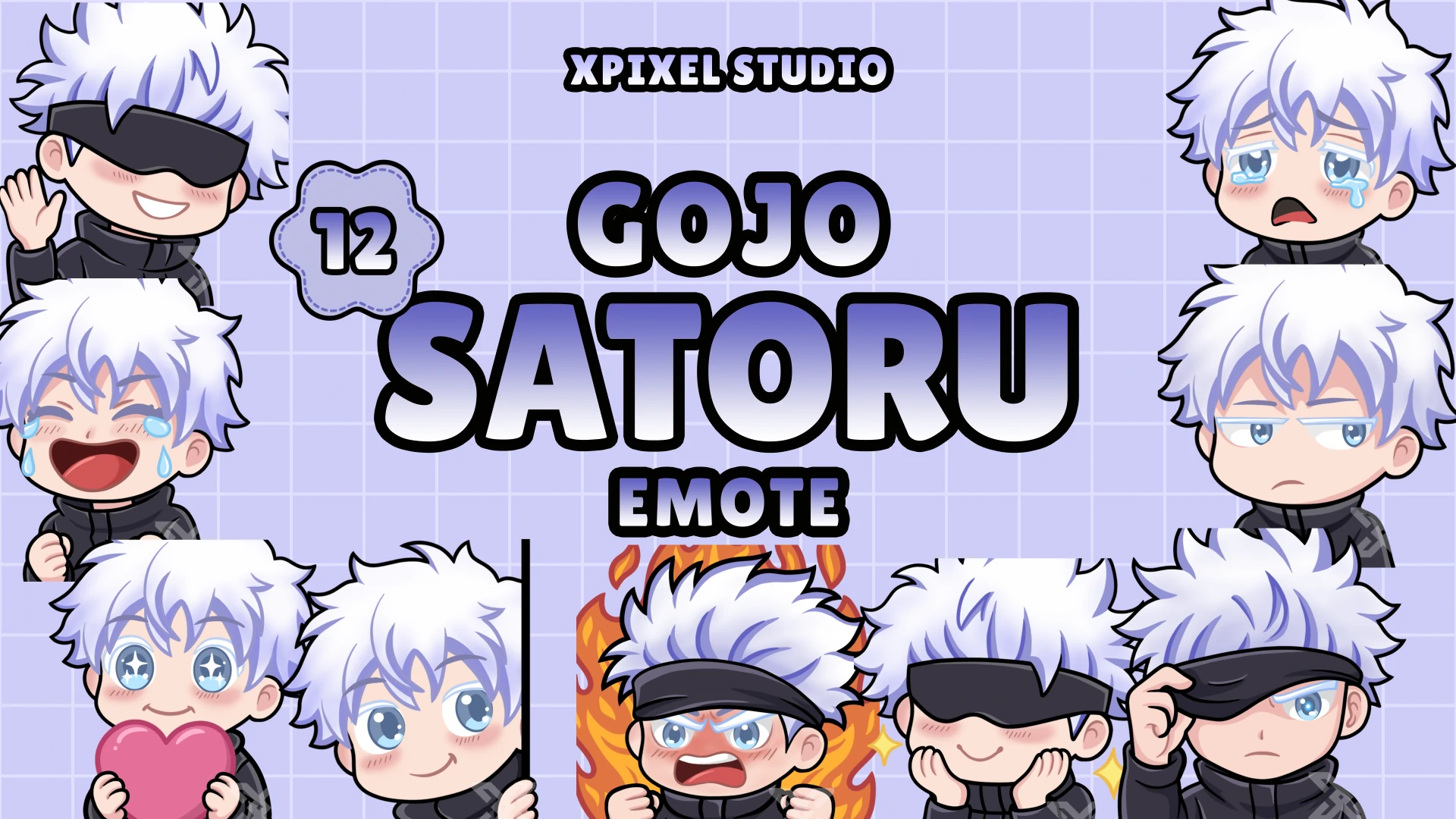
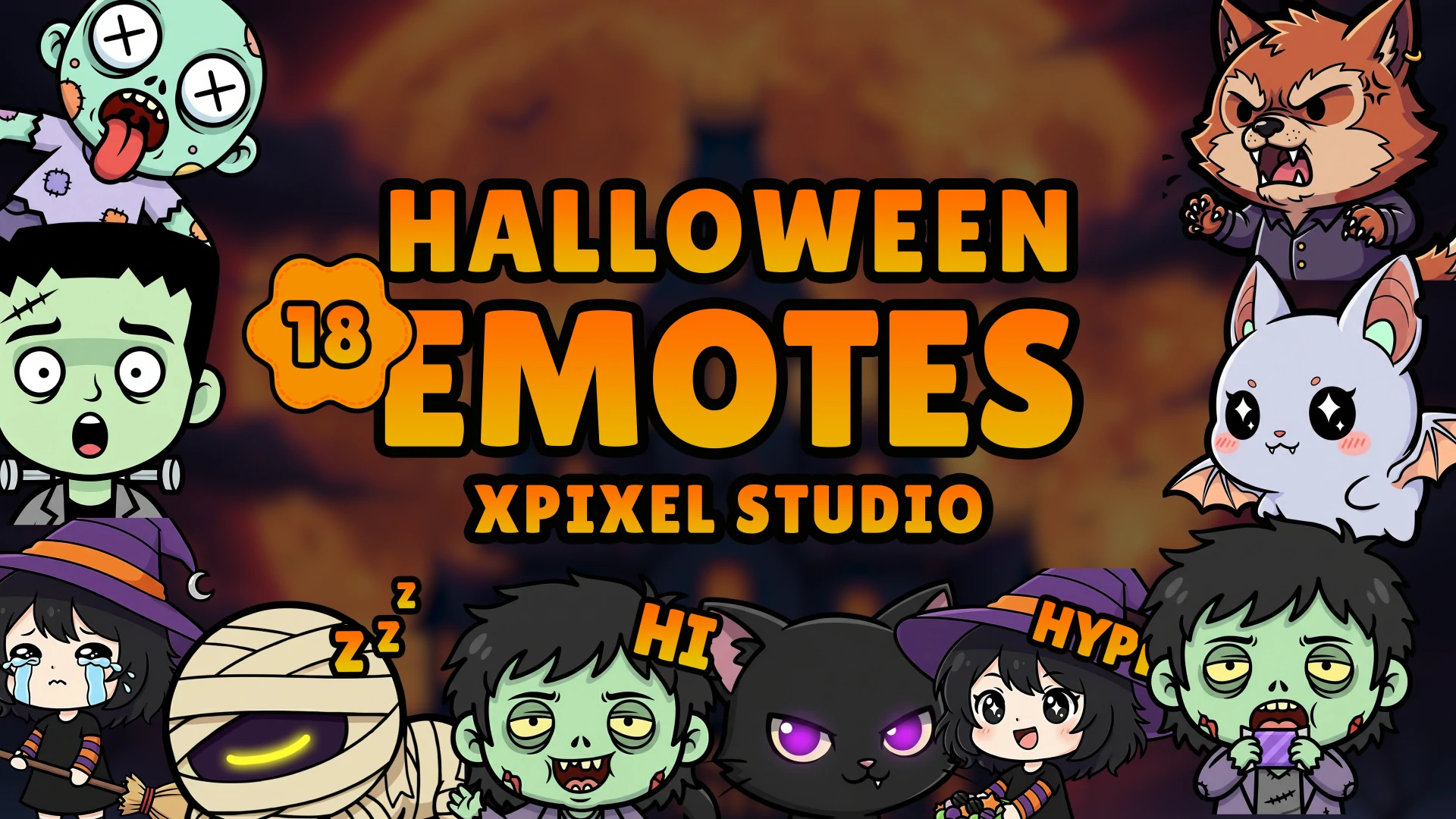
- Emotes
- Sub badges
When these assets match, your stream feels more professional and easier to remember. When they all look unrelated, even a good overlay may not feel as effective.
This is why streamers often get better results from a complete package or a consistent design system. It helps every viewer touchpoint feel connected, from the first alert to the ending screen.
Why Xpixel Studio Is a Good Choice for Stream Overlays
Xpixel Studio creates stream graphics for creators who want professional visuals without making the setup process complicated. The collection includes stream packages, overlays, alerts, transitions, emotes, badges, and other stream assets designed for Twitch, YouTube, and Kick creators.
For streamers who want better engagement and a more polished presentation, Xpixel Studio designs can help by offering:
- Consistent visual styles
- Ready-to-use stream packages
- Animated and static design options
- Overlay styles for different creator personalities
- Assets suitable for OBS Studio and Streamlabs setups
- Professional graphics for growing channels
If you want a ready-to-use design that supports your channel identity, browse our stream packages collection and choose a style that fits your content, platform, and community.
Conclusion: Use Stream Overlays to Support Engagement, Not Distract From It
The best stream overlay ideas are not about filling the screen with as many graphics as possible. They are about guiding attention, highlighting viewer actions, and making the stream easier to enjoy.
Chat-friendly layouts can encourage conversation. Animated stream alerts can make viewer actions feel rewarding. Goal bars can build community momentum. Lofi and retro overlays can create a calmer atmosphere. A smart balance between animated and static overlays can make your stream feel dynamic without becoming distracting.
Whether you stream on Twitch, YouTube, or Kick, your overlays should support your content and match your channel identity. When used well, they can improve first impressions, strengthen branding, and give viewers more reasons to interact and return.
Start with the overlay ideas that fit your content best, test them during real streams, and keep refining your layout until it feels clear, useful, and memorable.
FAQ About Stream Overlay Ideas and Viewer Engagement
What are stream overlays?
Stream overlays are graphic elements placed on top of a live stream layout, such as webcam frames, alert areas, labels, chat boxes, goal bars, and scene graphics. They help improve presentation, branding, and viewer experience.
Do stream overlays help viewer engagement?
Yes. Stream overlays can help viewer engagement by making interactions more visible, improving first impressions, highlighting community actions, and creating a more professional stream experience.
What stream overlay ideas are best for beginners?
Beginners should start with a clean webcam frame, readable alerts, a simple chat-friendly layout, and basic stream screens such as Starting Soon, BRB, and Ending. These elements improve presentation without making the setup too complicated.
Are animated overlays better than static overlays?
Not always. Animated overlays are useful for alerts, transitions, and special scenes, while static overlays are often better for readability and main layouts. Many streamers get the best result by combining both carefully.
What overlay should I use to increase chat interaction?
A chat-friendly layout, question prompt, poll overlay, or community challenge overlay can help increase chat interaction. These overlays give viewers a clear reason to respond and participate.
How many overlay elements should I use on stream?
Use only the overlay elements that support your content. A webcam frame, alert area, goal bar, and simple chat or event widget may be enough for many streamers. Too many elements can make the stream feel cluttered.
Our Products