Design & Branding
The Ultimate Guide to Stream Packages for Beginners
Live streaming has quickly become one of the most popular ways to share content online. Whether you are playing video games, hosting talk shows, making music, running a podcast, or simply chatting with an audience, streaming allows you to connect with viewers in real time.
But as platforms like Twitch, YouTube, and Kick continue to grow, standing out becomes more difficult. New creators are competing not only with other beginners, but also with experienced streamers who already have polished visuals, recognizable branding, and a smoother viewer experience.
For beginners, one of the easiest and most effective ways to make a channel look professional is by using a stream package. A stream package gives you matching overlays, alerts, transitions, panels, and screens so your stream looks more consistent from the start.
This guide explains what stream packages are, why beginners need them, how pre-made stream packages can support channel growth, and how to choose the right package for your content style. If you are new to streaming and want a polished setup without designing everything from scratch, this is the best place to start.
What Is a Stream Package?
A stream package is a collection of graphics, animations, and design elements that make your stream visually appealing and consistent. Instead of piecing together random assets from different places, a package gives you a complete visual system in one cohesive design.
Typical stream packages include:
- Overlays: Frames for your webcam, chat box, gameplay area, or main streaming layout.
- Alerts: Pop-ups that notify viewers when someone follows, subscribes, donates, raids, or supports your channel.
- Transitions: Animations that help you switch between scenes smoothly.
- Panels: Graphics for your Twitch profile or channel page, often used for rules, social links, schedules, and donation information.
- Screens: Matching Starting Soon, Be Right Back, Offline, Intermission, and Stream Ending graphics.
- Profile graphics: Matching banners, avatars, or social graphics that support your visual identity outside the live stream.
The main benefit is consistency. When your overlays, alerts, panels, and screens all share the same visual style, your channel feels more professional and easier to remember.
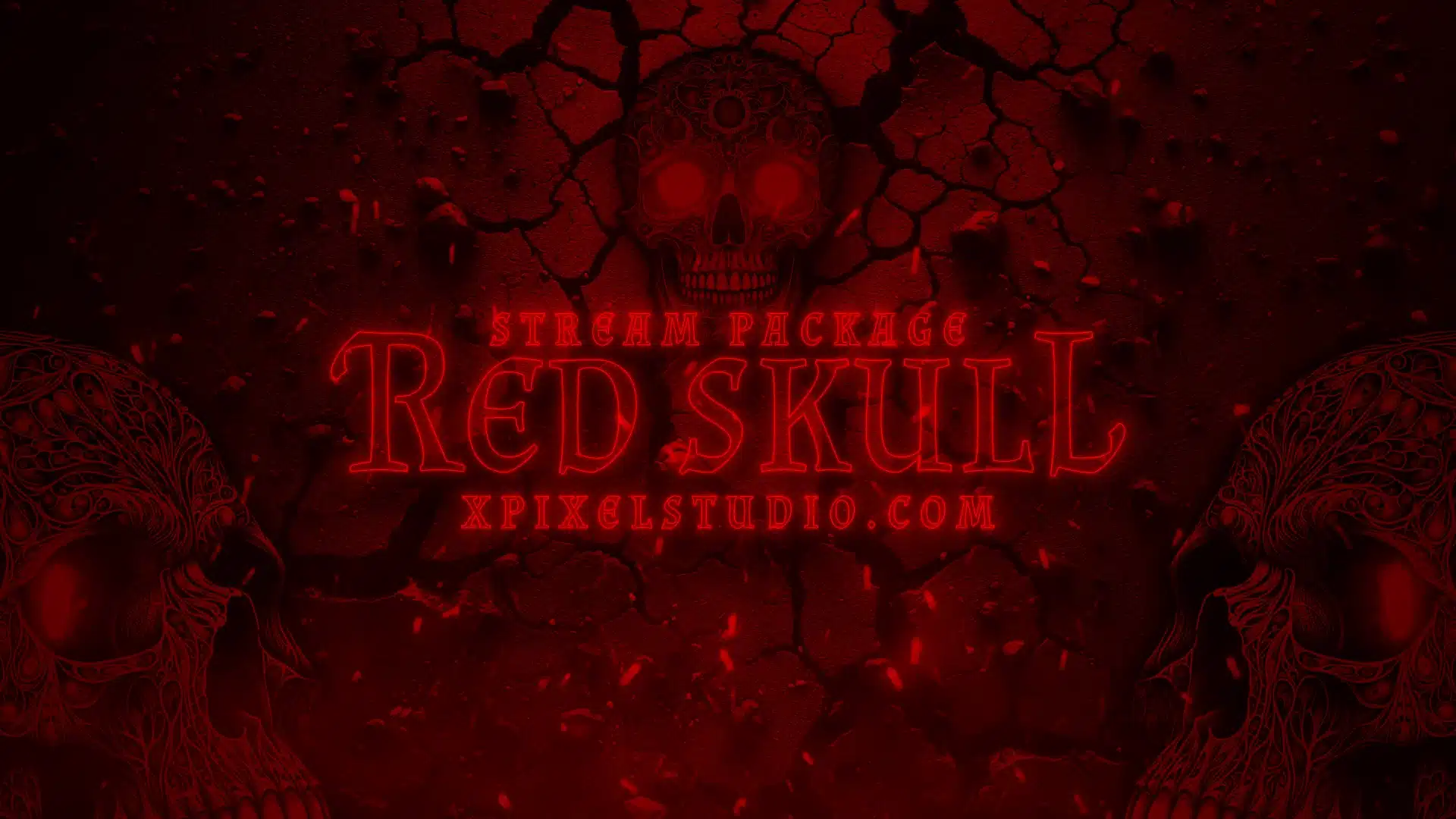
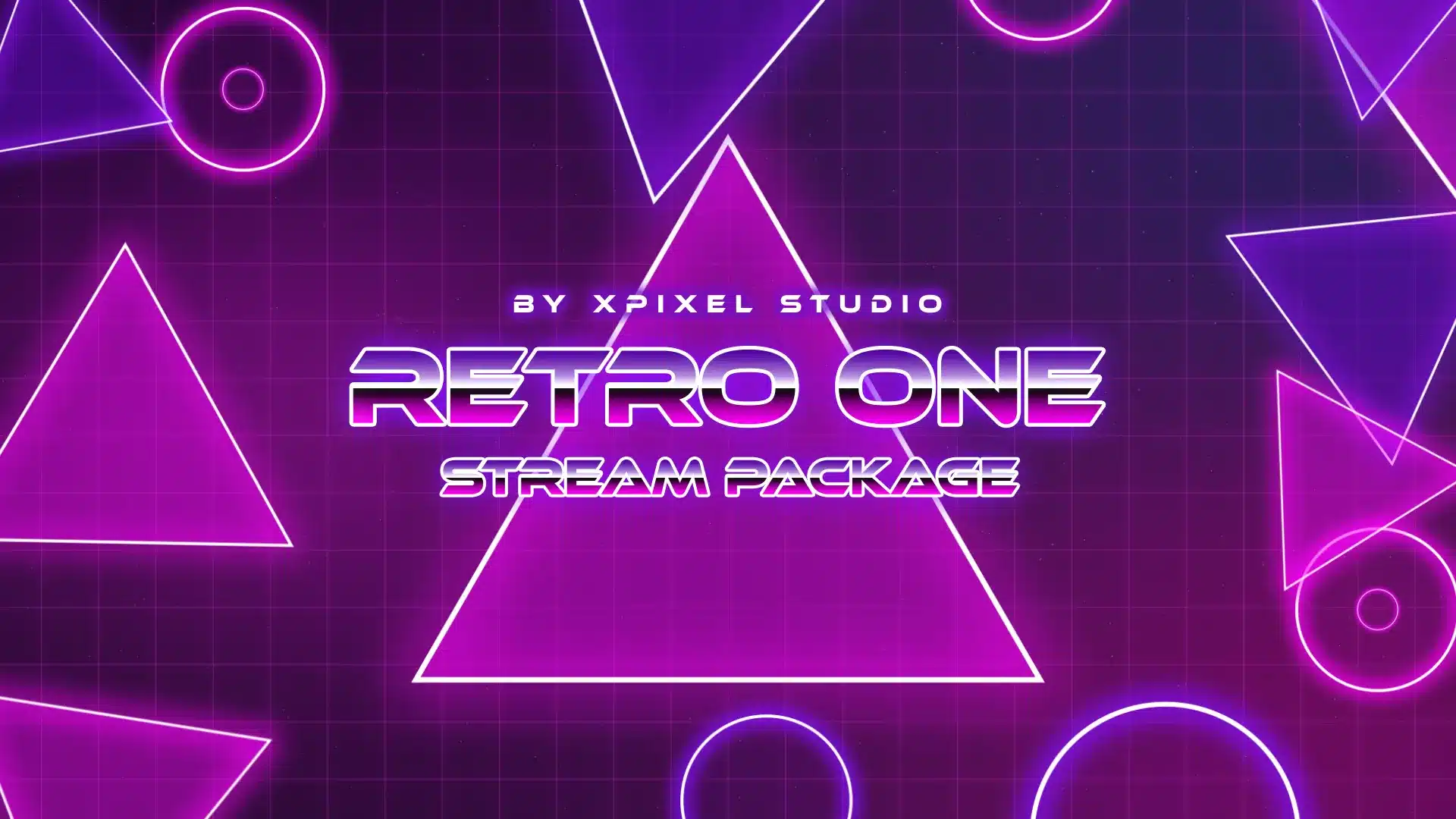
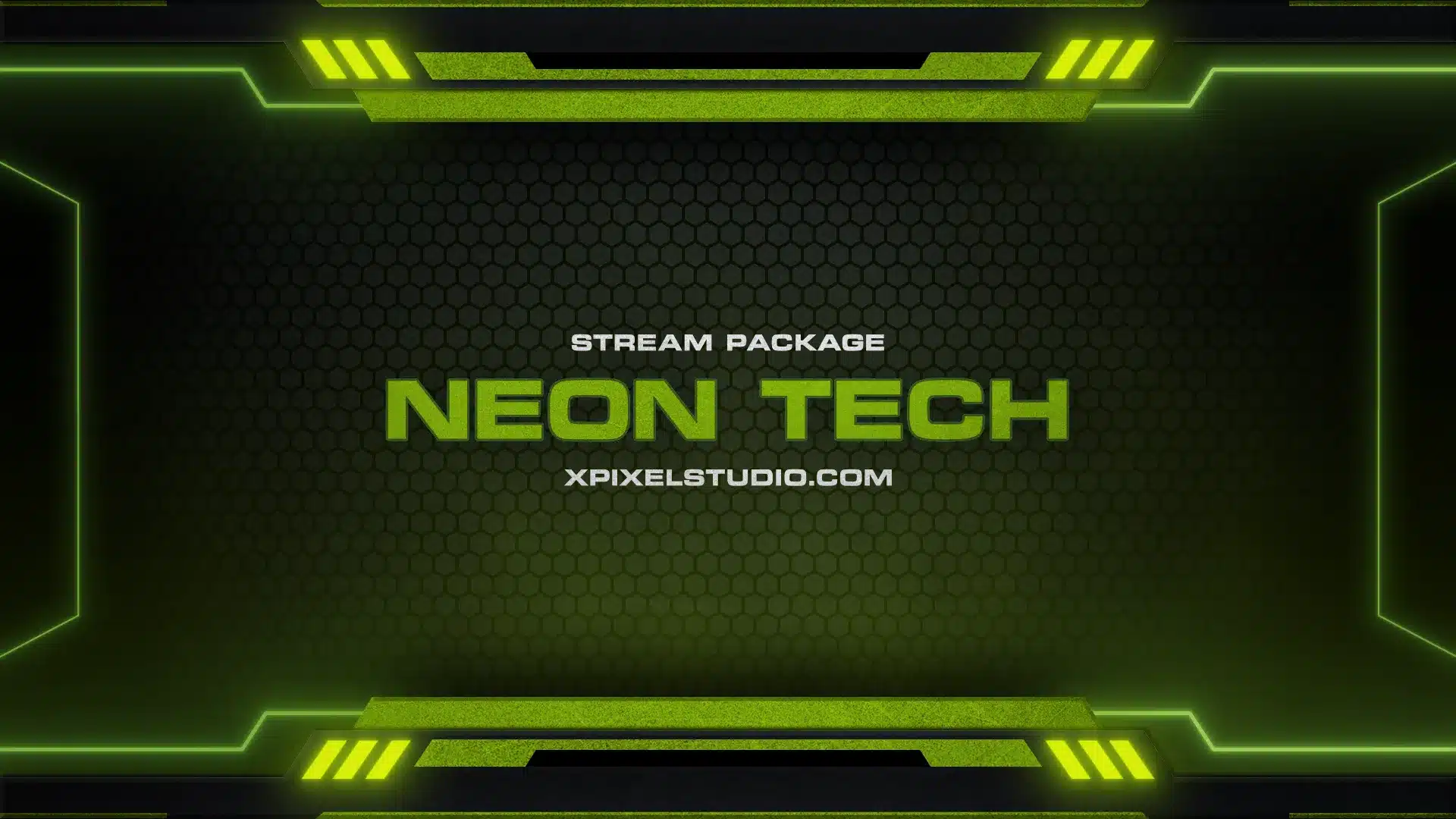
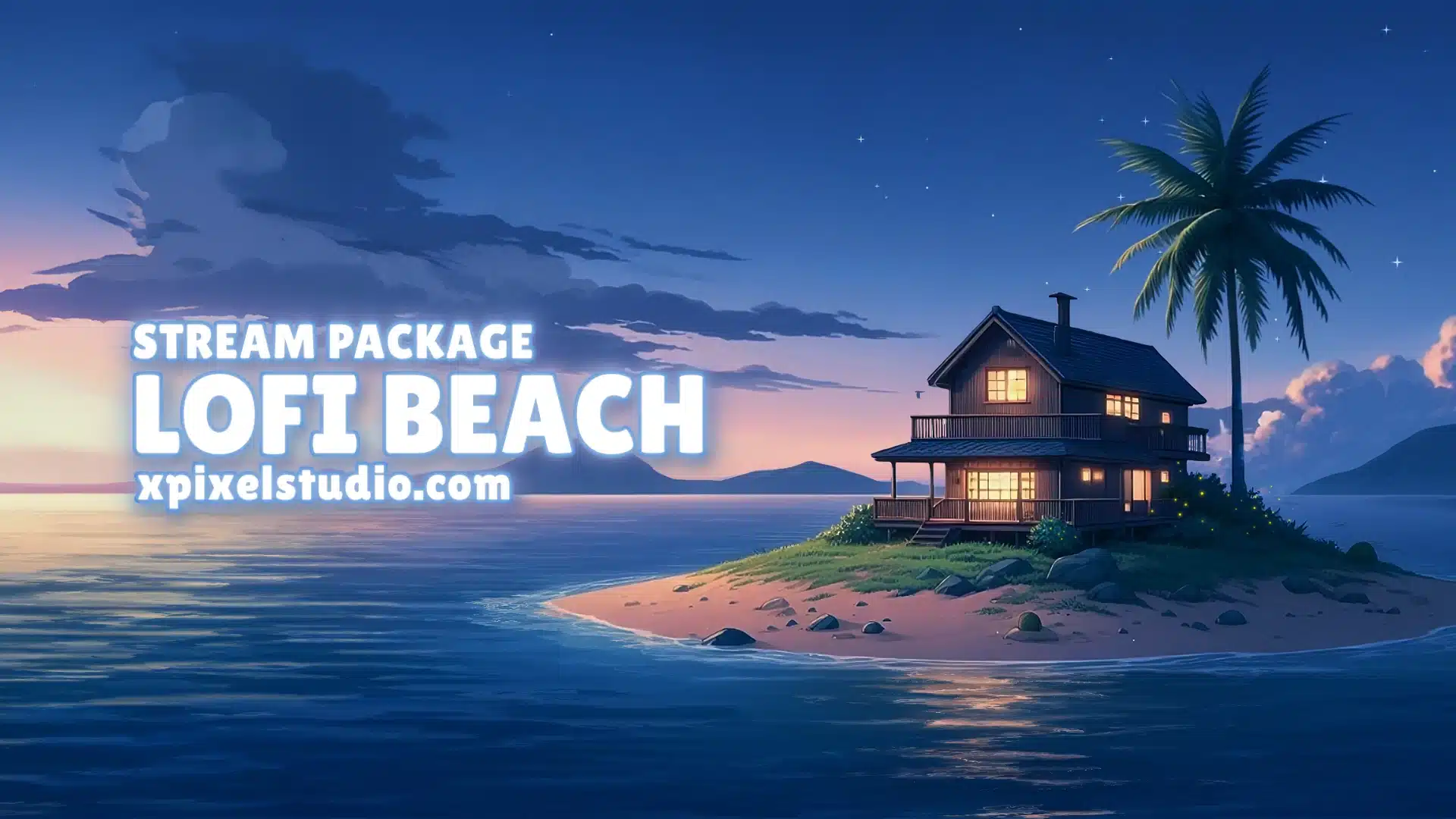
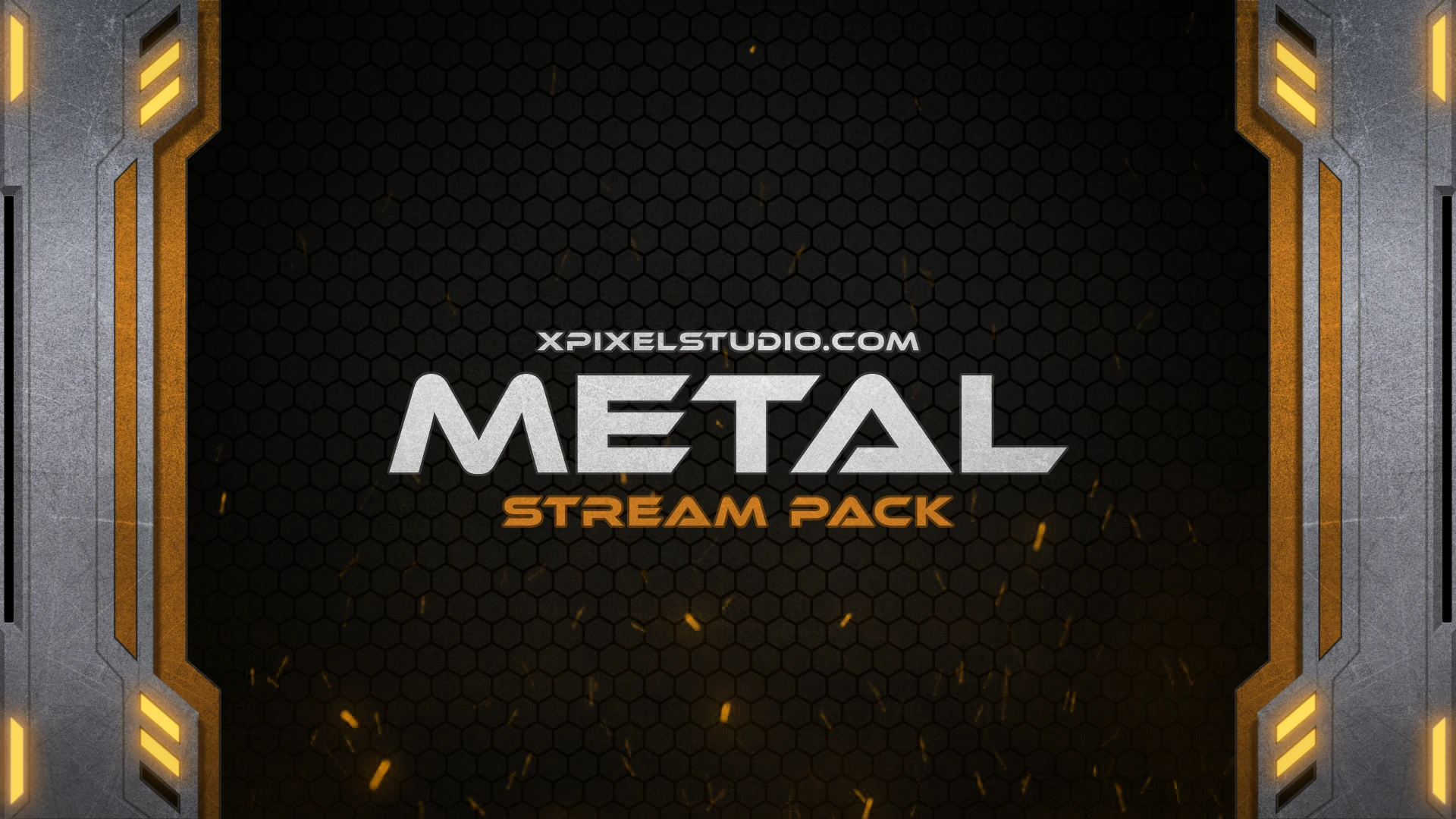
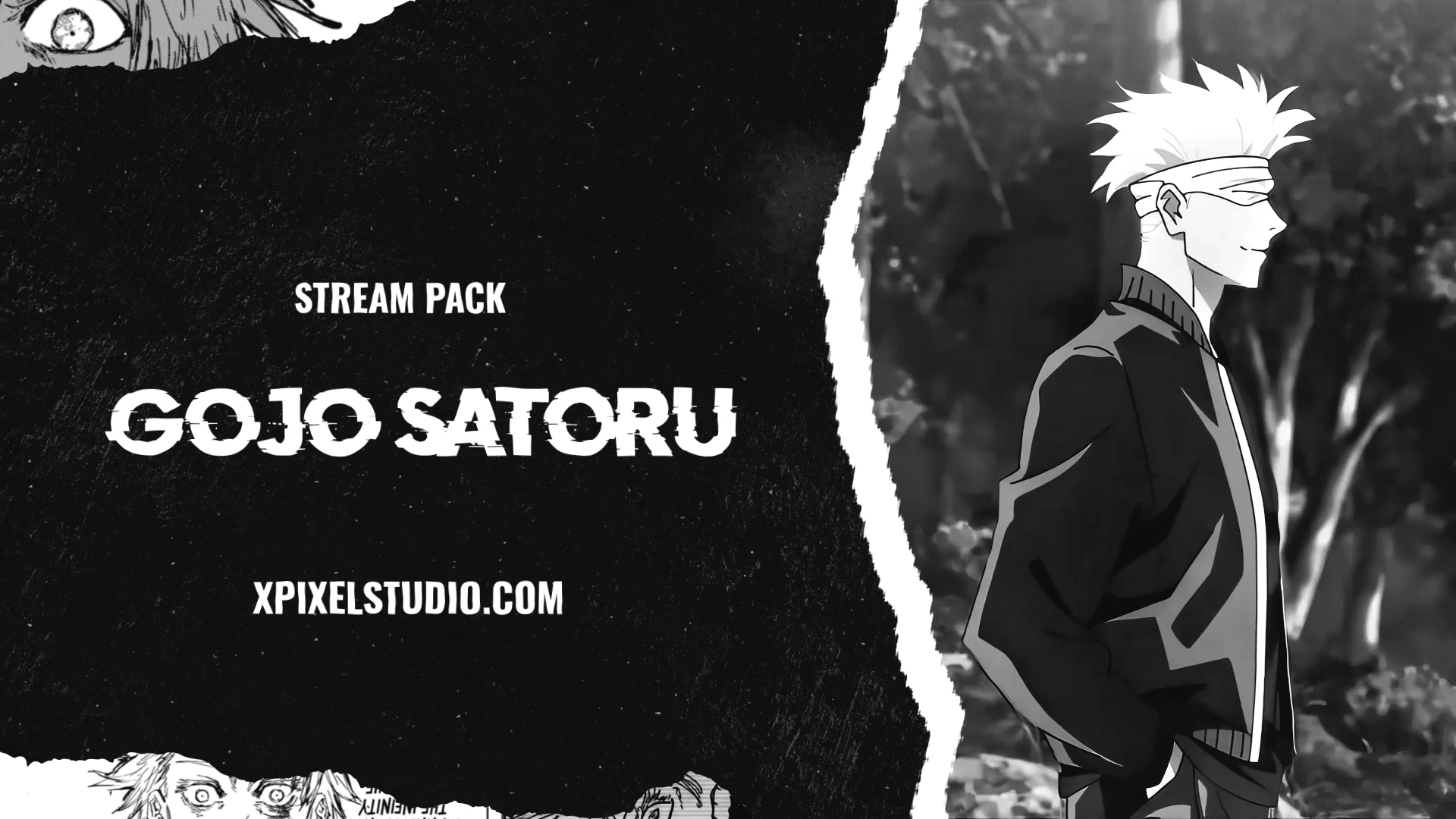
At Xpixel Studio, stream packages are designed around different creator styles, from neon cyberpunk and gaming-inspired layouts to chill lofi, retro, cute, dark, and minimal themes. This makes it easier to find a package that fits your personality, content, and audience.
Why Beginners Need Stream Packages
Starting as a new streamer can feel intimidating. You may already be learning streaming software, audio settings, camera placement, lighting, chat management, and content planning. Design can quickly become another stressful task.
A stream package helps reduce that pressure by giving you a ready-made visual foundation. Instead of building every graphic from scratch, you can start with a professional-looking setup and focus more energy on your content and community.
Here is why beginners benefit the most:
- Instant professionalism: Even if you are new, polished graphics make your channel look more established and serious.
- Easy setup: A complete package gives you the main assets in one place instead of forcing you to collect random graphics from different sources.
- Consistent branding: Your overlays, alerts, panels, and screens match, making your channel easier to recognize.
- Better engagement moments: Stylish alerts make follows, subscriptions, donations, and raids feel more exciting for viewers.
- Time savings: Instead of spending hours designing, you can spend more time streaming, improving your content, and interacting with your audience.
This is especially useful for new streamers who want their channel to look intentional without needing advanced design skills.
Why First Impressions Matter for Streaming Growth
When viewers click on a stream, they often decide within seconds whether to stay or leave. Content matters, but your visuals shape the first impression before viewers fully understand your personality.
A clean and professional stream layout signals that you take your channel seriously. It can make new viewers more willing to stay, follow, and return later. On the other hand, mismatched graphics, cluttered overlays, unreadable text, or default alerts can make a stream feel unfinished.
Pre-made stream packages help solve this problem quickly. They give beginners a polished look from the start and remove the trial-and-error process of combining unrelated assets.
Good visuals do not replace good content, but they support it. A strong first impression gives your content a better chance to be watched, remembered, and trusted.
Understanding the Core Elements of Stream Packages
As a beginner, you may wonder which parts of a stream package are most important. Each element has a different role in the viewer experience.
Overlays
Overlays add structure to your stream layout. They can frame your webcam, organize your gameplay screen, highlight chat, or display useful information without making the stream feel messy.
Good overlays balance style and clarity. They should make your stream look better without covering important gameplay, camera space, or text.
Alerts
Alerts are important for viewer interaction. They appear when someone follows, subscribes, donates, raids, or supports your channel in another way.
Professional alerts make viewers feel recognized and help turn support moments into memorable parts of the stream. The best alerts match your overall theme instead of looking like separate default notifications.
Transitions
Transitions create smoother scene changes. Instead of cutting suddenly from one scene to another, a transition adds polish and flow to your stream.
This is useful when moving between Starting Soon, gameplay, Just Chatting, BRB, Intermission, and Ending scenes.
Panels
Panels organize your channel page. They can show your schedule, social links, rules, donation information, hardware setup, or community links.
For new viewers checking your profile, clean panels help make your channel feel more complete and trustworthy.
Starting, BRB, and Ending Screens
Stream screens help manage downtime. A Starting Soon screen gives viewers time to arrive. A BRB screen keeps your channel looking professional during breaks. An Ending screen helps close the stream cleanly and direct viewers to your socials, Discord, or next stream.
Pre-Made Stream Packages vs Custom Stream Packages
One common question beginners ask is whether they should use a pre-made stream package or pay for custom graphics.
Both options can work, but they serve different needs.
| Option | Best For | Main Benefit | Main Limitation |
|---|---|---|---|
| Pre-made stream packages | Beginners and growing streamers | Fast, affordable, professional, and easy to install | May need small customization to feel more personal |
| Custom stream packages | Established streamers with a defined brand | Fully tailored to your exact style, mascot, or identity | Usually takes more time and costs more |
For most beginners, a pre-made package is the smarter first step. It gives you a complete, professional visual system without the time and cost of a full custom design process.
Later, when your brand is clearer and your audience is more established, you can upgrade specific assets or move into custom graphics if needed.
The Cost-Effective Advantage of Pre-Made Stream Packages
Hiring a designer for a full custom stream package can be expensive, especially for new streamers. You may need overlays, alerts, transitions, panels, screens, profile graphics, and matching branding assets. Ordering everything separately can quickly become costly.
Pre-made stream packages offer a more budget-friendly solution without sacrificing visual quality. You get a professional-looking design system at a lower price, which makes them ideal for creators who want to improve their stream without overspending early.
This matters because beginners often have limited budgets. You may also need to invest in a microphone, lighting, camera, internet stability, software, games, or other tools. A pre-made package lets you upgrade your visual presentation while keeping more budget available for other parts of your setup.
Speed and Simplicity: Why Ready-Made Packages Help Beginners
Growth requires consistency, and consistency becomes easier when setup is simple. Pre-made stream packages help because they remove a lot of design friction.
With a ready-made package, you get:
- Instant access: Download your files and start setting them up right away.
- No advanced design skills required: You do not need to understand graphic design, layout theory, or animation workflows.
- Cohesive branding: All assets are designed to work together visually.
- Easy updates: You can swap themes seasonally, for special events, or when your channel style changes.
Instead of spending hours designing or troubleshooting mismatched assets, you can focus on improving your content, engaging with chat, and building your community.
How Pre-Made Stream Packages Support Channel Growth
Pre-made packages are not just about making your stream look better. They can also support growth by improving the way viewers experience your channel.
- Professional presentation: Viewers are more likely to trust and follow channels that look polished and serious.
- Improved branding: Cohesive visuals make your channel easier to recognize and remember.
- Higher retention potential: Clean layouts and readable graphics make the stream easier to watch for longer periods.
- Better engagement moments: Alerts, transitions, and screens help make viewer actions feel more exciting.
- Time efficiency: You spend less time designing and more time streaming consistently.
- Scalability: You can update, customize, or replace assets as your channel grows.
Each of these benefits contributes to momentum. On crowded platforms like Twitch, YouTube, and Kick, small improvements in first impressions, clarity, and branding can help your stream feel more memorable.
How to Choose the Right Stream Package as a Beginner
Choosing the right stream package depends on your channel’s personality, content type, and long-term goals. The best package is not always the flashiest one. It is the one that fits your stream identity and helps viewers understand your channel faster.
1. Identify Your Channel Style
Ask yourself what kind of feeling you want your stream to create. Do you want your channel to feel energetic, competitive, cozy, futuristic, cute, dark, minimal, retro, or premium?
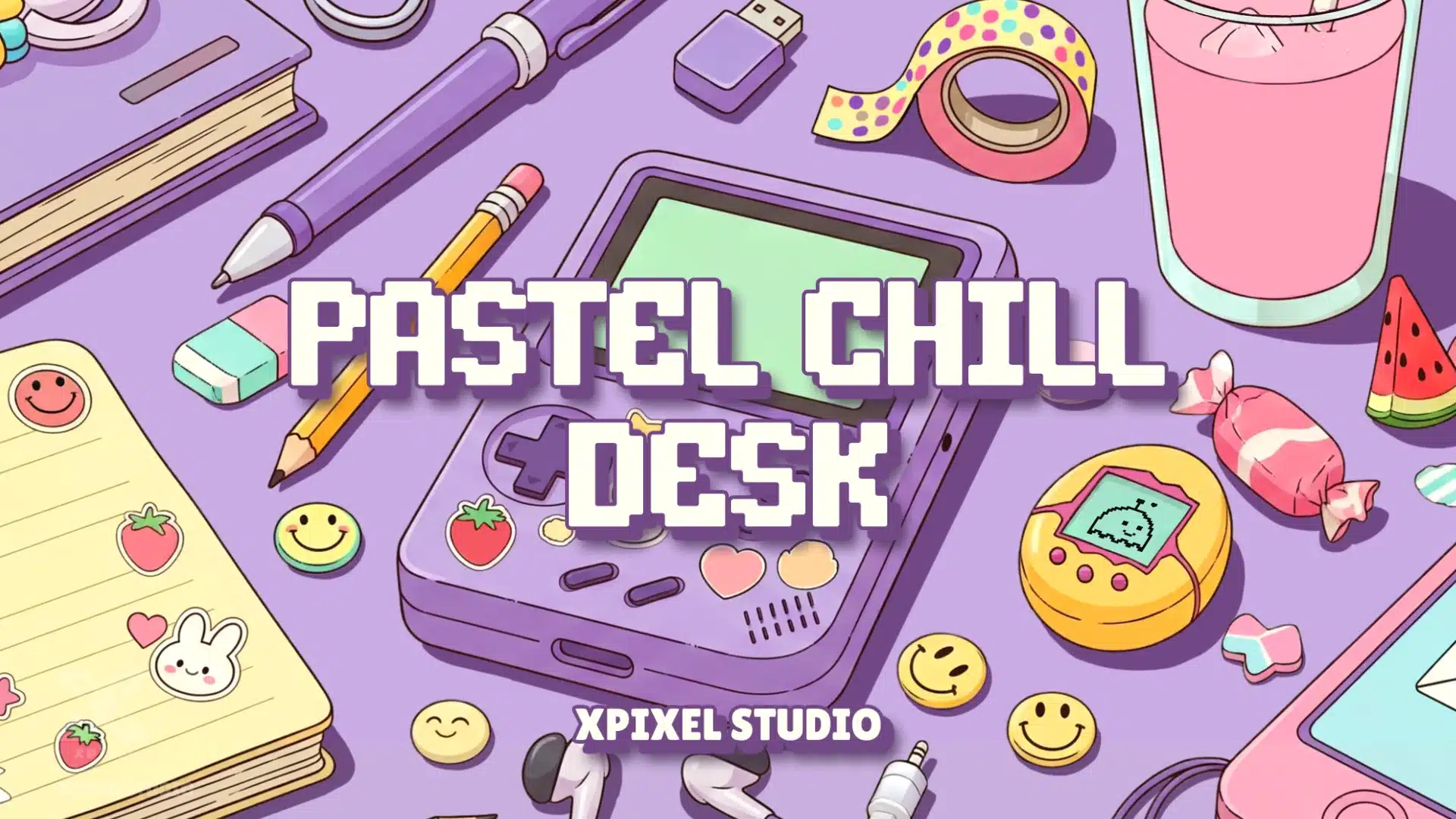
For example, neon and cyberpunk packages work well for high-energy gaming or esports-style content. Pastel and lofi packages fit calm, cozy, or creative streams. Minimal designs are useful for talk shows, podcasts, tutorials, and clean gaming layouts.
2. Focus on Readability
Graphics should never distract from the content. Make sure text is easy to read, colors are not overwhelming, and alerts do not block important parts of the screen.
This is especially important for gameplay streams where minimaps, health bars, inventory, captions, or UI elements may already take up screen space.
3. Check Software Compatibility
Make sure the package works with your streaming software, such as OBS Studio, Streamlabs Desktop, or another tool you use.
High-quality packages should include clear files and instructions so beginners can install overlays, alerts, and screens without guessing.
4. Look for Customization Options
Even as a beginner, you may want some flexibility. Good packages allow small adjustments such as username placement, colors, text, or scene arrangement.
This helps your stream feel more personal while still benefiting from a professional design foundation.
5. Consider Long-Term Use
Choose a design that will still make sense as your channel grows. A package should not only look exciting today; it should support your brand direction for months.
A timeless or flexible style is usually better than a design that feels trendy but becomes outdated quickly.
Balancing Pre-Made Packages with Personal Customization
Some streamers worry that pre-made packages might look too generic. That can happen if you use a package without adding any personal touches, but it is easy to avoid.
The best approach is to use the stream package as a foundation and customize small details around your identity.
You can personalize a package by:
- adding your streamer name or logo
- adjusting scene layout to match your content
- choosing alert sounds that fit your personality
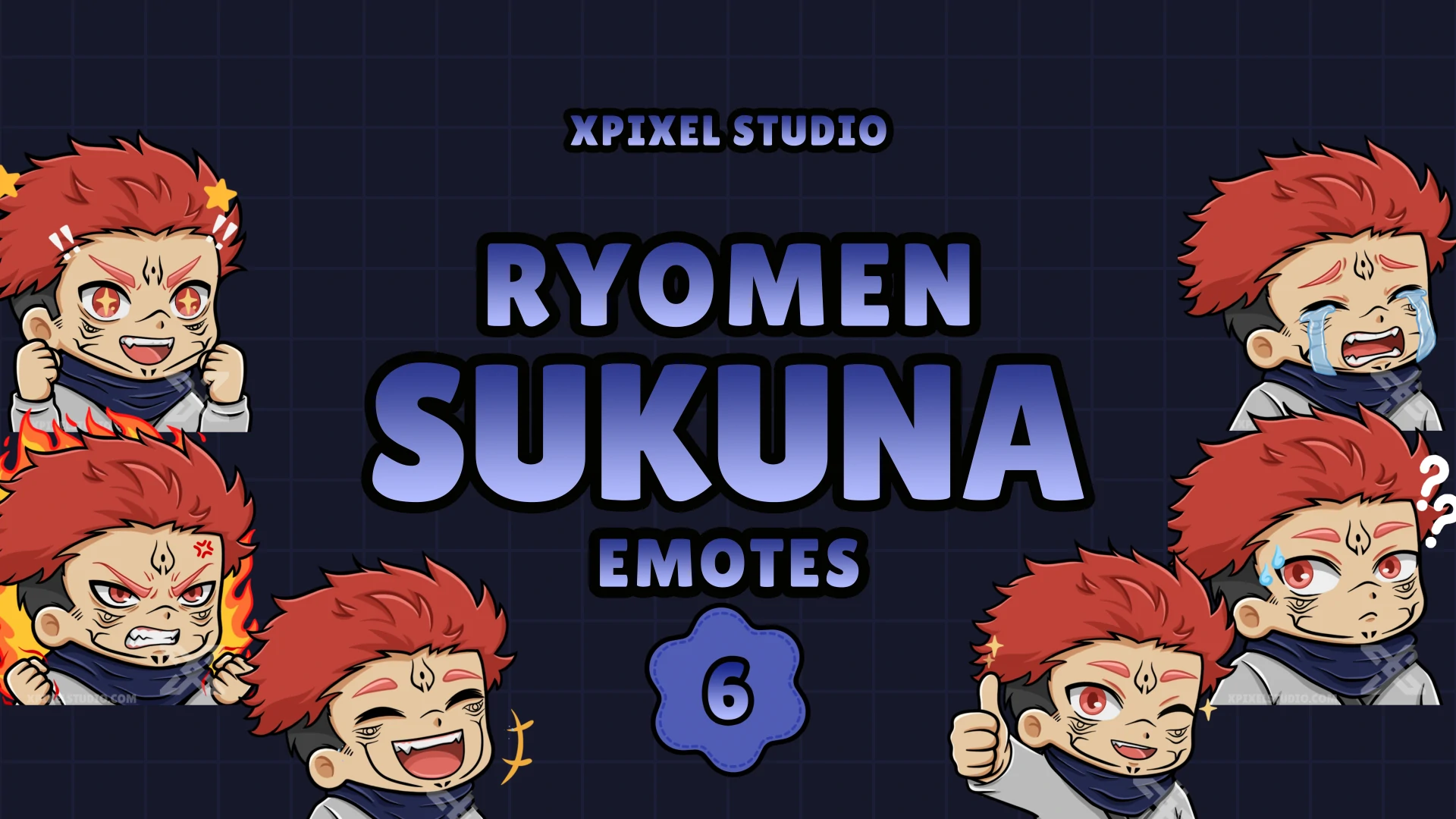
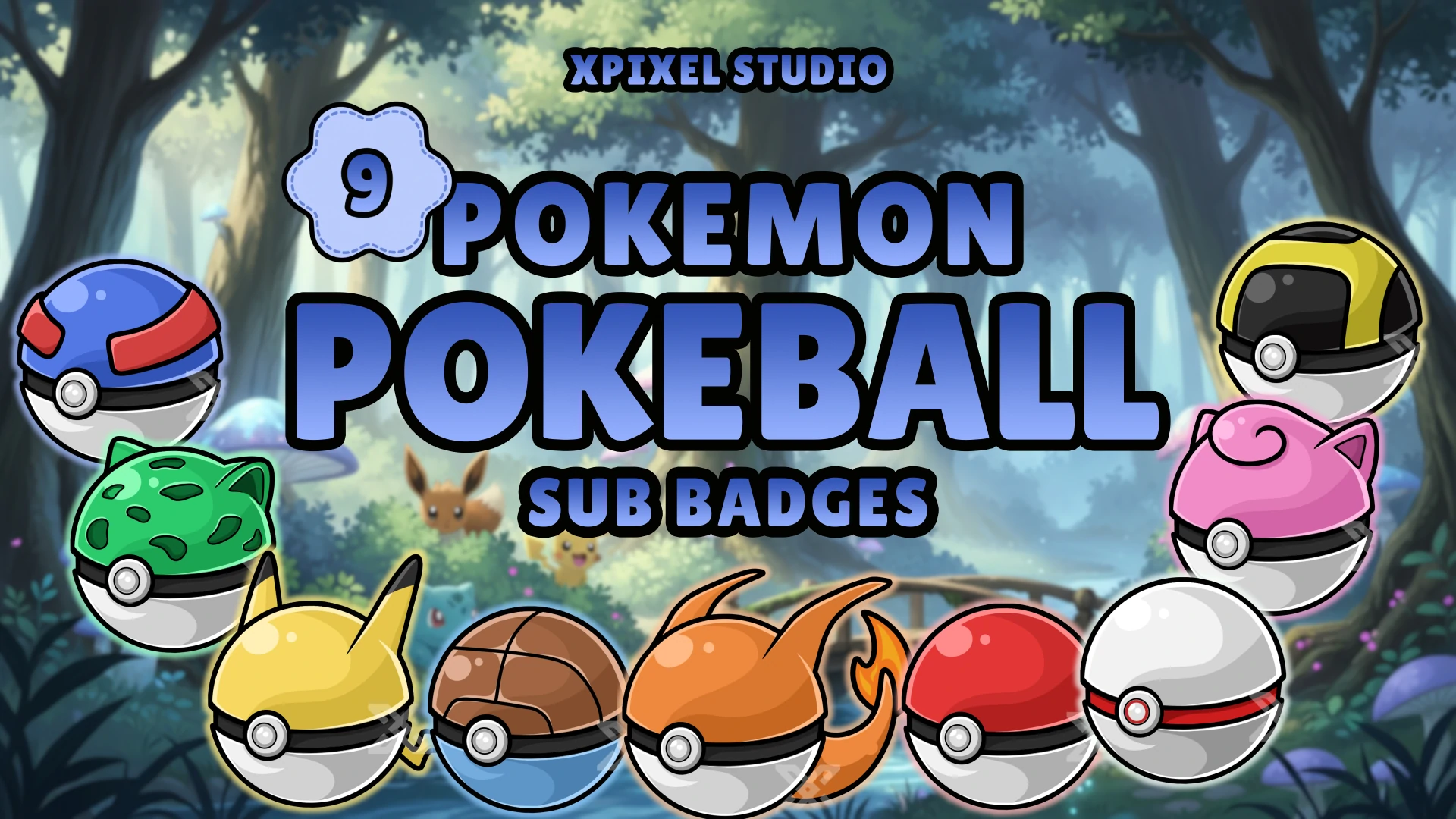
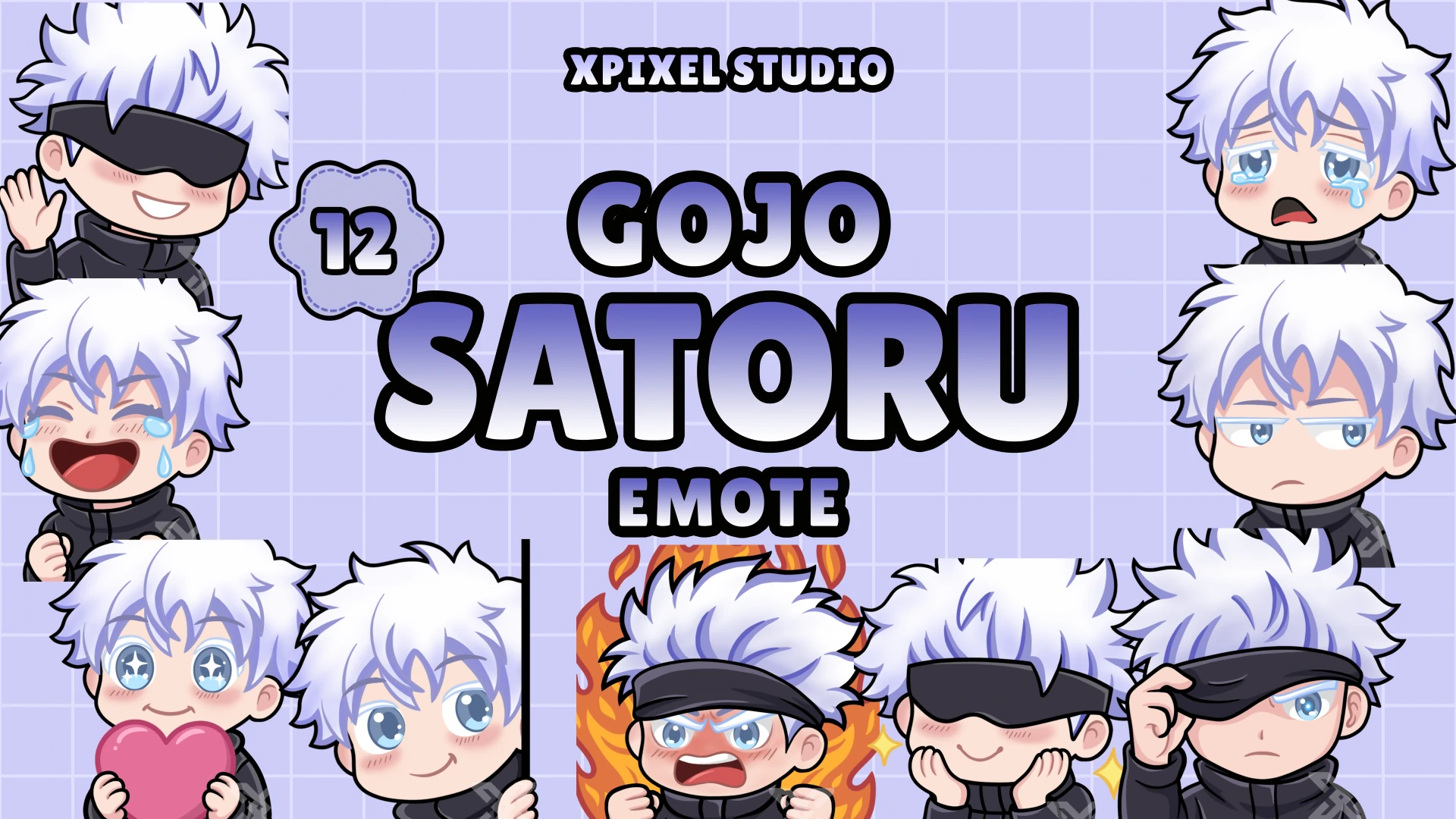
- using matching emotes or badges
- keeping your panels, banners, and social graphics consistent
- choosing a package style that already matches your vibe
This balance gives you the speed and affordability of pre-made graphics while still making your channel feel unique.
Step-by-Step Guide to Setting Up Your First Stream Package
- Download the package: Once you select a stream package, download all files and keep them organized in one folder.
- Import into your streaming software: Use OBS Studio, Streamlabs Desktop, or your preferred tool to add overlays, scenes, alerts, and screens.
- Arrange your layout: Position your webcam, chat box, gameplay area, and overlays so nothing feels cluttered.
- Set up alerts: Connect your platform so alerts trigger when viewers follow, subscribe, donate, or raid.
- Check text and sounds: Make sure your alert text is readable and your alert sounds are balanced with your microphone and game audio.
- Test before going live: Run test alerts and preview each scene to confirm everything looks smooth.
- Go live with confidence: Once your visuals are working properly, you can focus more on content and viewer interaction.
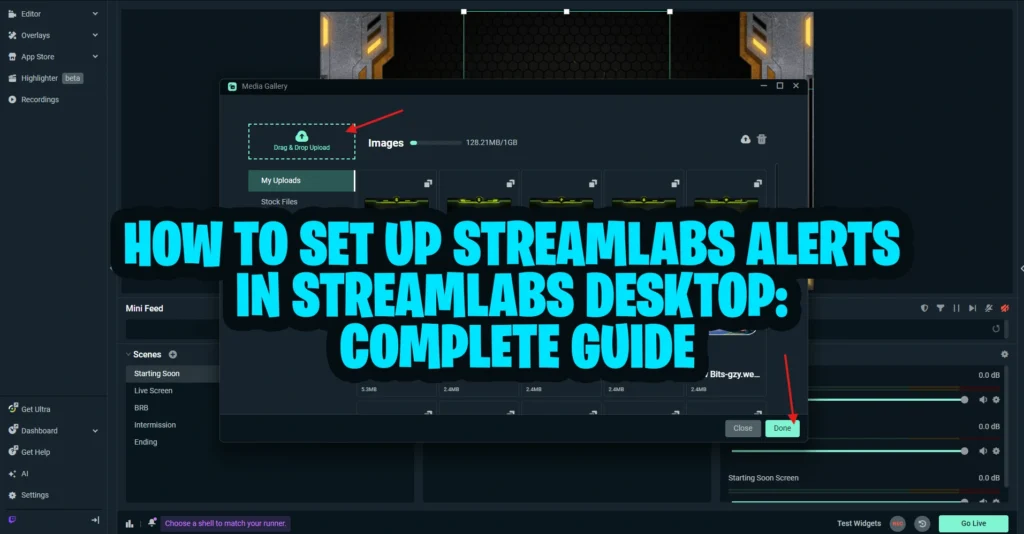
If you need a focused setup guide for alerts, you can also read our tutorial on how to set up Streamlabs alerts. For overlays, this guide on how to add overlays to Streamlabs can help with the technical setup.
Common Mistakes Beginners Should Avoid
A stream package can make your channel look more professional, but setup still matters. Avoid these common beginner mistakes.
Overloading the Stream
Too many graphics can overwhelm viewers. Keep your layout clean and make sure your gameplay, camera, or main content remains the focus.
Ignoring Brand Consistency
Using mismatched overlays, alerts, panels, and screens creates a messy look. Choose assets that feel like they belong to the same channel.
Skipping Test Runs
Always test your setup before a real broadcast. Check alerts, transitions, screens, audio levels, and scene layout before going live.
Neglecting Engagement
Alerts are not just decorations. They are interaction moments. When someone follows, subscribes, or donates, acknowledge the alert naturally during the stream.
Using Free or Overused Templates Without Editing
Free templates can help at the beginning, but they often look generic if many other creators use the same assets. A more polished package helps your channel feel more distinct.
Choosing Style Over Readability
A design can look beautiful in a preview and still perform poorly on stream if the text is hard to read or the layout blocks important content.
Why Xpixel Studio Is a Great Choice for Beginners
As a beginner, you want stream packages that are easy to install, visually strong, and flexible enough for different content styles. Xpixel Studio creates stream graphics for Twitch, YouTube, and Kick creators who want professional visuals without building everything from scratch.
Xpixel Studio stream packages are useful for beginners because they offer:
- matching overlays, alerts, panels, transitions, and screens
- styles for different creator personalities
- designs that help streams look more polished from day one
- assets that support branding and viewer recognition
- a faster path to a complete streaming setup
Whether your style is retro neon, cyberpunk, lofi, dark, cute, minimal, or gaming-inspired, choosing a complete package can help you create a more consistent visual identity.
If you are ready to upgrade your channel, browse the full stream packages collection and choose a design that fits your content, platform, and audience.
The Long-Term Benefits of Starting with a Stream Package
Investing in a stream package early gives your channel a stronger foundation. Over time, you may notice benefits such as:
- stronger branding that viewers recognize faster
- a professional look that helps you stand out from other beginners
- higher engagement thanks to polished alerts and overlays
- better first impressions for new viewers
- more consistent visual identity across scenes and platforms
- a foundation you can improve as your content evolves
Starting with a complete package means you are not building your channel from random pieces. You are building from a consistent visual identity from the beginning.
Final Thoughts
For beginners, learning the technical side of streaming can already feel challenging. You have to think about software, scenes, audio, lighting, chat, content, and scheduling. Design should not add unnecessary stress.
A stream package gives you the core visual assets you need to look professional, engage your audience, and build a more memorable channel. It helps you avoid mismatched graphics, saves time, improves first impressions, and gives your stream a stronger foundation for growth.
By understanding the core elements of stream packages — overlays, alerts, panels, transitions, and screens — you can choose a package that fits your style and supports your goals. The best stream package is not just the one that looks cool. It is the one that makes your stream easier to watch, easier to remember, and easier to trust.
If you are ready to upgrade your stream with professional graphics designed for beginners, explore the full collection at Xpixel Studio stream packages. With the right package, your content can shine through a cleaner, more consistent, and more professional streaming experience.
FAQ About Stream Packages for Beginners
What is a stream package?
A stream package is a collection of matching graphics and animations for live streams. It usually includes overlays, alerts, transitions, panels, screens, and other visual assets that make a channel look more professional and consistent.
Do beginners need a stream package?
Beginners do not strictly need a stream package, but it can help a lot. A stream package makes the channel look more polished, saves setup time, improves branding, and helps new viewers take the stream more seriously.
What is included in a stream package?
A stream package commonly includes webcam overlays, gameplay overlays, alerts, transitions, Starting Soon screens, BRB screens, Ending screens, panels, and sometimes profile or social graphics.
Are pre-made stream packages good for beginners?
Yes. Pre-made stream packages are often a smart choice for beginners because they are more affordable than custom graphics, easier to set up, and designed to give the stream a cohesive visual style quickly.
Can I customize a pre-made stream package?
In many cases, yes. You can usually personalize the setup by adding your streamer name, adjusting layout placement, changing text, choosing matching sounds, or combining the package with your own logo, emotes, or badges.
Do stream packages help channel growth?
Stream packages can support growth by improving first impressions, making the stream easier to watch, strengthening branding, and helping viewers remember the channel. They do not replace good content, but they help present that content more professionally.
What should I look for when choosing a stream package?
Look for a package that matches your channel style, stays readable during real streams, works with your software, includes the assets you need, and feels flexible enough for long-term use.
Our Products